2020 rf IDEAS Inc rfIDEAS Configuration Utility User Manual P a g e 57
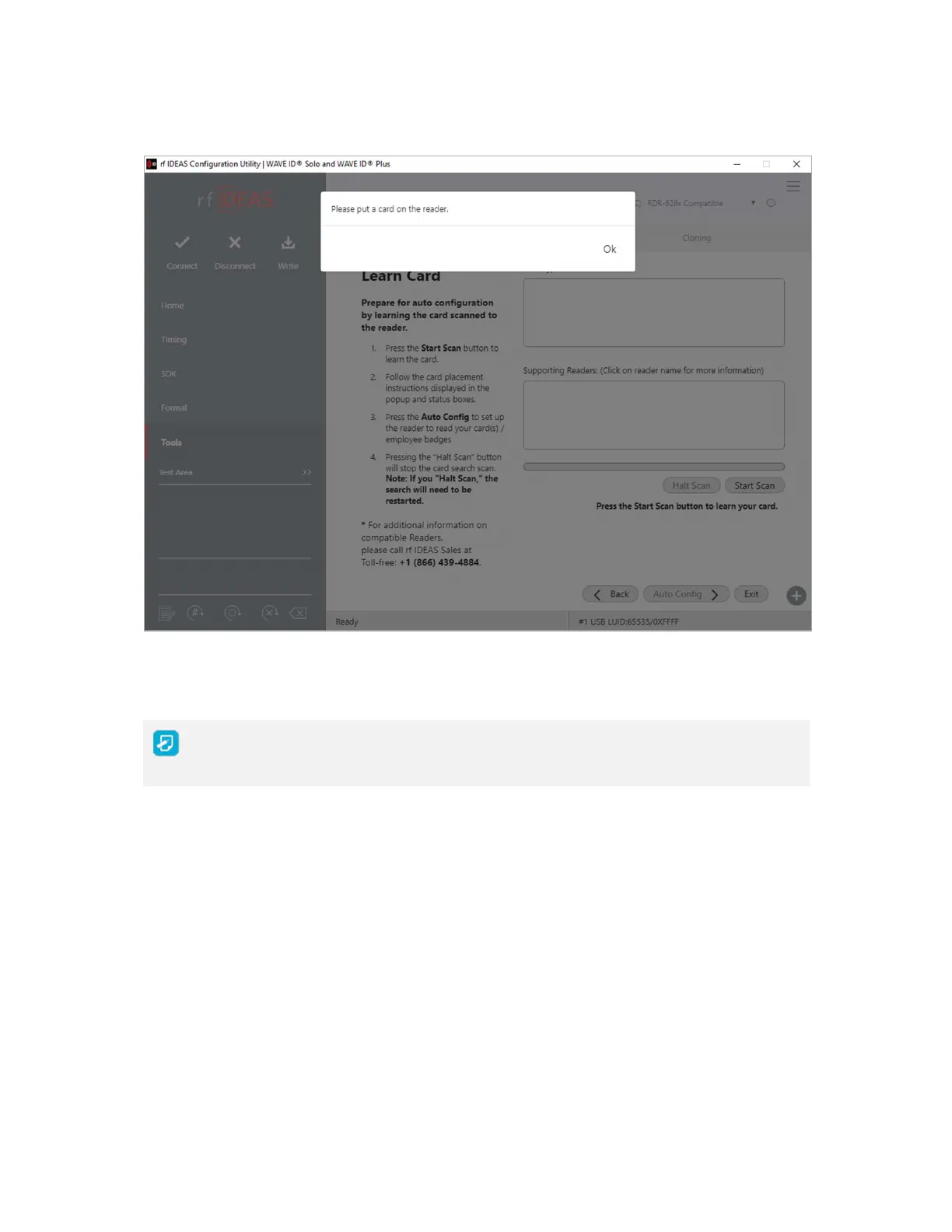
Image 58: Starting the Scan
The Back button is disabled and the Auto Config button is unavailable during
scanning
2 When prompted place a card on the reader click the OK button
3 The analyzer will begin scanning the card for potential card type matches Matches are
displayed in the Card Type field



 To Next Page