2020 rf IDEAS Inc rfIDEAS Configuration Utility User Manual P a g e 60
5 To scan a new card click the Start Scan button and repeat the process
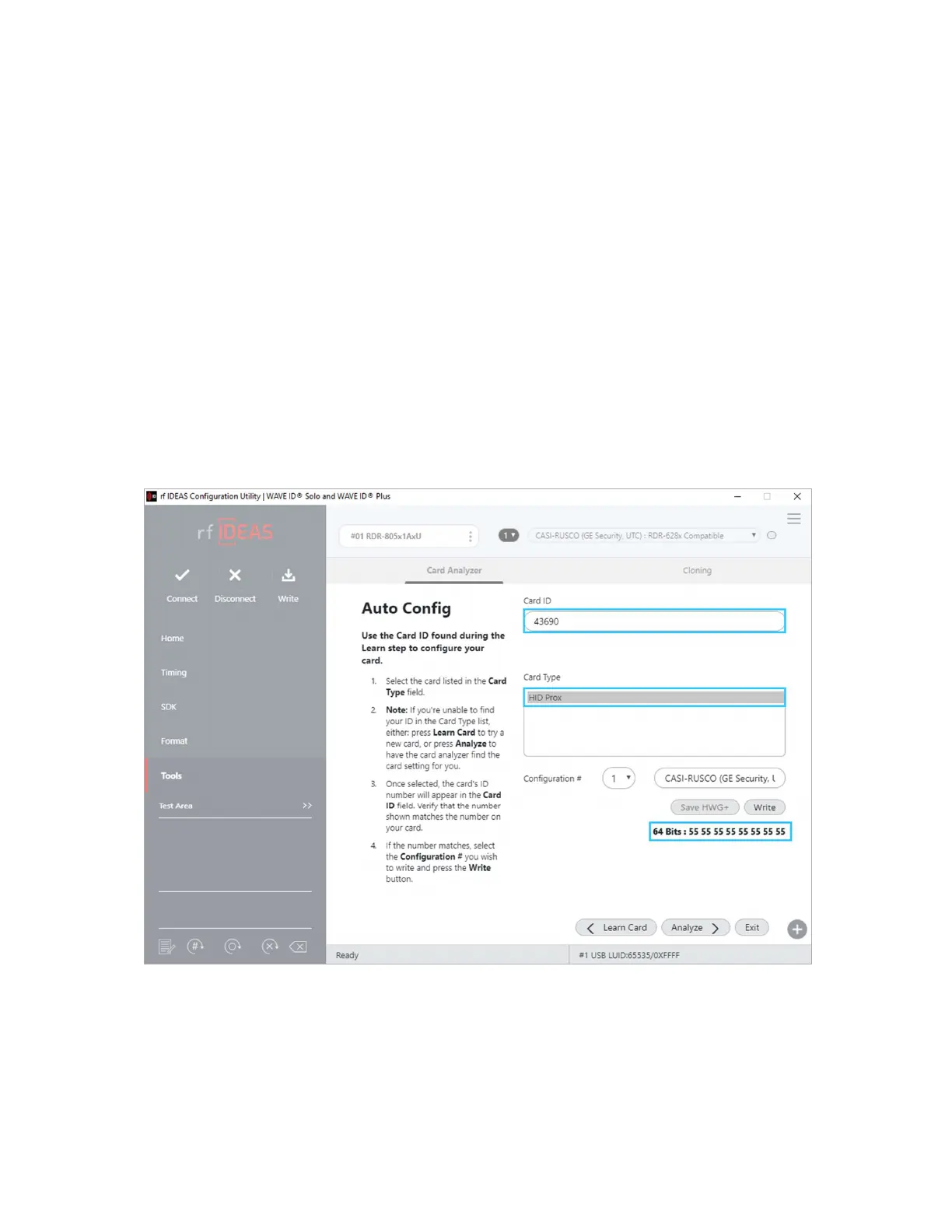
6 To configure the reader click the Auto Config button
Auto Config
After Learn Card has determined the card type from the card scan the reader can be
configured to send the Card ID displayed in the Card ID status window The utility displays
the Card ID found based on the default reader settings The user can highlight each listed
Card Type and validate the Card ID number to the card Its also possible to doubleclick the
bit string at the bottom and copy it to the clipboard
Image 62: Auto Config Screen



 To Next Page