Beijing RuiZhitianhong technology Co.Ltd.
ADD.:A308 jiahua building, 9 Shangdi 3rd Street, Haidian District, Beijing. P.C.:100085.
Dell:+86-10-62970368/82923063 Fax:+86-10-82920078 URL:www.richnc.com.cn 31
The speed of axis started directly from standstill. Not starting from zero speed,
but starting directly from a certain speed,so it can shorten the overall processing
time,but do not set this speed too high. Set too high, it will cause the motor losing
steps, jitter and even whistle;Set too small, it will reduce the operating speed of the
entire graph. If the inertia of motion axes (axis heavier), users can set a smaller start
speed, if the inertia of motion axes smaller (lighter shaft), users can set it bigger.
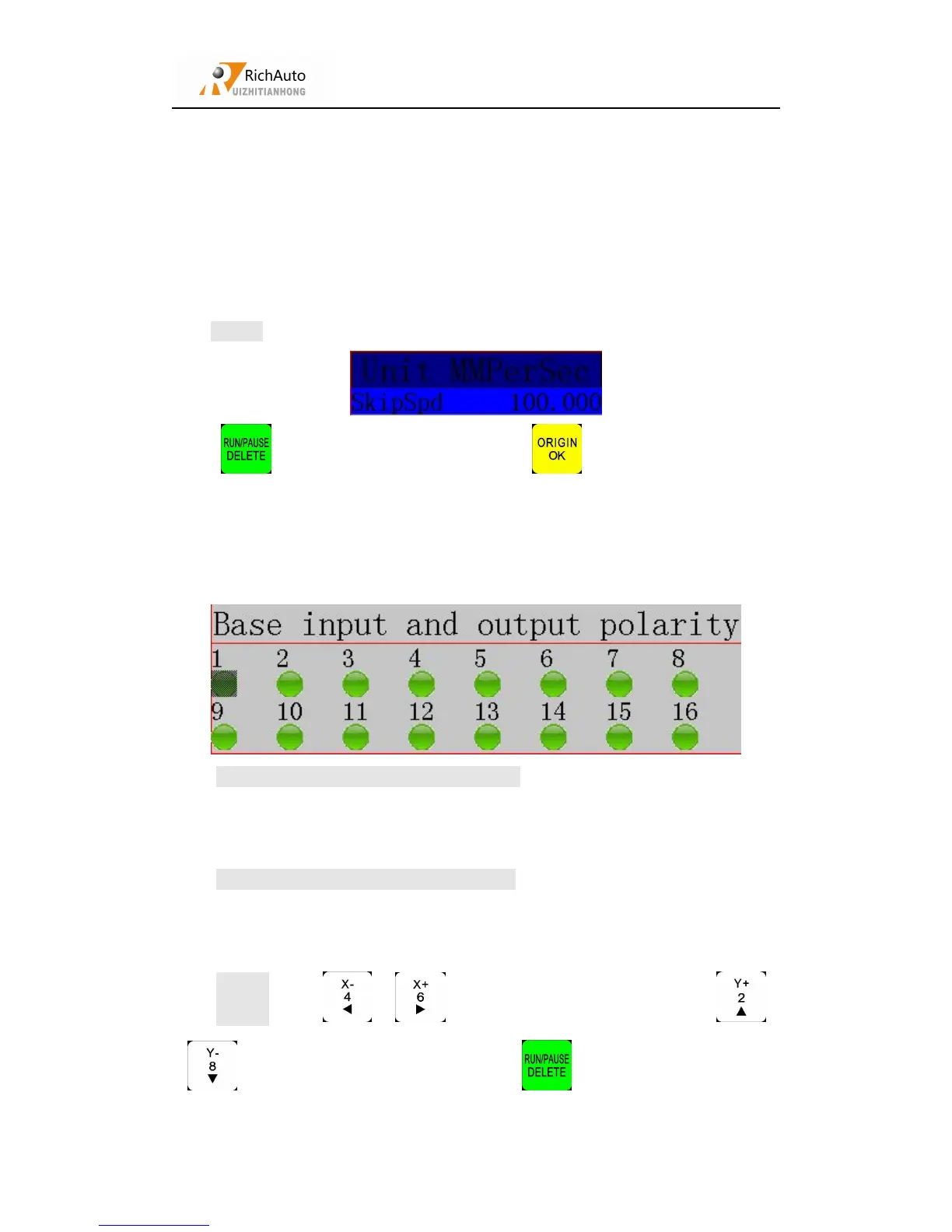
Setting:Enter “Start Speed”,screen shows:
Press “ ” and input the new number,press “ ” to save.
Set input and output signal terminal status,lights green indicate normally open
state, lights red indicate normally closed state.Including the two rows of light:
The upper lights indicate the input level : Set input voltage signal terminal
status.The top four: 0、1、2、3 positions correspond X axis back home、Y axis back
home、Z axis back home、toolsetting signal.
The under lights indicate the input level : Set output voltage signal terminal
status. The top four: 0、1、2、3 positions correspond spindleOn/Off、multi-speed 1、
multi-speed 2、multi-speed 3 siganl.
Setting:Press“ ”、“ ” to move cursor right and left,press“ ”、
“ ” to move cursor up and down,press “ ”to change light red or green.



 To Next Page