Sending Scan File by E-mail
56
4
When selecting a message from
the list
A Press [Subject/Message].
B Press [E-mail Message].
C Select a message.
D Press [OK] twice.
Manual entry of a message
The operation to specify a message
“Thank you for what you did yes-
terday.” is explained as an exam-
ple here.
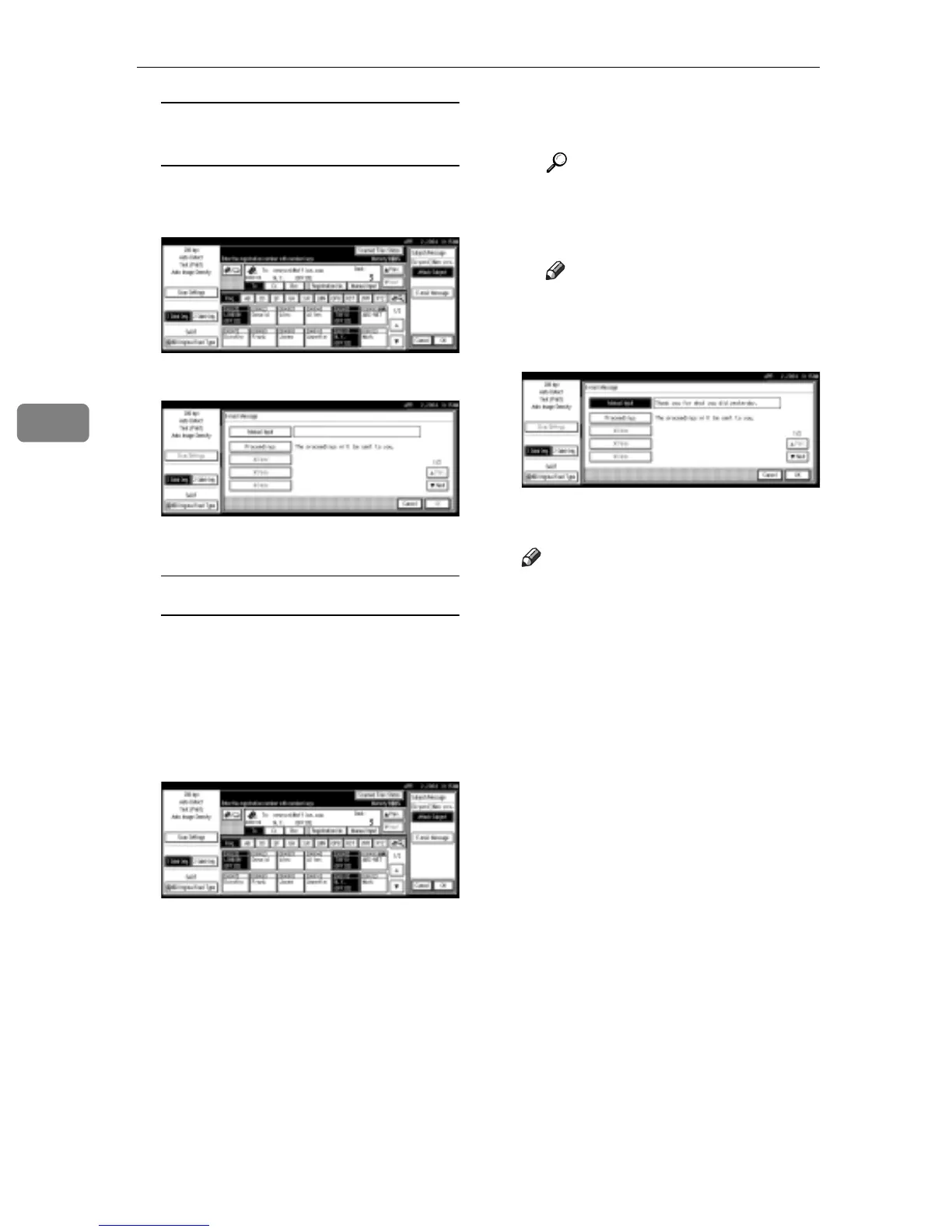
A Press [Subject/Message].
B Press [E-mail Message].
C Press [Manual Input].
The soft keyboard is displayed
for entering a message.
D Enter the message “Thank you
for what you did yesterday”.
Reference
For information about how
to enter characters, see Gener-
al Settings Guide.
Note
r Message can be entered to up
to 80 characters.
E Press [OK] three times.
L Press the {Start} key.
Note
r To interrupt scanning, press the
{Clear/Stop} key or press [Stop]
on the screen.
r When using the Batch function
or the SADF function, place the
next original after the others
have been scanned. See p.42
“Scanning Originals in Several
Times”.
r Regardless of the divide e-mail
size setting, it is not possible to
send e-mail with over 725.3MB
of data. It is also not possible to
send over 1,000 pages of file.



 To Next Page