Delivering Scan File
89
7
Example: To enter 00009
Press the {9} key, and then
press the {#} key.
C To select more destinations, re-
peat step B.
Note
r To deselect a destination,
press [U Prev.] or [T Next] to
display the destination in the
destination field, and then
press the {Clear/Stop} key.
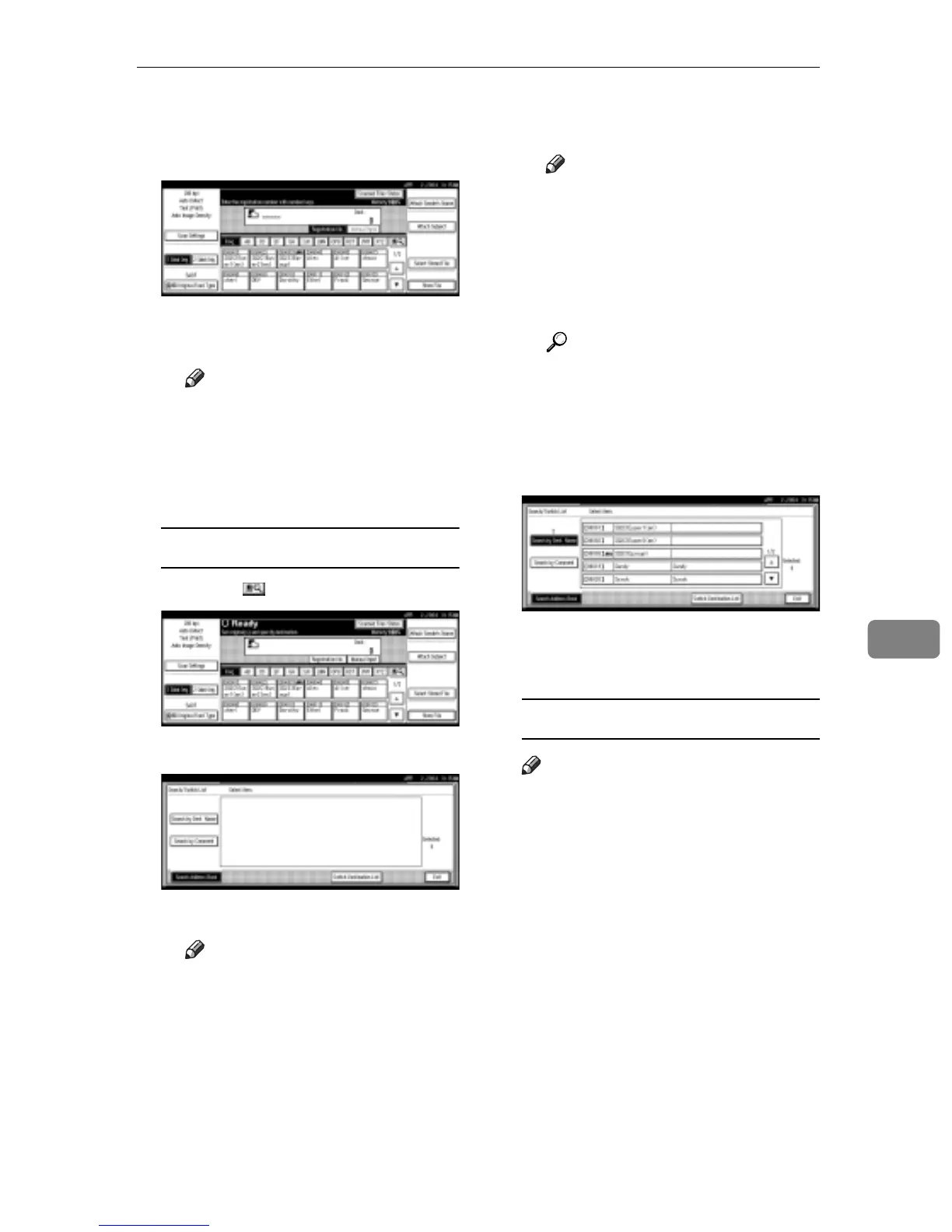
Searching to select a destination
A Press [].
B Press [Search Address Book].
C Press [Search by Dest. Name].
Note
r When using ScanRouter V2
Professional, it is possible to
search by comments.
The soft keyboard is displayed
for entering a name.
D Enter part of the destination
name.
Note
r Enter the first character or
characters of the destination
name.
r It is necessary to differentiate
between capital and small
letters.
Reference
For information about how
to enter characters, see Gener-
al Settings Guide.
E Press [OK].
F Select a destination.
G Press [Exit].
H Press [OK].
Manual entry of a destination
Note
r When using ScanRouter V2 Pro-
fessional, it is possible to enter
the destination e-mail address
directly. In advance, you must
make settings for sending e-
mail with ScanRouter V2 Pro-
fessional.
A Press [Manual Input].
The soft keyboard is displayed
for entering a destination (e-
mail address).



 To Next Page