Supplementary Information
55
3
❖ Inch version
*1
Default settings
• You can select a ratio regardless of the size of an original or paper. With
some ratios, parts of the image might not be copied or margins will appear
on copies.
❖ Zoom
• The reproduction ratios you can specify are 50–200 %.
• You can select a ratio regardless of the size of an original or paper. With
some ratios, parts of the image might not be copied or margins will appear
on copies.
❖ Duplex
• The following paper sizes and orientations can be duplexed.
A4L, B5 JISL, 8
1
/
2
" × 14"L, 8
1
/
2
" × 13"L, 8
1
/
2
" × 11"L, 8
1
/
4
" × 14"L,
8
1
/
4
" × 13"L, 16KL
• You cannot use the following paper with this function:
• Paper smaller than B5 JISL or 8
1
/
2
" × 11"L
• Paper thicker than 90 g/m
2
(24 lb.)
• Paper thinner than 64 g/m
2
(17 lb.)
• Translucent paper
• Label paper (adhesive labels)
• OHP transparencies
• Thick paper
• Envelopes
• When an odd number of originals is placed in the ARDF, the back of the
last page of copied paper is blank.
• During copying, the image is shifted to allow for the binding margin.
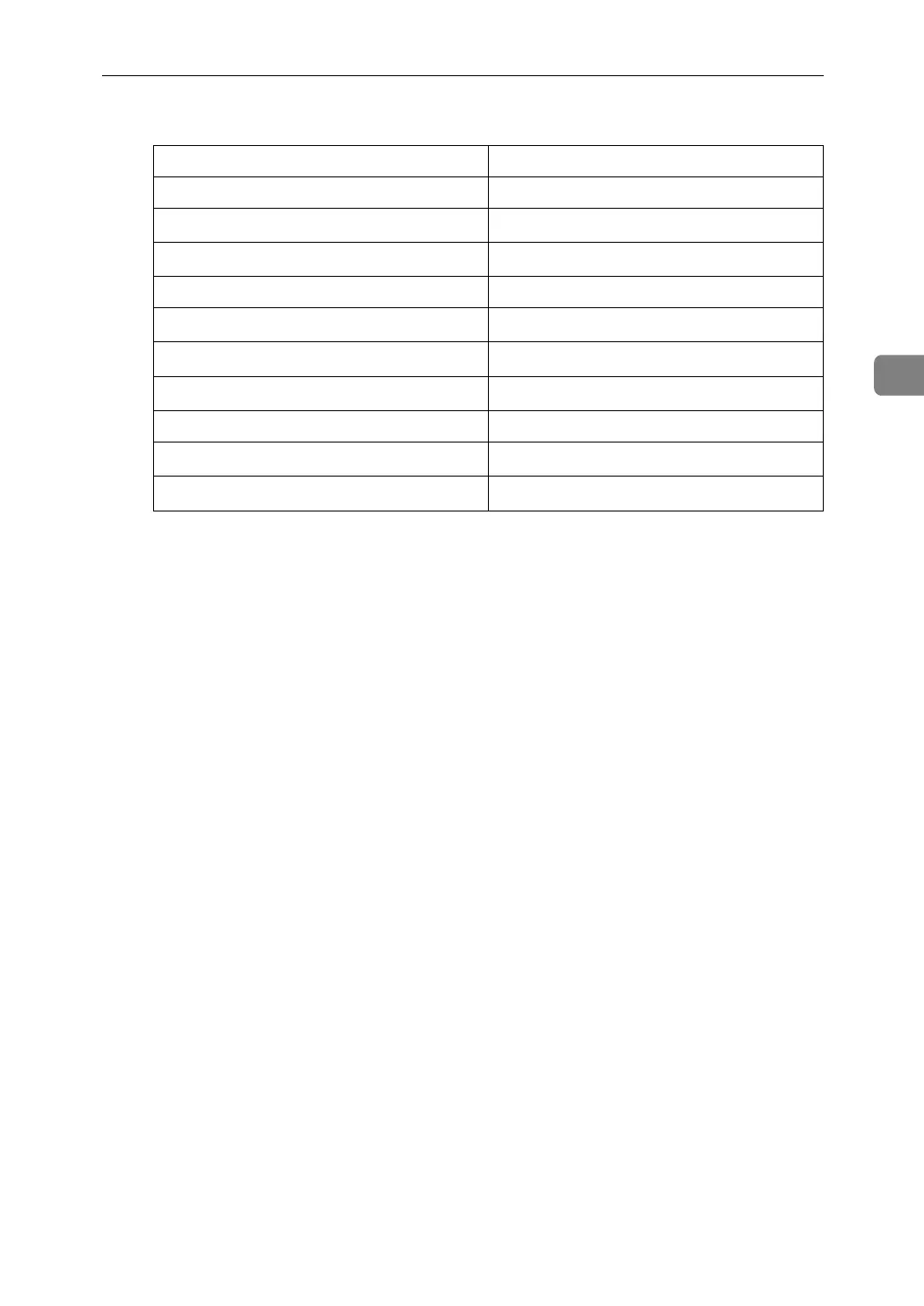
Ratio (%) Original → Paper size
200 (enlarge area by 4) --
155
*1
(enlarge area by 2) 5
1
/
2
" × 8
1
/
2
" → 8
1
/
2
" × 14"
129
*1
5
1
/
2
" × 8
1
/
2
" → 8
1
/
2
" × 11"
121 --
93
*1
--
85
8
1
/
2
" × 13" → 8
1
/
2
" × 11"
78
*1
8
1
/
2
" × 14" → 8
1
/
2
" × 11"
73 --
65
*1
8
1
/
2
" × 11" → 5
1
/
2
" × 8
1
/
2
"
50 (reduce area by
1
/
4
)
--



 To Next Page