Appendix
182
11
Cleaning the Document
Rolling Unit
A
AA
A
Turn off the power of the scanner
and unplug the power cord from
the outlet.
B
BB
B
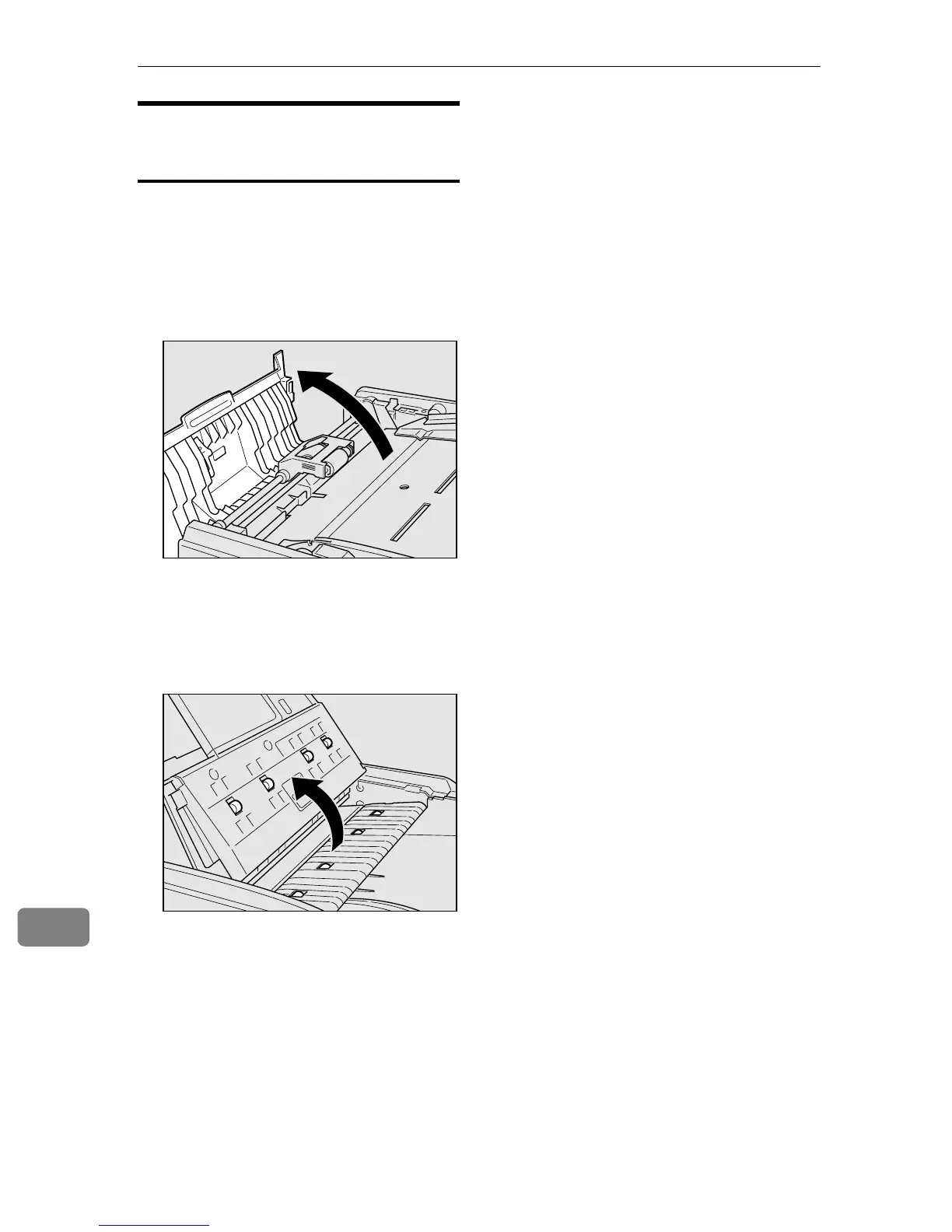
Open the cover of the Automatic
Document Feeder (ADF).
C
CC
C
Open the Document Tray and
wipe off the Document Rolling
Unit with a tightly wrung out
cloth dampened with water.
ZDLH070J
ZDLH090J



 To Next Page