33
3. Configuring the Scanner
Settings
Outline to Use As a Network Twain
Scanner
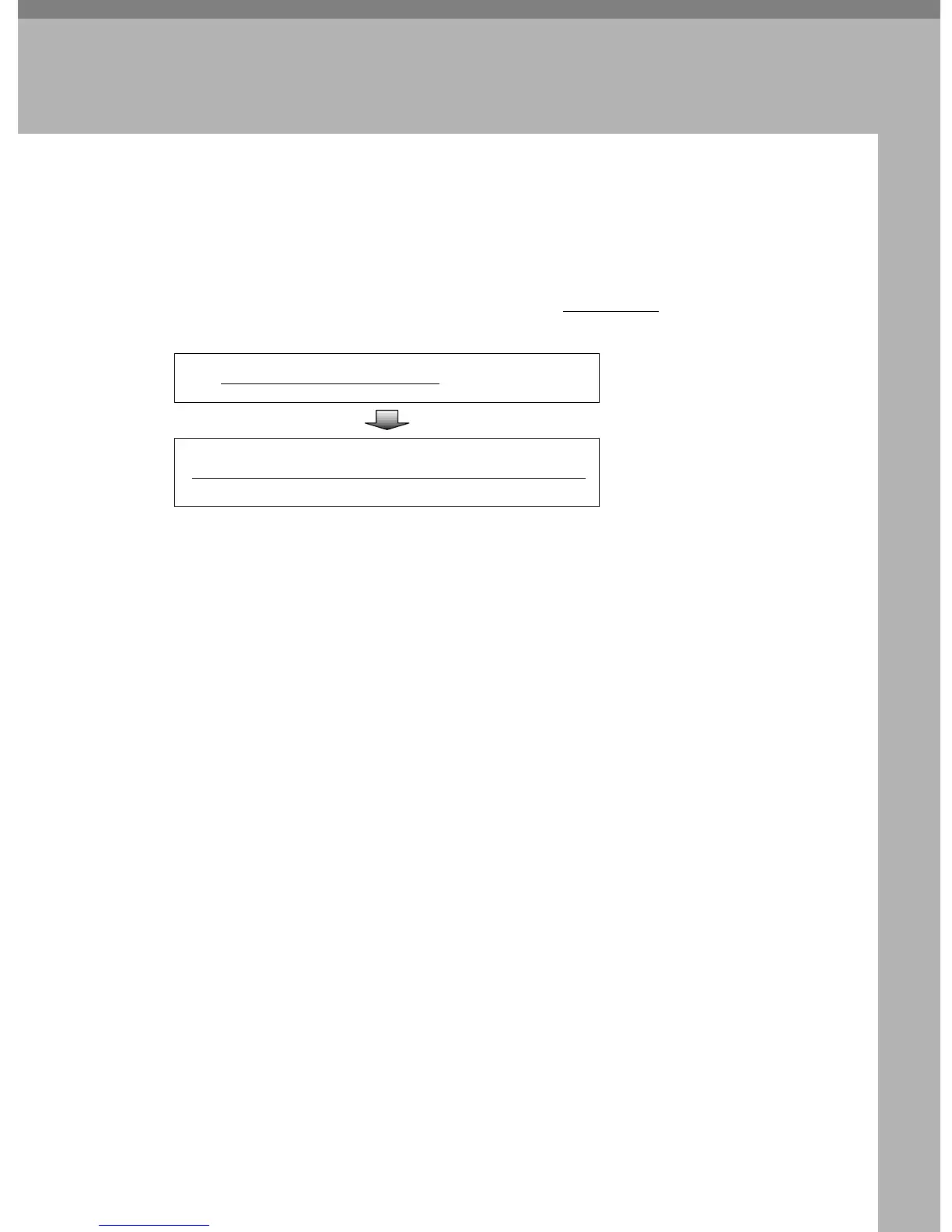
The following overview diagram shows the preparation steps for using this ma-
chine as a network TWAIN scanner. Note that the underlined
steps are essential.
*1
If you use this machine as a network TWAIN scanner, you need a TWAIN-compliant
application on the client computer you use. DeskTopBinder V2 Lite that comes with
this machine is a TWAIN-compliant application.
Configure
[1.
System Settings
]
on this machine
See p.52 “System Set-
tings”
Install the network TWAIN driver on a client computer
See p.103 “Software
for Using a Network
TWAIN Scanner”.



 To Next Page