System Settings
55
3
Configuring [System Settings]
Reference
See p.15 “Using Keys Displayed on
the Screen” for information about
how to select items displayed on
the screen.
A
AA
A
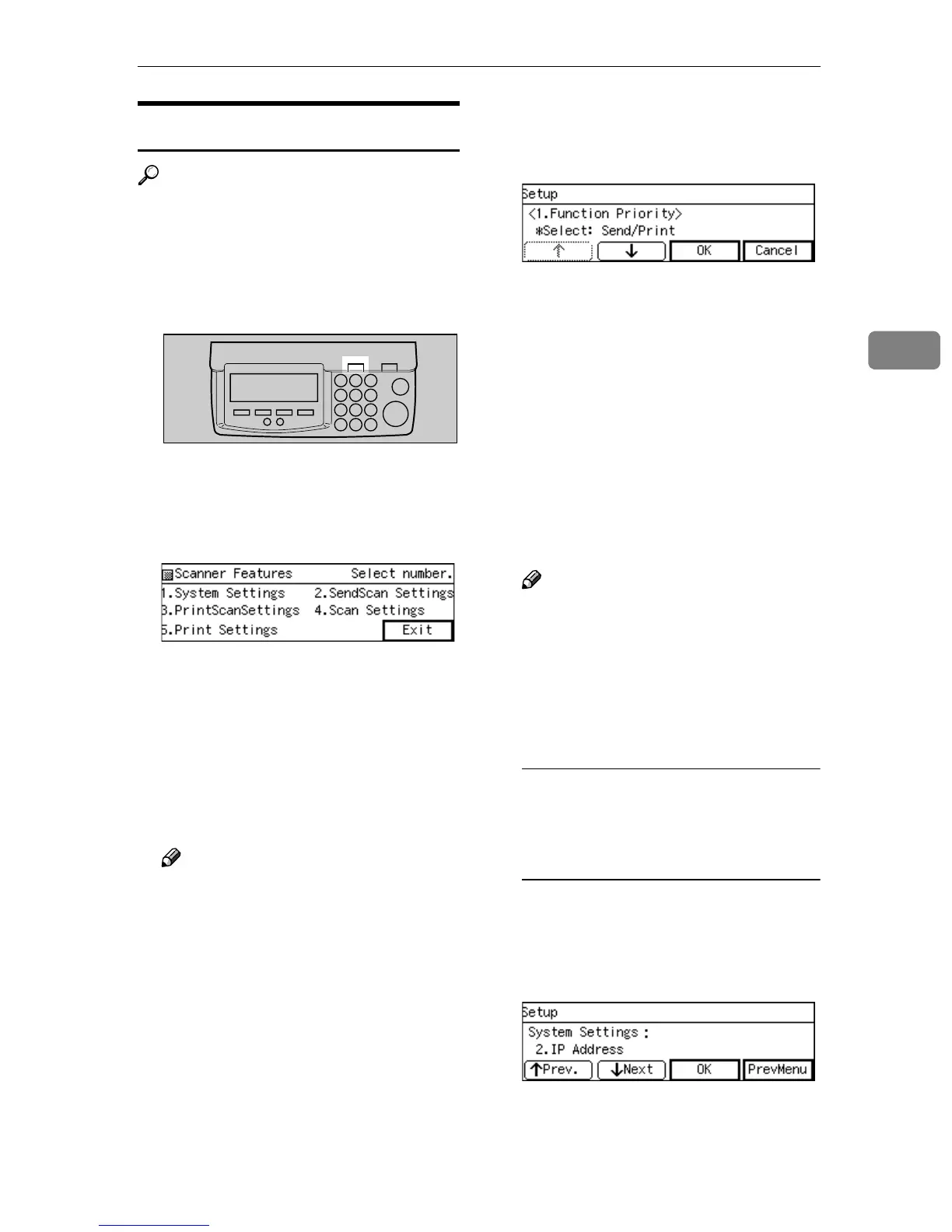
Press the {
{{
{User Tools}
}}
} key.
The Scanner Features menu is dis-
played.
B
BB
B
Press the {
{{
{1}
}}
} key.
The System Settings menu is dis-
played, and "1. Function Priority "
appears as the setup item currently
selected.
C
CC
C
Press [OK].
The setting screen for "1. Function
Priority " appears.
Note
❒ Pressing [PrevMenu] returns to
the parent menu screen.
D
DD
D
Select the option you want among
" Select: Send/Print ", "
Send Scan " and " Print Scan ".
• The option that is currently se-
lected is displayed first.
• "*" mark appears along with the
option currently selected
• Use [↑
↑↑
↑] and [↓
↓↓
↓] to display the
option you want to select.
E
EE
E
While the option you want to se-
lect is displayed, press [OK].
This saves the setting you have
configured, and returns to the Sys-
tem Settings menu.
Note
❒ Pressing [Cancel] discards the
selected option, and returns to
the previous screen.
F
FF
F
Configure the necessary settings
in accordance with your network
environment.
To configure network boot and
related settings when a fixed IP
address is assigned to this
machine
A Press [Next].
“2. IP Address ” appears as the
setup item currently selected.
B Press [OK].
The setting screen for “2. IP Ad-
dress ” appears.
ABK006S



 To Next Page