Configuring the Scanner Settings
64
3
❖
❖❖
❖ Job Delivery Data Max. Setting
This item lets you select whether to
limit the maximum file size of a
document to be sent by using the
delivery server. When you set lim-
itation of the size, you can specify
it within the range of 1 MB to 64
MB, in 1MB increments.
Note
❒ You can also configure this set-
ting by selecting [Configuration]
→ [Delivery Settings] → [Delivery]
on the Web Status Monitor.
❖
❖❖
❖ Wait Time for Additional Scanning
When “Show options after each
scan job” is selected for [End of Scan
Option], enter the time during
which the setting menu appears.
Specify the time in seconds within
the range of 3 through 900. When
the specified time elapses, the ini-
tial screen displayed immediately
after power-on appears on the con-
trol panel and files are sent.
Note
❒ This setting can only be config-
ured using the Web Status Mon-
itor.
❖
❖❖
❖ Select Title
This item lets you select the titles
that are displayed when you press
the {
{{
{./*}
}}
} (Title) key. You can select
between " Alphabet " and " Custom
Title ".
Note
❒ This setting can only be config-
ured using the Web Status Mon-
itor.
❒ Before using " Custom Title ", it
is necessary to register custom
titles using the Web Status Mon-
itor, and restart this machine.
❖
❖❖
❖ Time Zone
This item lets you specify your lo-
cal time zone, by selecting the time
offset from GMT (Greenwich
Mean Time).
Note
❒ This setting can only be config-
ured using the Web Status Mon-
itor.
Configuring [Send Scan
Settings]
Follow the steps below to configure
Send Scan Settings using the control
panel of this machine.
Note
❒ You can also configure these set-
tings using the Web Status Moni-
tor.
Reference
See p.15 “Using Keys Displayed on
the Screen” for information about
how to select items displayed on
the screen.
A
AA
A
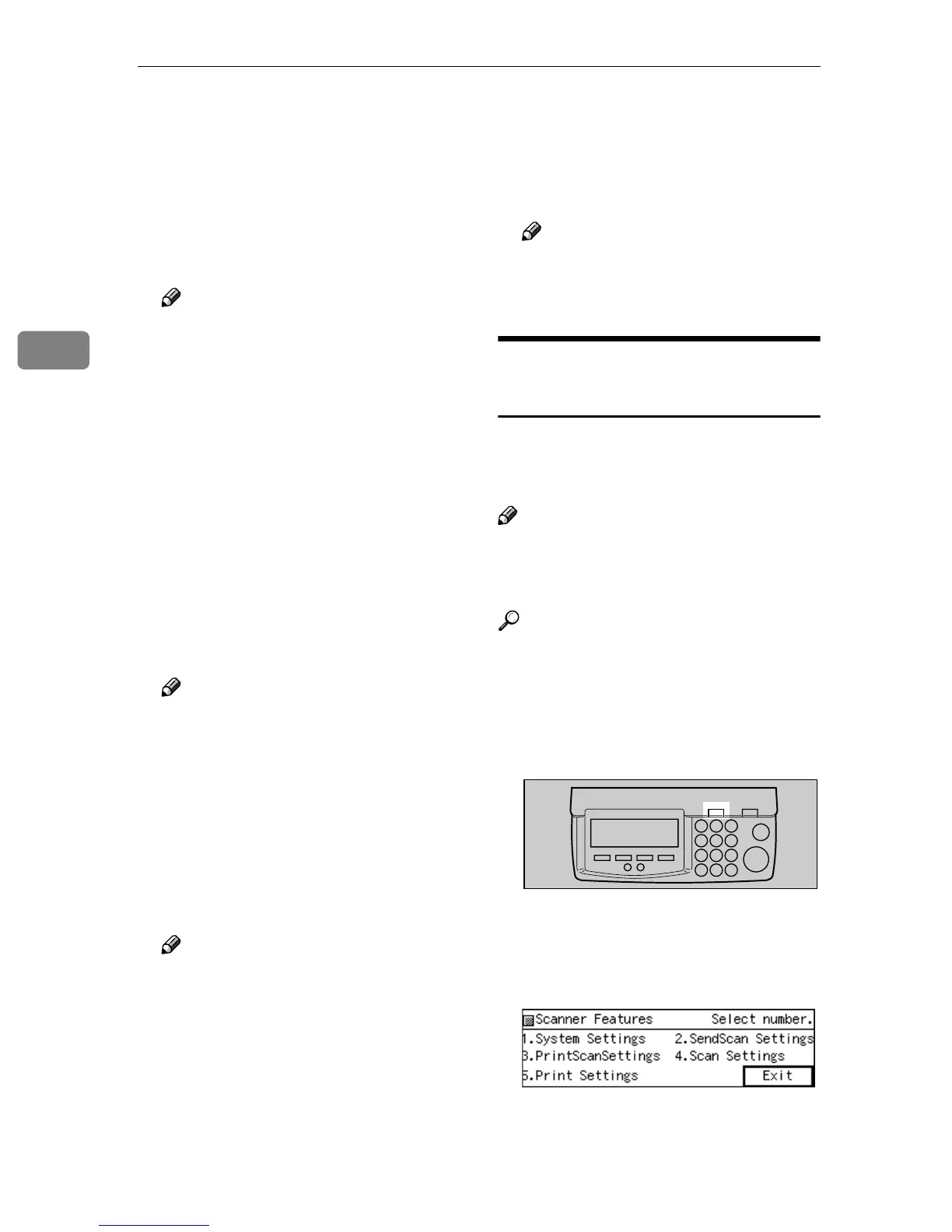
Press the {
{{
{User Tools}
}}
}
The Scanner Features menu is dis-
played.
B
BB
B
Press the {
{{
{2}
}}
} key.
The Send Scan Settings menu is
displayed, and “1. Select Method ”
appears as the setup item currently
selected.
ABK006S



 To Next Page