Configuring Settings Using a Web Browser
85
3
To access this machine from a web browser
A
AA
A
Start up a web browser on a client computer.
B
BB
B
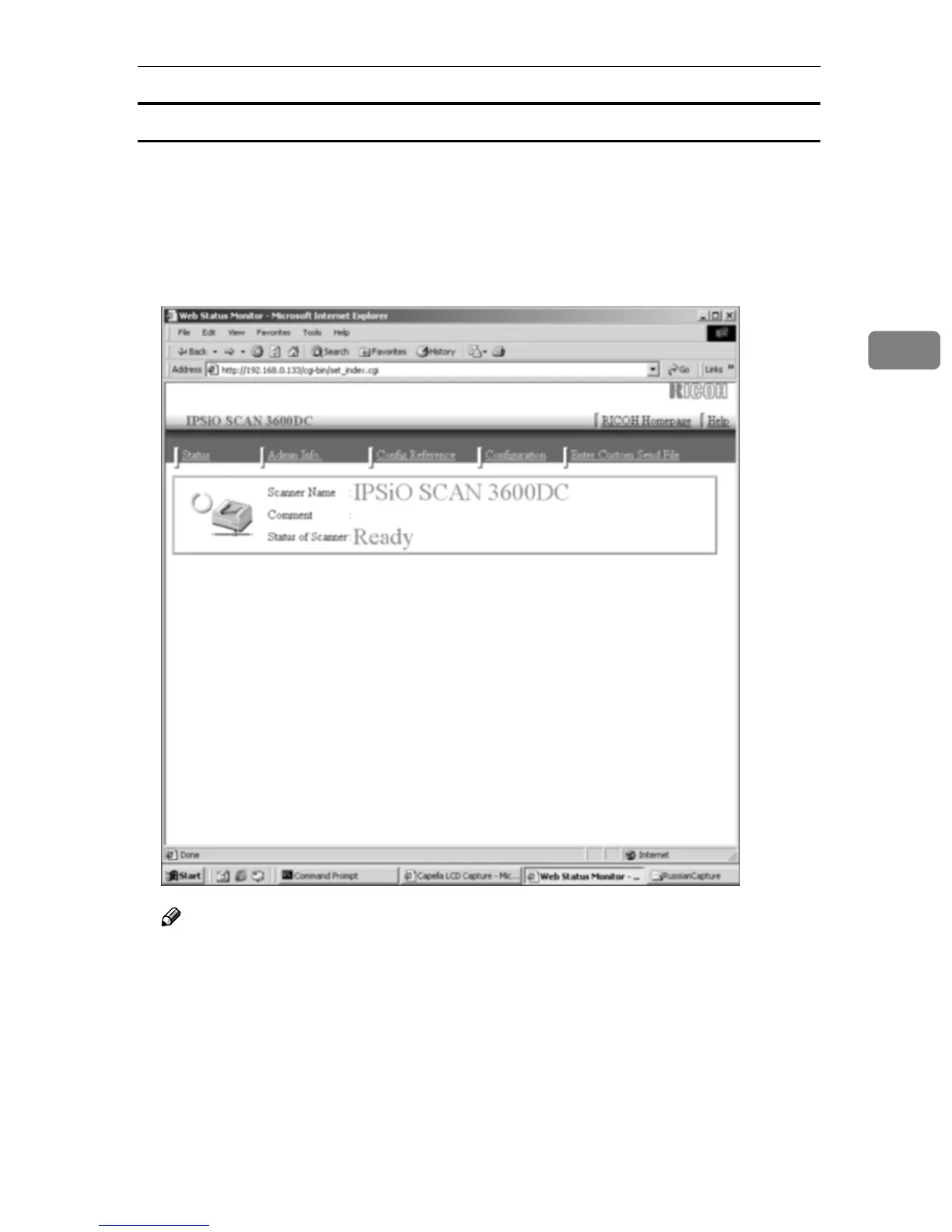
Input “http://xxx.xxx.xxx.xxx/” (“xxx.xxx.xxx.xxx” is the IP address for this
machine) in the web browser’s address bar, and then press the [Enter] key.
The top page of the “Web Status Monitor” is displayed on the web browser,
which means that you succeed in accessing to this machine.
Note
❒ The Web Status Monitor is embedded to this machine, so it is not necessary
to install it to a client computer. You can use the Web Status Monitor to
make settings or administrating the status of this machine.


 To Next Page