Scanner Settings
65
3
C
CC
C
Press [OK]
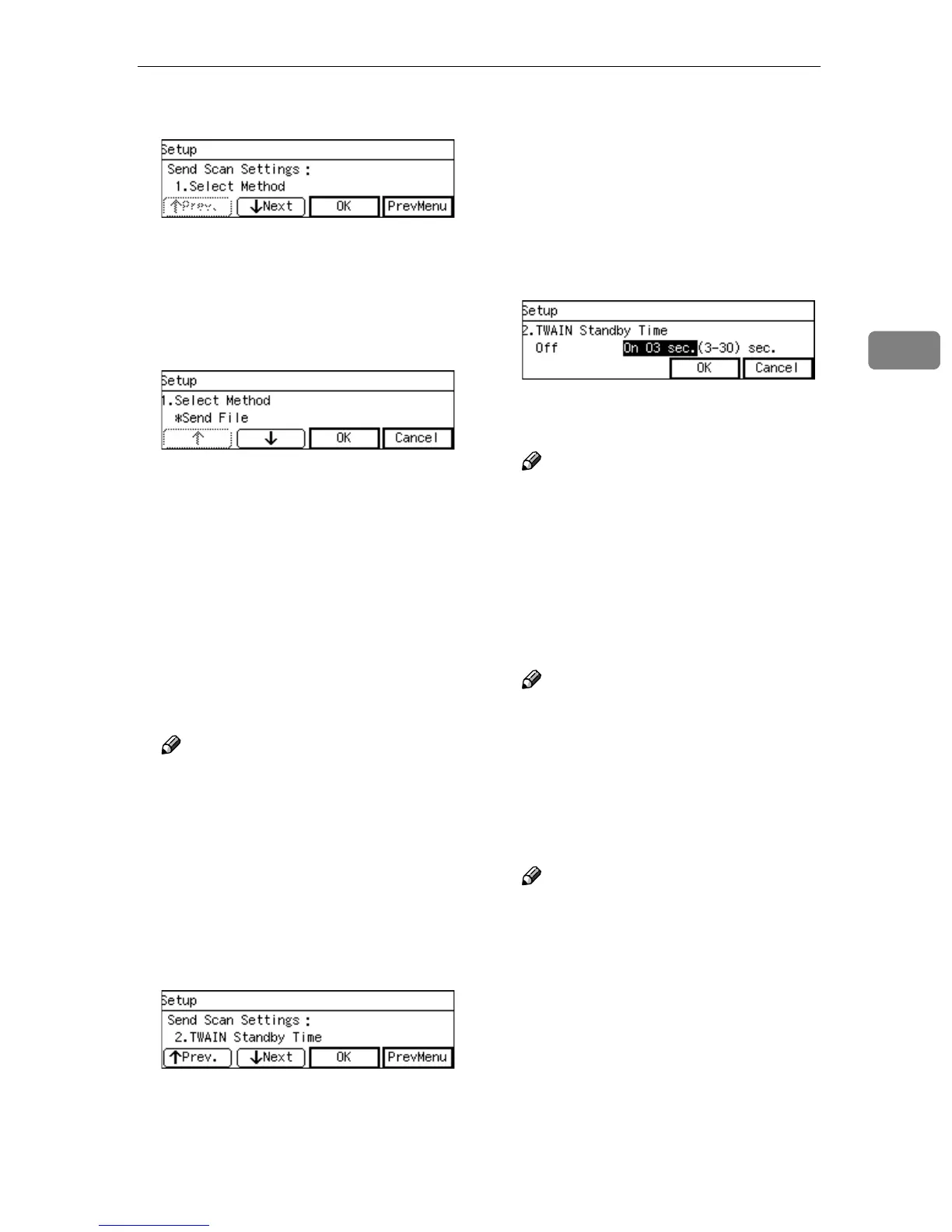
The setting screen for “1. Select
Method ” appears.
D
DD
D
Select the function that you main-
ly use from “ Send File ” or “
TWAIN ”.
• The option that is currently se-
lected is displayed first.
•“*” mark appears along with the
option currently selected.
• Use [↑
↑↑
↑] and [↓
↓↓
↓] to display the
option you want to select.
E
EE
E
Press [OK].
This saves the setting you have
made, and returns to the Send Scan
Settings menu.
Note
❒ Pressing [Cancel] discards the
selected option, and returns to
the previous screen.
F
FF
F
Press [Next].
“2. TWAIN Standby Time ” ap-
pears as the setup item currently
selected.
G
GG
G
Press [OK].
The setting screen for “2. TWAIN
Standby Time ” appears.
H
HH
H
Select the option you want for “2.
TWAIN Standby Time ”.
If you select “ On ”, specify the
time after which this machine
stands by for a network TWAIN
command (or a [Enter Custom Send
File] command) using the number
keys.
• Use the {
{{
{1
11
1}
}}
} and {
{{
{0
00
0}
}}
} keys to
highlight the setting you want.
Note
❒ To correct the number, press the
{
{{
{Clear/Stop}
}}
} key to clear the
number you have entered.
I
II
I
Press [ OK ]
This saves the setting you have
configured, and returns to the
Send Scan Settings menu.
Note
❒ Pressing [Cancel] discards the
selected option, and returns to
the previous screen.
J
JJ
J
Press [Next].
“3. Auto Reset Timer ” appears as
the setup item currently selected.
Note
❒ Pressing [Prev.] displays the
previous setup item.
K
KK
K
Set the auto reset timer in the
same way that you have done in
the steps
G
GG
G
through
J
JJ
J
.
“ 4.
Date/Time(Year/Month/Day/Hr
/Min/Sec) ” appears as the setup
item currently selected.



 To Next Page