Configuring the Scanner Settings
78
3
T
TT
T
Repeat steps
D
DD
D
through
R
RR
R
for each
of “ User 1”, “ User 2”, and “ User
3” memory areas.
U
UU
U
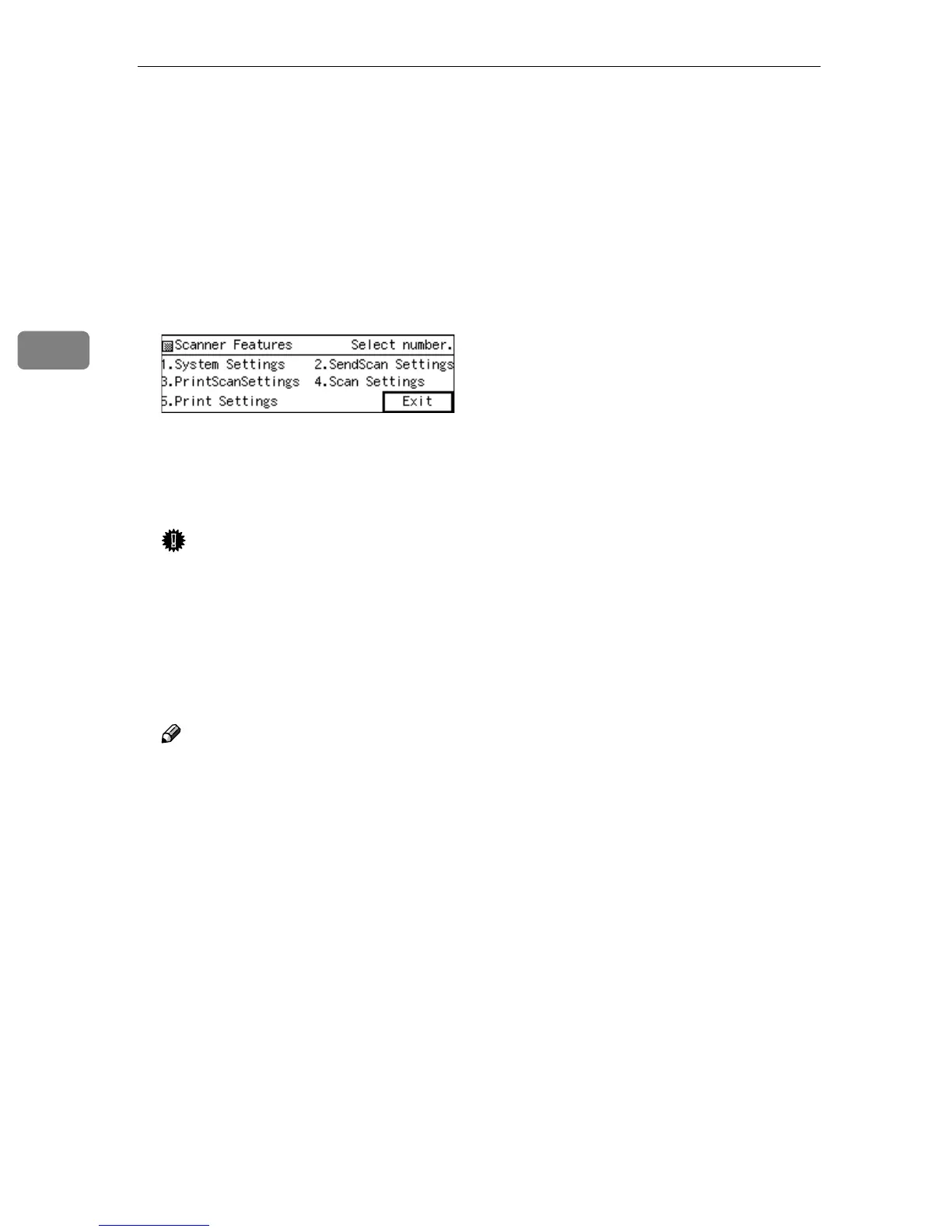
When you are finished, press
[PrevMenu].
This returns to the Scanner Fea-
tures menu.
V
VV
V
Press [Exit].
This exits the Scanner Features
menu, and returns to the standby
screen that is displayed when you
turn the power on.
Important
❒ Never turn off the power of this
machine before the standby
screen is displayed. Doing so
can discard all the settings you
have configured, and return this
machine to its factory default
status.
Note
❒ Instead of pressing [Exit], you
can press a number key to enter
another setting menu.


 To Next Page