EasyManua.ls Logo

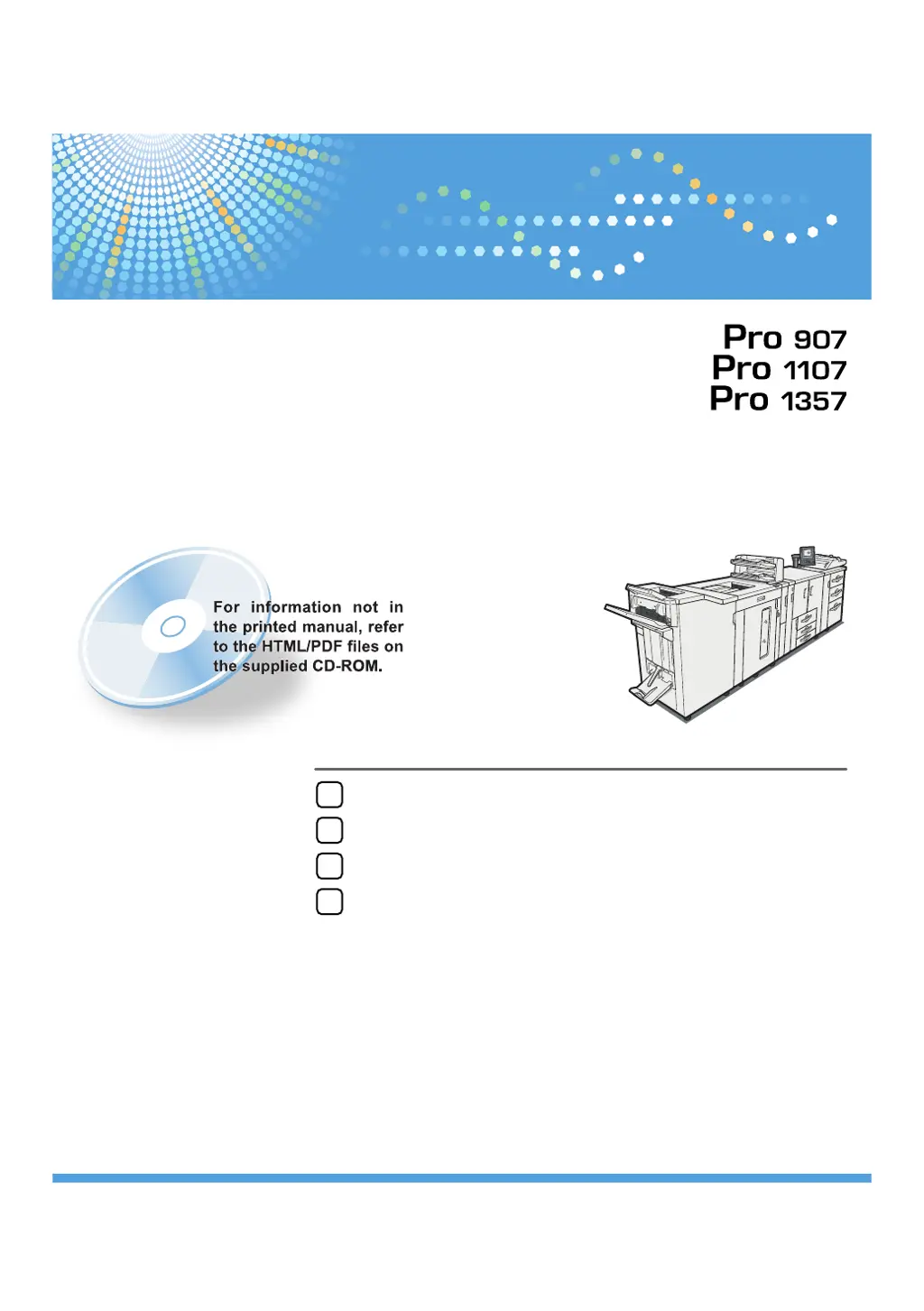
Ricoh Pro 907 - User Manual

Ricoh Pro 907
92 pages
Print Icon
To Next Page IconTo Next Page
Loading...
Read this manual carefully before you use this machine and keep it handy for future reference. For safe and correct use, be sure to read the Safety Information
in "About This Machine" before using the machine.
When the Machine Does Not Operate As Wanted
Troubleshooting When Using the Printer Function
Clearing Misfeeds
Appendix
1
2
3
4
Troubleshooting
Operating Instructions

Table of Contents

Other manuals for Ricoh Pro 907

Questions and Answers

  • V
    Valerie ParkerSep 13, 2025
    What to do if Ricoh Printer exceeds the maximum number of sheets for Booklet?
    • J
      Jaime LeeSep 13, 2025
      If your Ricoh printer shows 'Exceeded the maximum number of sheets possible for Booklet', press [Job Reset] to cancel the print job, and then reduce the number of sheets to be booklet stapled. This is because the maximum number of sheets possible for booklet stapling was exceeded during printing.
  • K
    Karen DuranSep 12, 2025
    How to resolve 'Fold is not available with this paper thickness' on Ricoh Pro 907?
    • A
      April RileySep 12, 2025
      If your Ricoh printer displays 'Fold is not available with this paper thickness', load the tray with paper of a thickness that is suitable for folding. Alternatively, press [Job Reset] to cancel the print job. This issue occurs when the selected paper tray contains paper of an unsuitable thickness for folding.
  • T
    thomasthomasSep 12, 2025
    How to resolve 'Booklet is not available with this paper thickness' on Ricoh Pro 907 Printer?
    • J
      Jeremiah FrancisSep 12, 2025
      If your Ricoh printer displays 'Booklet is not available with this paper thickness', load the tray with paper of a thickness that is suitable for booklet stapling. Alternatively, press [Job Reset] to cancel the print job. This issue occurs when the selected paper tray contains paper of an unsuitable thickness for booklet stapling.
  • M
    Michael JohnsonSep 10, 2025
    What does 'No response from the server. Authentication has failed' mean on Ricoh Printer?
    • L
      Lori ReyesSep 10, 2025
      If you see the message 'No response from the server. Authentication has failed' on your Ricoh printer, this indicates authentication under LDAP and server authentication has failed. Contact the administrator for assistance.
  • L
    Lisa PenaSep 9, 2025
    How to resolve 'Reset Tray n correctly' error on Ricoh Pro 907 Printer?
    • C
      Cody GomezSep 9, 2025
      If your Ricoh printer displays 'Reset Tray n correctly', install the paper tray correctly, or press [Job Reset] to cancel the print job. This issue occurs when the selected paper tray is not installed or is installed incorrectly.
  • D
    David LaraSep 8, 2025
    How to resolve 'Cannot print with current tray paper settings' on Ricoh Printer?
    • S
      Sheila GarciaSep 8, 2025
      If your Ricoh printer displays 'Cannot print with current tray paper settings', check the tray paper settings. This problem occurs because tray paper settings are incorrect.
  • D
    dwrightAug 23, 2025
    How to fix 'Cannot connect to the network' on Ricoh Pro 907?
    • J
      Jordan RuizAug 23, 2025
      To resolve the 'Cannot connect to the network' error on your Ricoh Printer, first verify the network connection. Then, ensure that the system's IP address specified for the machine is correct.
  • D
    Debbie AllenSep 6, 2025
    Why does Ricoh Pro 907 Printer say 'Authentication has failed'?
    • S
      Sara FrySep 6, 2025
      If you see the message 'Authentication has failed' on your Ricoh Printer, it means authentication has failed because an unauthorized user has attempted to register a program or tray paper settings. Contact the administrator for assistance.
  • S
    Sean PrattSep 5, 2025
    What to do if Ricoh Printer displays 'Load following paper in Interposer Upper Tray'?
    • G
      Gregory MooreSep 5, 2025
      If your Ricoh Printer displays 'Load following paper in Interposer Upper Tray', load the relevant tray, or press [Job Reset] to cancel the print job. This issue occurs because the Interposer Upper Tray is empty.
  • B
    brandonmillerSep 4, 2025
    What to do if Ricoh Pro 907 displays 'Load following paper in Interposer Lower Tray'?
    • P
      Paul WillisSep 4, 2025
      If your Ricoh Printer displays 'Load following paper in Interposer Lower Tray', load the relevant tray, or press [Job Reset] to cancel the print job. This issue occurs because the Interposer Lower Tray is empty.

Ricoh Pro 907 Specifications

General IconGeneral
Print Resolution1200 x 1200 dpi
Monthly Duty Cycle300, 000 pages
Print Speed90 ppm
ConnectivityEthernet, USB
Duplex PrintingStandard
Memory2 GB
Operating System CompatibilityWindows, Mac, Linux

Related product manuals