EasyManua.ls Logo

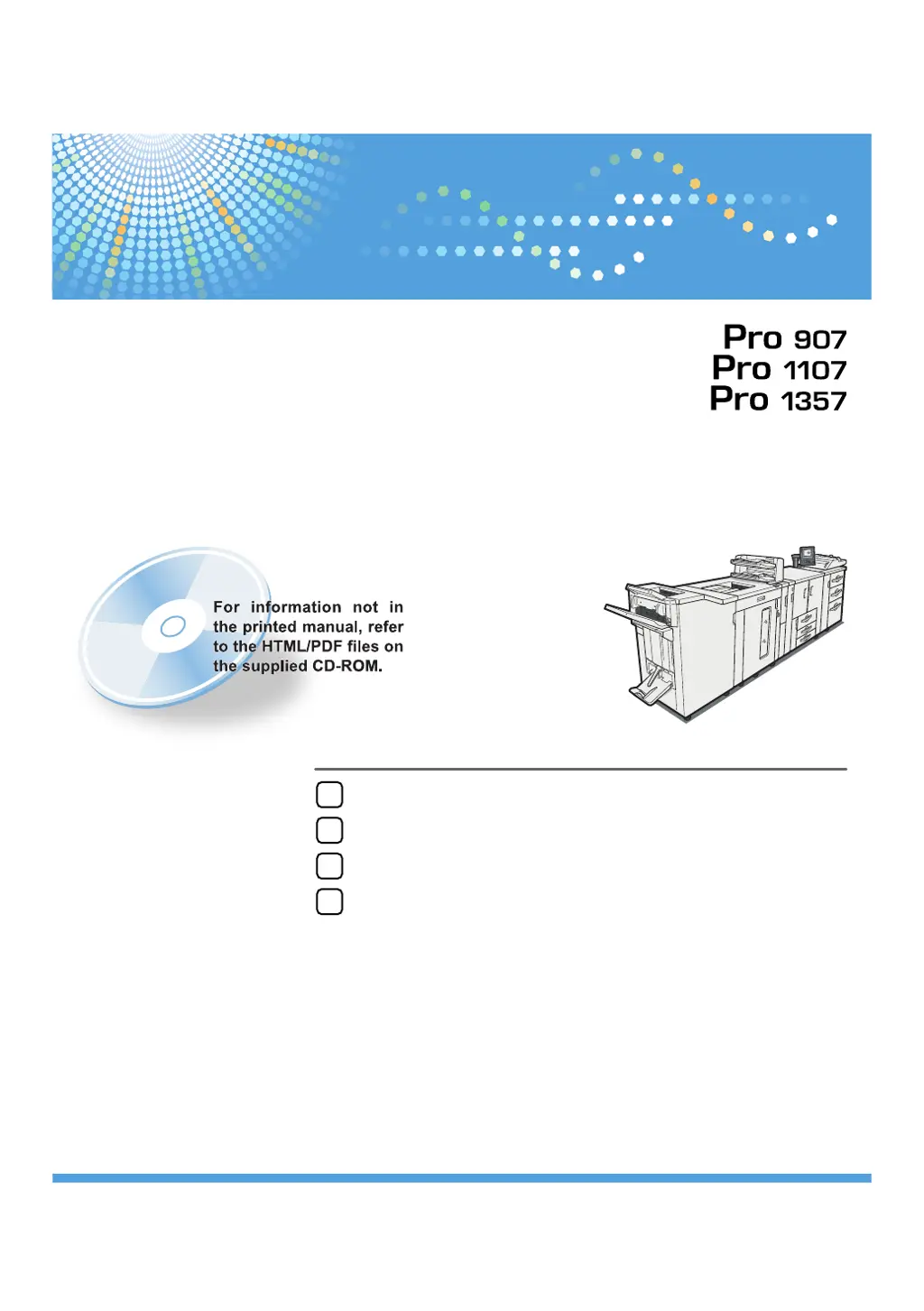
Ricoh Pro 907 - User Manual

Ricoh Pro 907
92 pages
Print Icon
To Next Page IconTo Next Page
Loading...
Read this manual carefully before you use this machine and keep it handy for future reference. For safe and correct use, be sure to read the Safety Information
in "About This Machine" before using the machine.
When the Machine Does Not Operate As Wanted
Troubleshooting When Using the Printer Function
Clearing Misfeeds
Appendix
1
2
3
4
Troubleshooting
Operating Instructions

Table of Contents

Other manuals for Ricoh Pro 907

Questions and Answers

  • B
    Bradley ReyesAug 26, 2025
    How to solve 'IPv4 Address is already in use' on Ricoh Printer?
    • B
      Brandy JonesAug 26, 2025
      To resolve the issue of 'IPv4 Address is already in use' on your Ricoh printer, ensure that the system's IPv4 address specified for the machine is correct.
  • C
    christinafrankAug 25, 2025
    What to do if Ricoh Pro 907 Printer shows 'Problem with Hard Disk'?
    • D
      Deborah PerryAug 25, 2025
      If you see the message 'Problem with Hard Disk' on your Ricoh printer, switch the machine's main power off and then back on. If the message persists, this indicates a hard disk error, and further assistance is needed.

Ricoh Pro 907 Specifications

General IconGeneral
Print Resolution1200 x 1200 dpi
Monthly Duty Cycle300, 000 pages
Print Speed90 ppm
ConnectivityEthernet, USB
Duplex PrintingStandard
Memory2 GB
Operating System CompatibilityWindows, Mac, Linux

Related product manuals