EasyManua.ls Logo

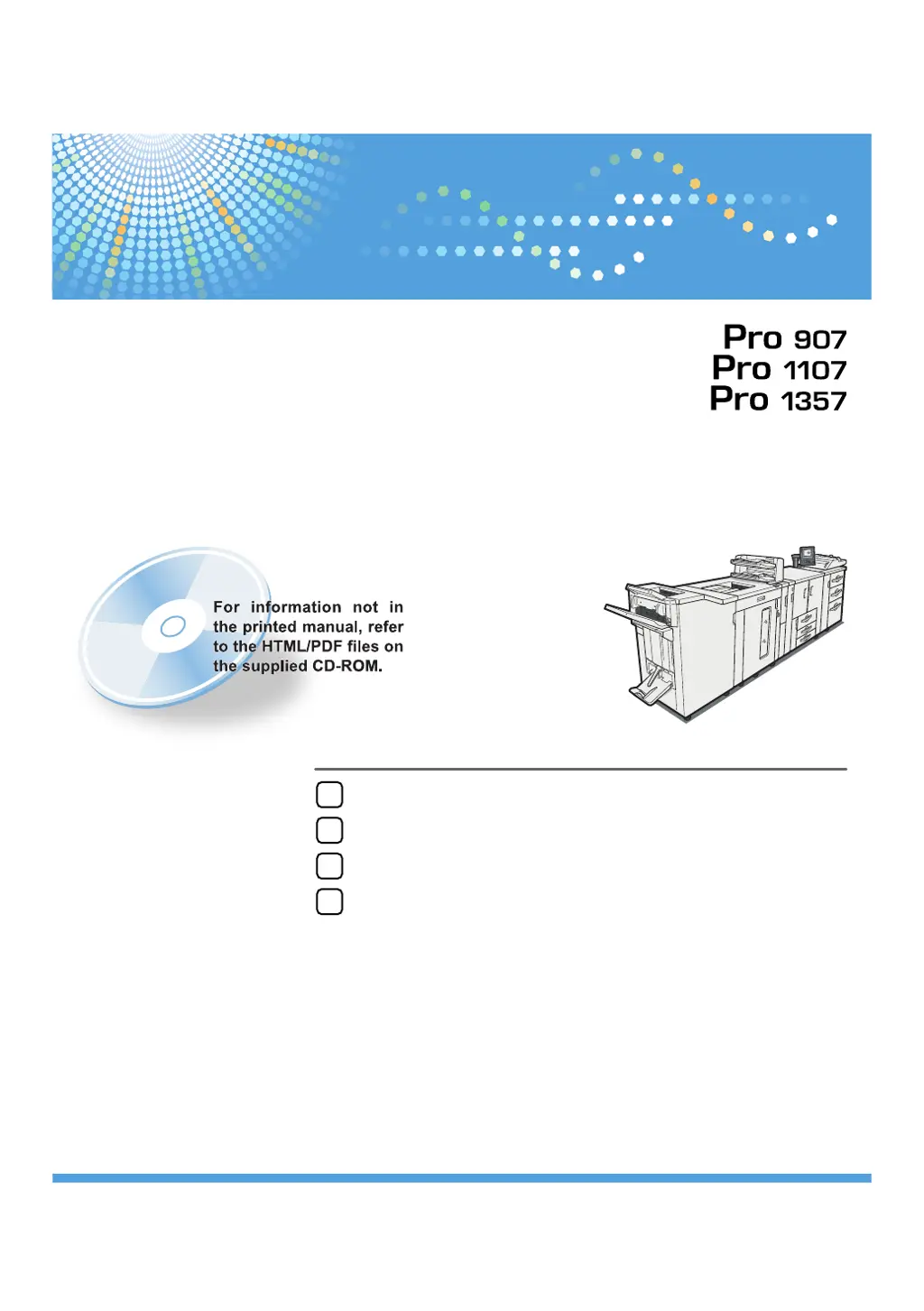
Ricoh Pro 907 - User Manual

Ricoh Pro 907
92 pages
Print Icon
To Next Page IconTo Next Page
Loading...
Read this manual carefully before you use this machine and keep it handy for future reference. For safe and correct use, be sure to read the Safety Information
in "About This Machine" before using the machine.
When the Machine Does Not Operate As Wanted
Troubleshooting When Using the Printer Function
Clearing Misfeeds
Appendix
1
2
3
4
Troubleshooting
Operating Instructions

Table of Contents

Other manuals for Ricoh Pro 907

Questions and Answers

  • J
    jenniferparkSep 3, 2025
    Why Ricoh Printer prints only one set due to insufficient HDD memory?
    • R
      Ricky ChandlerSep 3, 2025
      If you see 'Only one set can be printed due to insufficient HDD memory' on your Ricoh printer, reset the print job and split it up into smaller jobs that do not exceed the maximum number of pages that can be sent per job. This is because, due to insufficient hard disk space, only one set could be made.
  • N
    ngoodmanSep 2, 2025
    What to do if Ricoh Printer displays 'Selected paper size is not supported'?
    • R
      Richard VargasSep 2, 2025
      If your Ricoh printer shows 'Selected paper size is not supported', press [Job Reset] to cancel the print job, and then set the paper size correctly. This is because an unsupported paper size was specified for a PostScript print job.
  • B
    brian90Sep 1, 2025
    How to correct invalid IPv6 and Gateway address on Ricoh Pro 907?
    • C
      caseseanSep 2, 2025
      If your Ricoh printer displays 'Invalid value is set to IPv6 address and Gateway address', check that the value of the system's IPv6 address and Gateway address is correct. This problem occurs when the system's IPv6 address and Gateway address specified for the machine is incorrect.
  • T
    Thomas KnightAug 31, 2025
    What to do if paper tray is overloaded on Ricoh Printer?
    • R
      rachelgarrisonSep 1, 2025
      If you encounter the message 'Make sure that the paper tray is not overloaded and the paper is set correctly' on your Ricoh printer, load paper only as high as the upper limit markings of the paper tray, or load paper correctly. This issue occurs when the paper tray is overloaded, or the paper is not set correctly.
  • A
    Alexis BrownAug 31, 2025
    How to resolve 'Cannot set within the same subnet range' on Ricoh Pro 907?
    • F
      Frances PatelAug 31, 2025
      To address the 'Cannot set within the same subnet range' error on your Ricoh printer, check that the specified subnet range is correct, and change it if necessary. This issue arises when the specified subnet range is incorrect.
  • M
    Michele ThomasAug 29, 2025
    How to fix 'Cannot connect with DHCP Server' on Ricoh Printer?
    • S
      Summer DaughertyAug 30, 2025
      To resolve 'Cannot connect with DHCP Server' on your Ricoh Printer, check the connection to the DHCP server. Then, check the DHCP server settings and the WINS settings, and change them if necessary. This issue may occur if the machine cannot access the DHCP server or the WINS settings are incorrect.
  • N
    nathan11Aug 29, 2025
    How to fix 'Check IPv4 Address, Subnet Mask and Gateway Address' on Ricoh Pro 907 Printer?
    • M
      mwilliamsAug 29, 2025
      To resolve the 'Check IPv4 Address, Subnet Mask and Gateway Address' error on your Ricoh Printer, check that the system's IPv4 address, Subnet Mask and Gateway Address, specified for the machine is correct.
  • J
    Janet JohnsonAug 28, 2025
    What to do if paper settings of Tray n do not match specified paper color on Ricoh Printer?
    • E
      Emily StephensAug 28, 2025
      If your Ricoh Printer displays 'Paper settings of Tray n do not match specified paper color', configure the paper settings of the selected paper tray to match the specified paper color. This issue occurs because the paper settings for the selected paper tray do not match the specified paper color.
  • B
    brenda57Aug 27, 2025
    What to do if paper settings of Tray n do not match specified paper type on Ricoh Pro 907 Printer?
    • B
      Brandon FarmerAug 27, 2025
      If your Ricoh Printer displays 'Paper settings of Tray n do not match specified paper type', configure the paper settings of the selected paper tray to match the specified paper type. This issue occurs because the configured paper settings for the selected paper tray do not match the specified paper type.
  • J
    Joseph WilliamsAug 26, 2025
    What to do if paper settings of Tray n do not match specified paper size on Ricoh Printer?
    • R
      Randall EricksonAug 26, 2025
      If your Ricoh Printer displays 'Paper settings of Tray n do not match specified paper size', configure the paper settings of the selected paper tray to match the specified paper size. This issue occurs because the configured paper settings for the selected paper tray do not match the specified paper size.

Ricoh Pro 907 Specifications

General IconGeneral
Print Resolution1200 x 1200 dpi
Monthly Duty Cycle300, 000 pages
Print Speed90 ppm
ConnectivityEthernet, USB
Duplex PrintingStandard
Memory2 GB
Operating System CompatibilityWindows, Mac, Linux

Related product manuals