2.Replacement and Adjustment
13
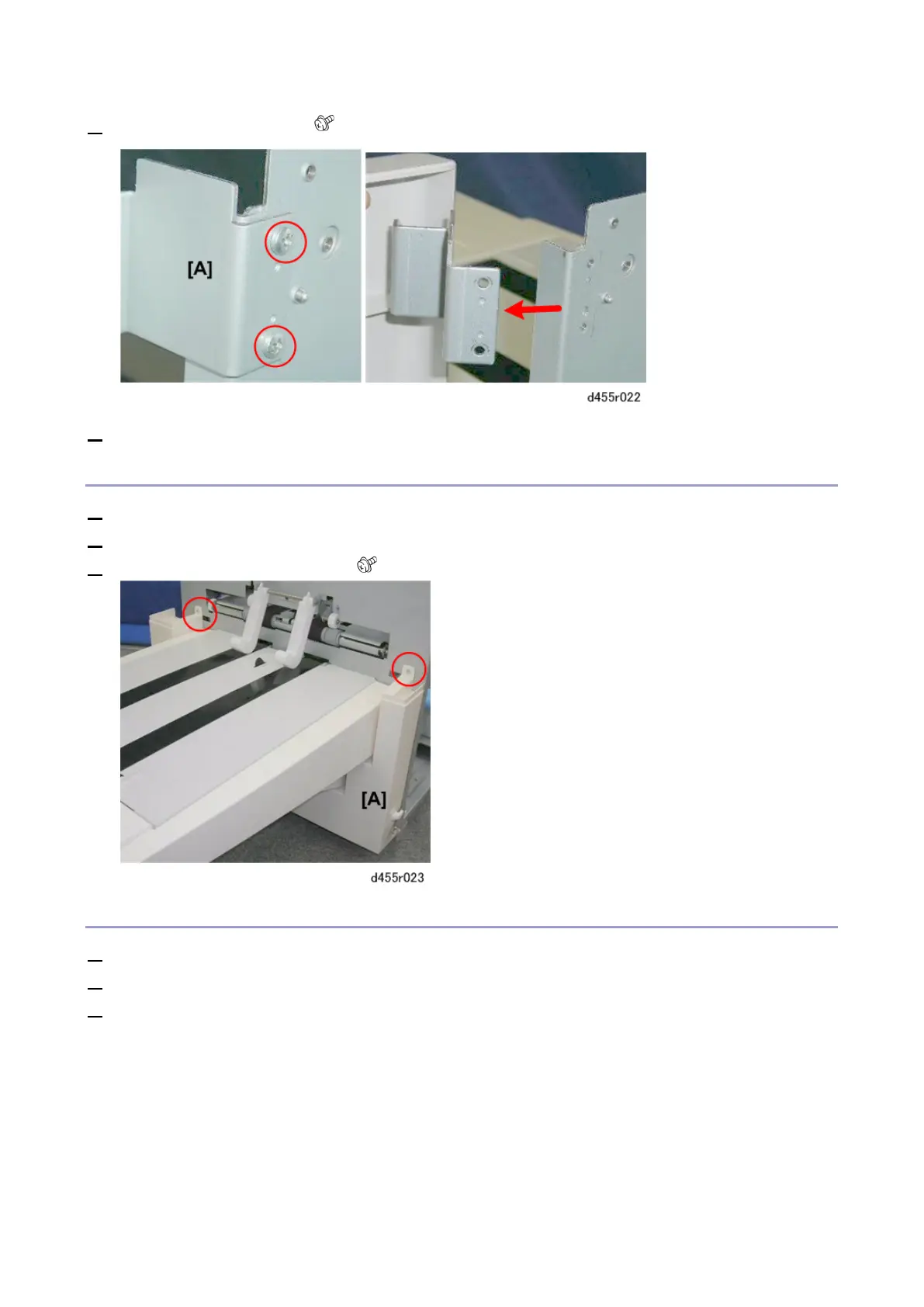
4. Remove the top hinge [A] ( x2).
5. Lift the door off.
Left Lower Cover
1. Remove the door. (Door)
2. Remove the left upper cover. (Left Upper Cover)
3. Remove the left lower cover [A] ( x2)
Tray Unit
1. Remove the left upper cover. (Left Upper Cover)
2. Remove the door. (Door)
3. Remove the left lower cover. (Left Lower Cover)



 To Next Page