26
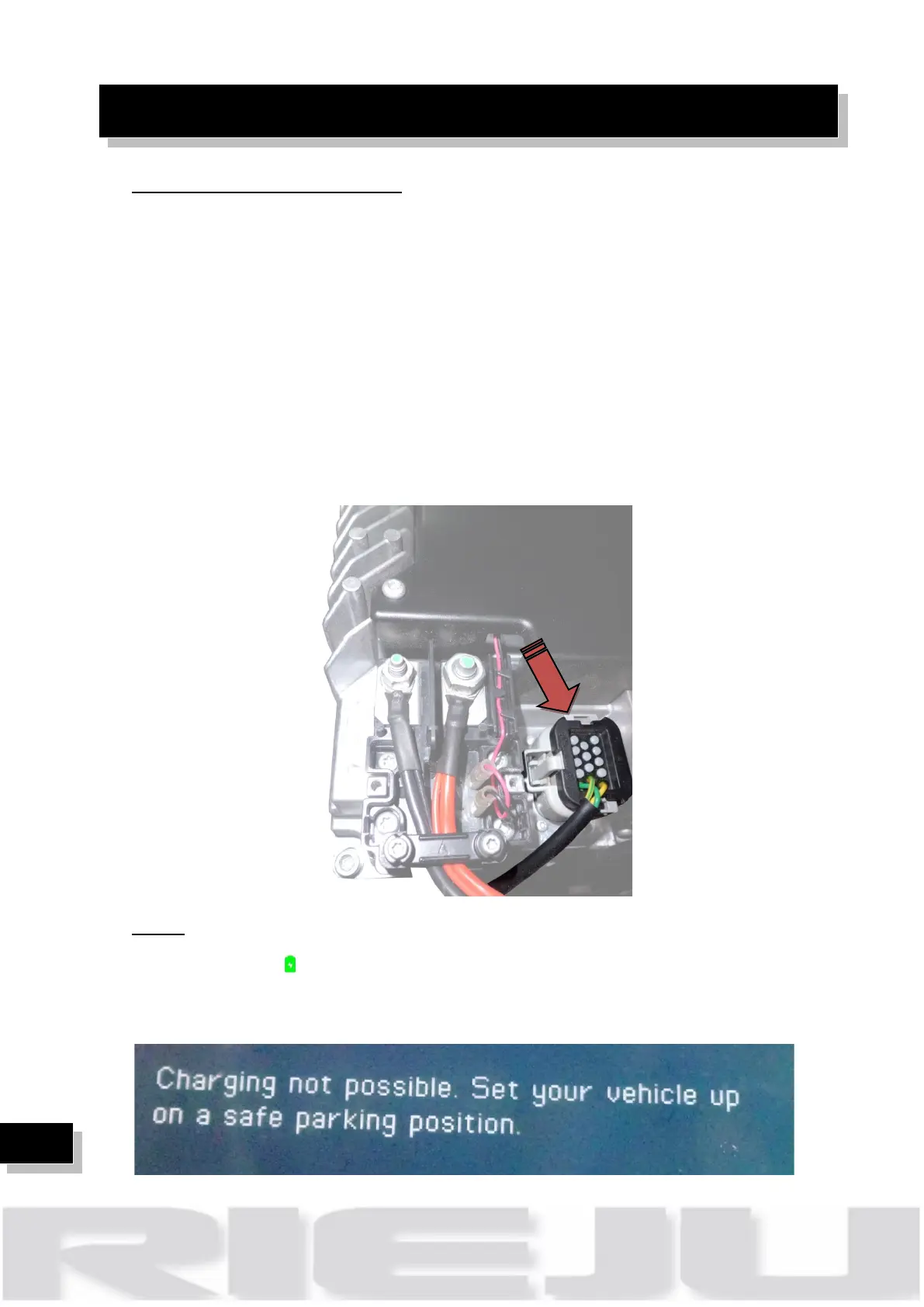
Check charger CAN connexions:
CAN communication wires are colour coded as green and yellow and twisted
together.
To check that CAN communication check the electrical continuity of the CAN
wires. Remove the connectors on all affected components and check electrical
continuity between the green wire pin in the Display and in the rest of the
components, and proceed the same way with the yellow wire pins. Make the
readings on the motorcycle side of the connectors. If there is electrical
conductivity between the same colour cable pins, CAN communication should
be ensured.
Check can connector and assure that they are correctly plugged on the charger.
Notice: In case of don’t solve the issue, please contact your support partner.
Dashboard light ( ) don’t flash, dashboard is black, diagnosis software any
error is present, when we turn the key to ON position on the dashboard appear
the following message:



 To Next Page