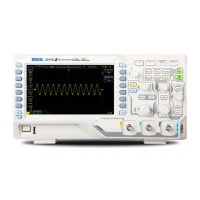
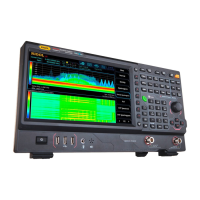
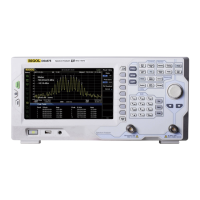
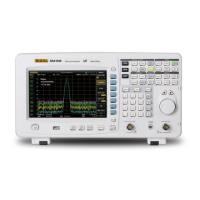
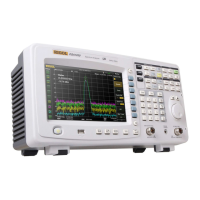
Front Panel
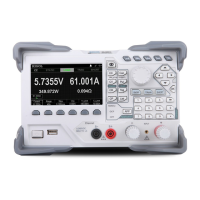
Figure 3 Front Panel
1. LCD
4.3 inches high-resolution color LCD displaying the menu, configuration guide,
measurement parameters, system status, prompt messages, etc.
2. Function Keys
Configure the scan list and the measurement parameters of each
channel.
Create, edit, read and save the scan list.
Set the number of scans, trigger mode and scan interval.
Provide the channel configuration guide which can be used to
configure the measurement parameters, scaling parameters,
alarm parameters and advanced measurement parameters of
the channel.
Enable or disable the channel monitor function.
Support single-channel, multi-channel and all-channel monitor
functions.
In single-channel monitor function, you can switch the channel
monitored at any time.
In multi-channel monitor function, you can monitor up to 7
channels in the scan list.
1 2
6 7 8 9 10



 To Next Page