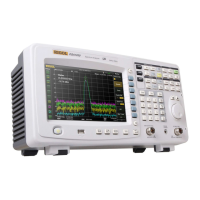
Power On and Inspection
1. Connect the power
1) Adjust the power voltage selector at the rear panel according to the power
supply voltage. M300 supports two types of AC power: if your supply
voltage is in the range of 115*(1-10%) V and115*(1+10%) V, please select
115 and if it is in the range of 230*(1-10%) V and 230*(1+10%) V, please
select 230.
2) Connect the instrument to AC power using the power cord provided in the
accessories.
2. Start the instrument
Press the power key at the front panel and the instrument starts.
After the instrument starts, it checks the modules. This process would take
several to dozens of seconds according to the number of modules inserted.
During this process, user operation is forbidden.
3. Check the instrument following the steps below if the instrument
does not start normally
Check whether the power is correctly connected.
Check whether the power key at the front panel is really on.
Check whether the power fuse is burned out. If the fuse needs to be
changed, use the specified fuse.
Check whether the correct power voltage is selected. Please select the
proper power voltage according to the power supply voltage.
Restart the instrument after finishing the above inspections. If it still does
not work correctly, please contact RIGOL.
AC Power Socket



 To Next Page