ProSYS User's Manual 29
¾ To disarm using a duress code:
1)
If outside the premises, open an "entry" door. The keypad(s) beeps,
indicating that the Entry Delay time period has begun.
2)
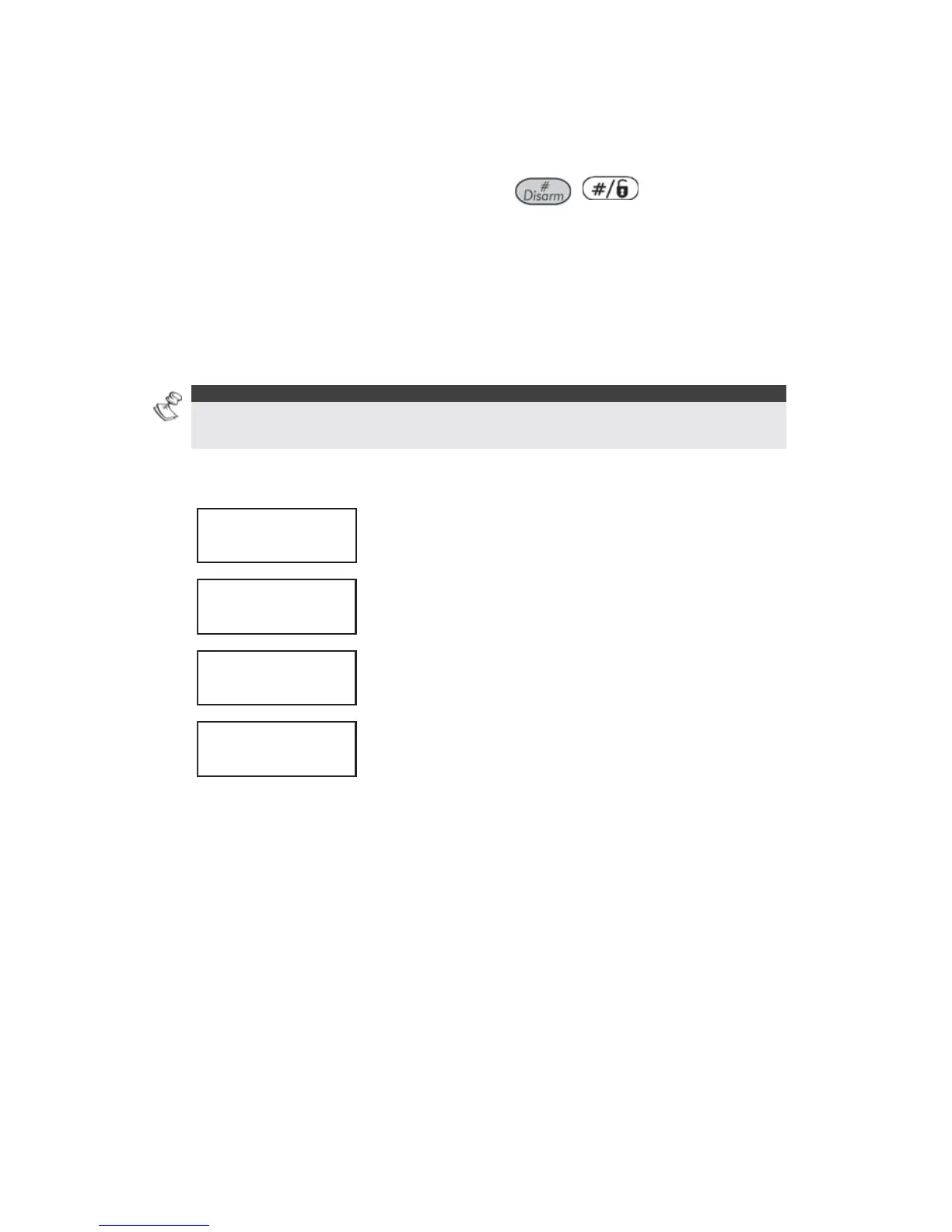
Enter your duress code and press
/ . The system is
disarmed, and a silent alarm is sent to the Monitoring Station.
Disabling the Fire Alarm (Switch Auxiliary)
Disarming the fire alarm interrupts the power supplied to the system's
smoke detector(s) for a predetermined interval, thus resetting and
"readying" them for subsequent alarms.
NOTE:
You may need to perform this procedure several times in order to prevent the
smoke detector(s) from re-detecting any remaining smoke.
¾ To disable the fire alarm:
1)
USER FUNCTIONS:
1) BYPASS
USER FUNCTIONS:
1) BYPASS
From the User Functions menu, select [2]
Activities.
2)
ACTIVITIES:
1) UTIL OUTPUT
ACTIVITIES:
1) UTIL OUTPUT
Select [2] Switch Auxiliary.
3)
INSERT CODE:INSERT CODE:
Enter your user code.
DONE
HIT ANY KEY
DONE
HIT ANY KEY
The fire alarm is disabled for a predefined amount
of time.



 To Next Page