ProSYS User's Manual 59
Chapter 13: Complete Menu of User
Functions
Your ProSYS comes with a variety of selectable user functions that
become available when you enter the User Functions mode. This chapter
lists the complete menu of user functions, the most frequently used of
which are described in detail in previous chapters of this manual.
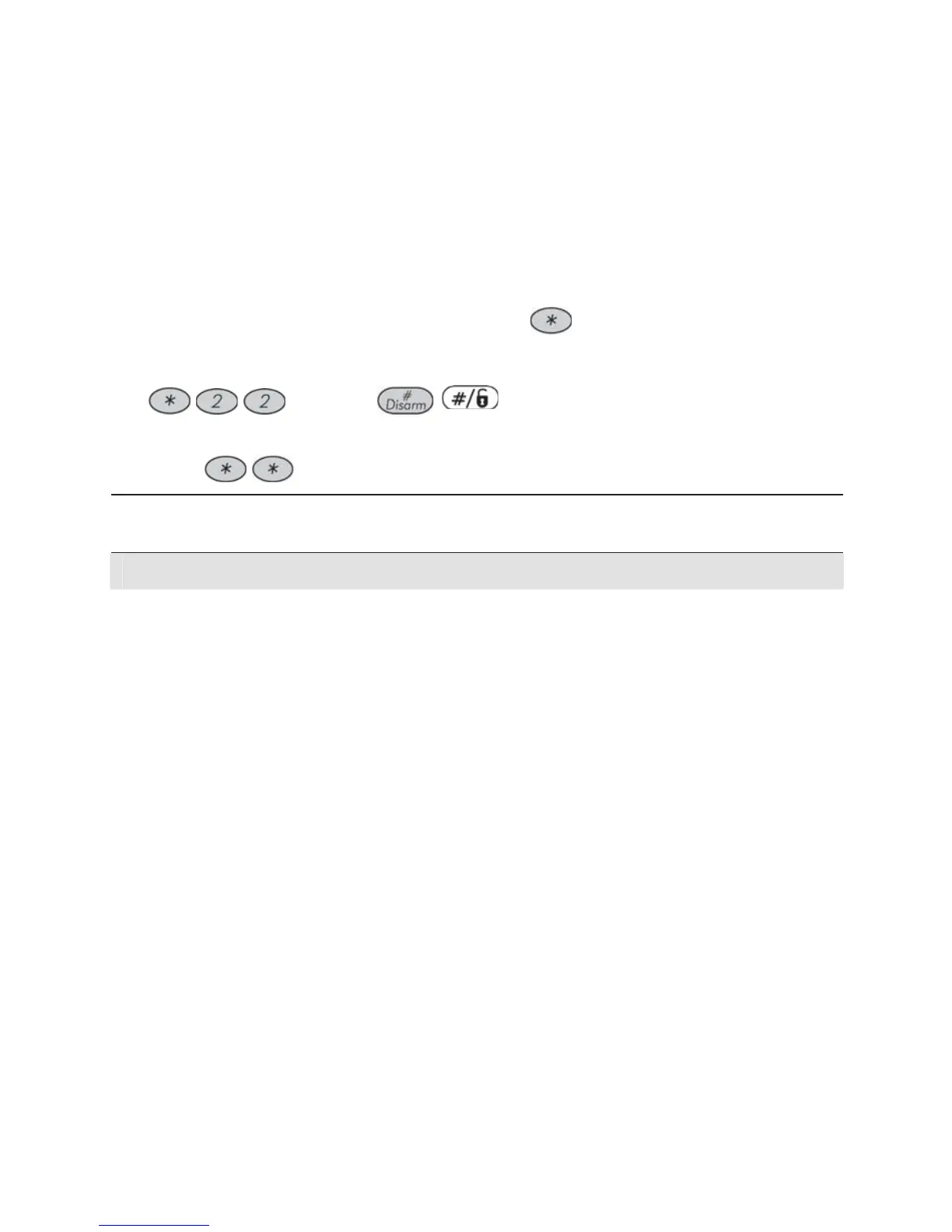
To enter the User Functions mode, press
followed by the Function
Index or quick key (see the table below) and your user code. For example,
to activate Switch Auxiliary, press
[1-2-3-4]
/
.
To exit the User Functions mode and return to Normal Operation mode,
press
quickly.
Quick
Key
Function Description
1 Bypass
1 Bypass
Zones
Provides the ability to bypass any of the system's intrusion
zones, as described on page 30.
2 Bypass
Reset
Removes any bypass(es) previously placed on an intrusion
zone(s).
3 Bypass
Recall
Recalls the most recent zone bypass(es).
4 Permanent
Bypass
Provides the Grand Master the ability to bypass (and reset
bypassing) any of the system's intrusion zones
permanently.
This feature is different from regular Zone Bypassing
(Quick key [*][1][1]). While in regular bypassing, the zone
returns to be Not Bypassed after it is armed, in Permanent
Bypass the zone remains bypassed until the Grand Master
changes its status.
5 Bypass
Tamper
Provides the Grand Master or the Installer the ability to
bypass bell or box tamper conditions.
If Bypass Tamper is selected and a tamper condition
occurs, the tamper LED on the LCD will light, there will be
no alarm, no indication to the Monitoring Station and no
record in the event log.
Note that this feature should be enabled by your installer.



 To Next Page