ProSYS User's Manual 57
4)
PROX TAG:
1) (RE)WRITE TAG
PROX TAG:
1) (RE)WRITE TAG
Select [2] Del By User.
5)
SELECT USER:
00)0 GRAND
SELECT USER:
00)0 GRAND
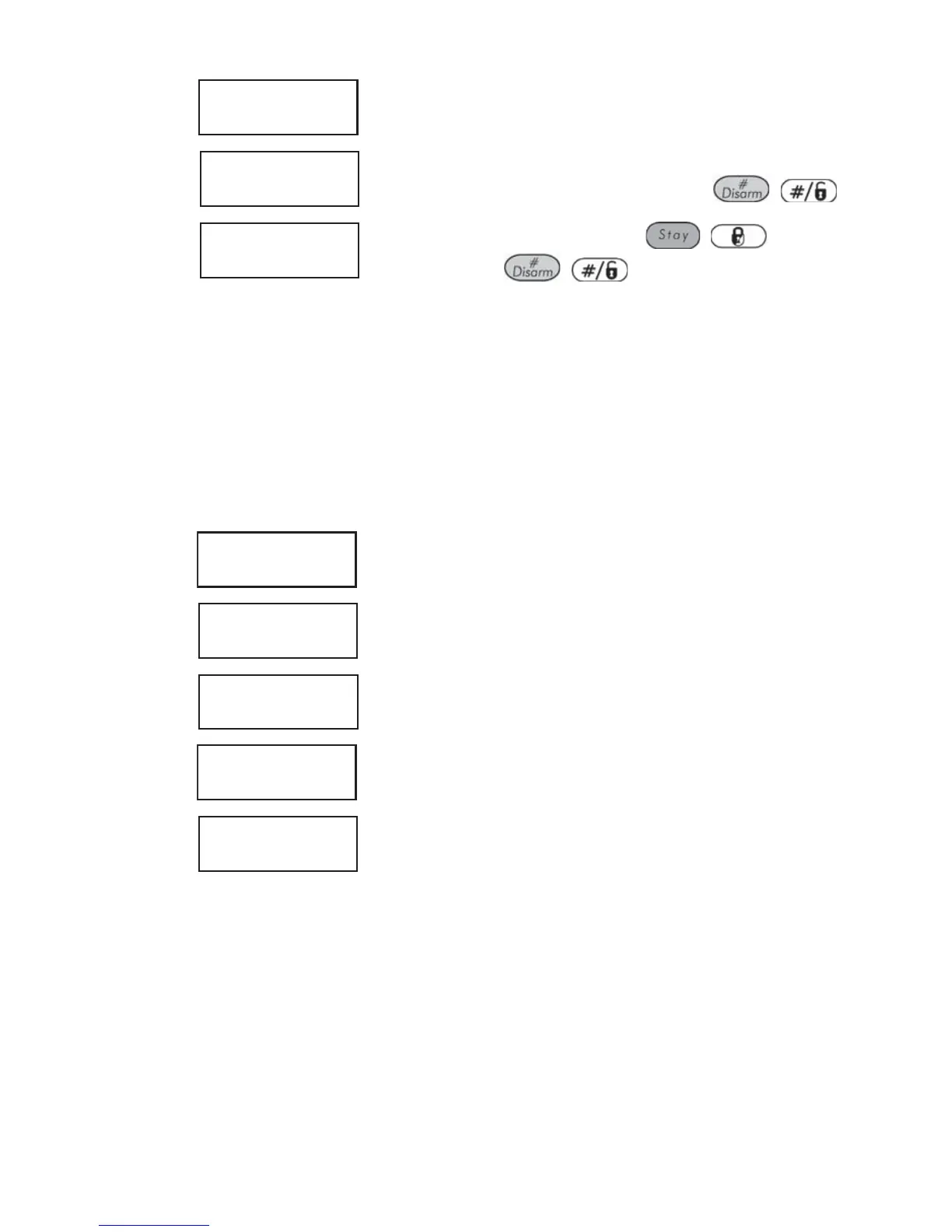
Select the user for which you want
to delete the proximity tag and press
/ .
6)
***DELETE***
ARE YOU SURE? N
***DELETE***
ARE YOU SURE? N
Select [Y] or [N] by using the / key and
then pressing
/ . If you select [Y], the
following confirmation message is displayed: USER
XX: TAG DELETED.
Deleting a Proximity Tag By the User Tag
You can use this option to delete a proximity tag for which the user is not
known.
¾ To delete a proximity tag by user tag:
1)
USER FUNCTIONS:
1) BYPASS
USER FUNCTIONS:
1) BYPASS
From the User Functions menu, select [5] Access
Code.
2)
INSERT CODE:INSERT CODE:
Enter your user code.
3)
ACCESS CODE:
1) UPDATE CODES
ACCESS CODE:
1) UPDATE CODES
Select [5] Prox Tag.
4)
PROX TAG:
1) (RE)WRITE TAG
PROX TAG:
1) (RE)WRITE TAG
Select [3] Del By Tag.
5)
APPROACH TAG TO
PROX KEYPAD
APPROACH TAG TO
PROX KEYPAD
Within 10 seconds, approach the proximity tag at a
distance of 3 to 7 cm. from the keypad's keys.
If the proximity tag was deleted, the following
confirmation message is displayed: USER TAG XX
DELETED.
If the system does not recognize the proximity tag,
the following message is displayed: TAG NOT
DEFINED IN MEMORY.



 To Next Page