46 ProSYS User's Manual
4)
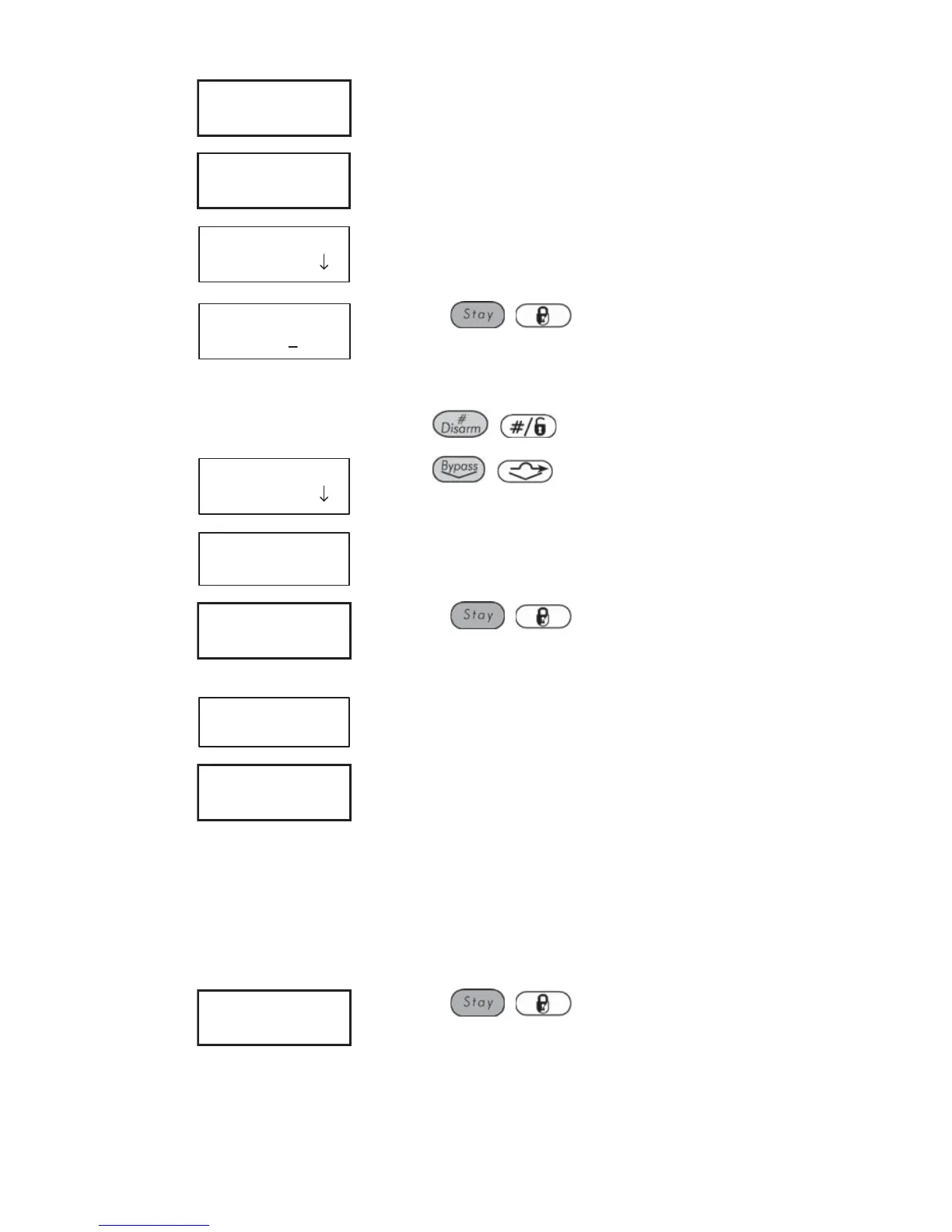
SCHEDULER:
01)SCHEDULE 01
Select a program.
5)
SCHEDULE 01:
01)ARM/DISARM
Select [1] Arm/Disarm.
6)
ARM/DISARM S:01
1) ON/OFF
Select [1] On/Off.
7)
SCHEDULE 01:
SCHEDULE:ON
Use the / key to define :
On : Automatic scheduling is enabled.
Off : Automatic scheduling is disabled.
Press
/ .
8)
ARM/DISARM S:01
1) ON/OFF
Press / .
9)
ARM/DISARM S:01
2)PARTITION
Select [2] Partition.
10)
P:12345678 S:01
Y-------
Use the / key to enter Y under each
partition that will be automatically armed and
disarmed.
11)
ARM/DISARM S:01
3)ARMING MODE
Select [3] Arming Mode.
12)
ARMING MODE:S:01
1)AWAY
Select one of the following options:
[1] Away: To fully arm the system. Proceed to
step 14.
[2] Stay: To arm the system's external detectors.
Proceed to step 14.
[3] Group: To arm groups within the assigned
partitions. Proceed to step 13.
13)
GROUP=ABCD S:01
....
Use the / key to enter Y under each
group that will be automatically armed and
disarmed.



 To Next Page