Advanced Features
Automatic Sorting into Groups [Program]
44
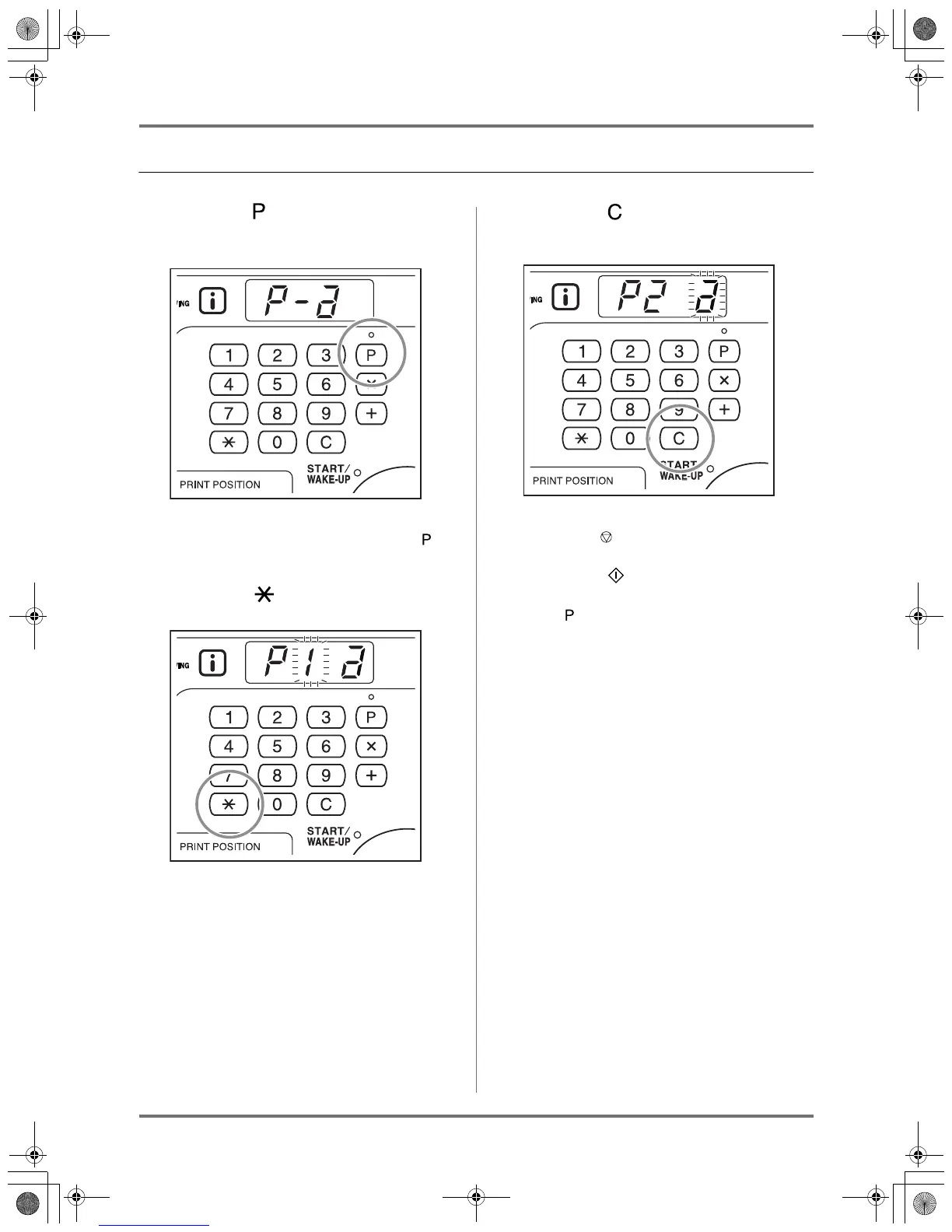
Clearing Programs
1
Press the key to turn on its indica-
tor.
Note:
• To cancel the program mode, press the key
once again.
2
Press the key.
3
Enter the program number to clear
using the Print Quantity keys.
Note:
• You cannot enter an unregistered program
number. Select a stored program number.
4
Press the key.
"a" blinks in the print quantity display.
Important!:
• Press the key to cancel clearing of program.
5
Press the key.
Selected program settings are cleared.
Press key to cancel program mode.
KZ30_UG.book Page 44 Monday, December 21, 2009 11:11 AM









 To Next Page