Utility Software Guides
RISO-ADMIN features
19
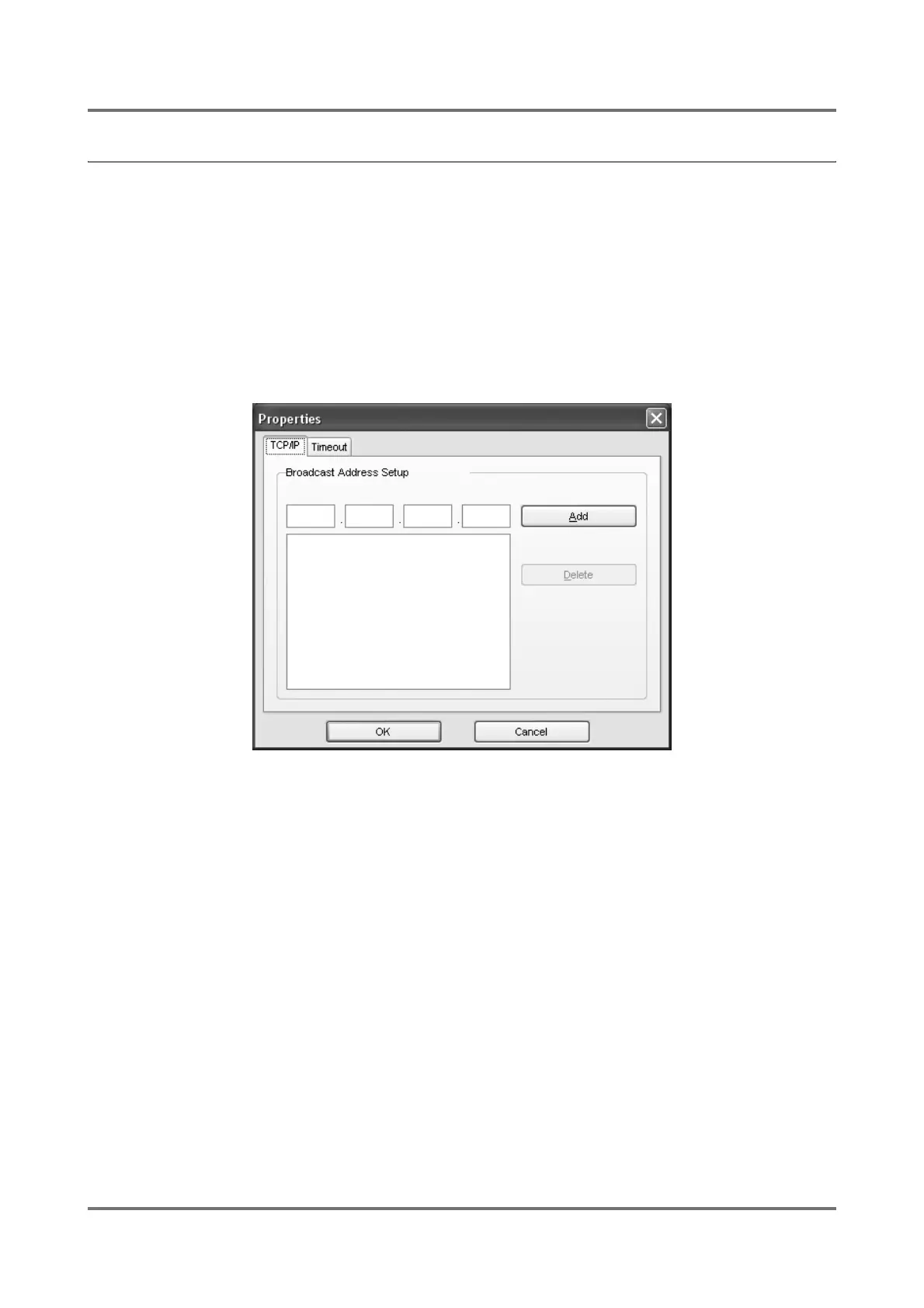
[Properties] dialog box
You can specify the operation environment of RISO-ADMIN here.
[TCP/IP] tab
You can specify Broadcast IP addresses here. If they are specified, RISO-ADMIN also searches for RISO printers on
the other networks specified by the Broadcast IP addresses and shows their network configuration data in the main
window.
The Broadcast IP address indicates the IP address of another router than on the current network.
Note:
• Multiple Broadcast IP addresses can be specified.



 To Next Page