Rhein-Nadel Automation GmbH 11
VT-BA-ESK2001_EN_2023.docxVT-BA-ESK2001_EN_2023.docx
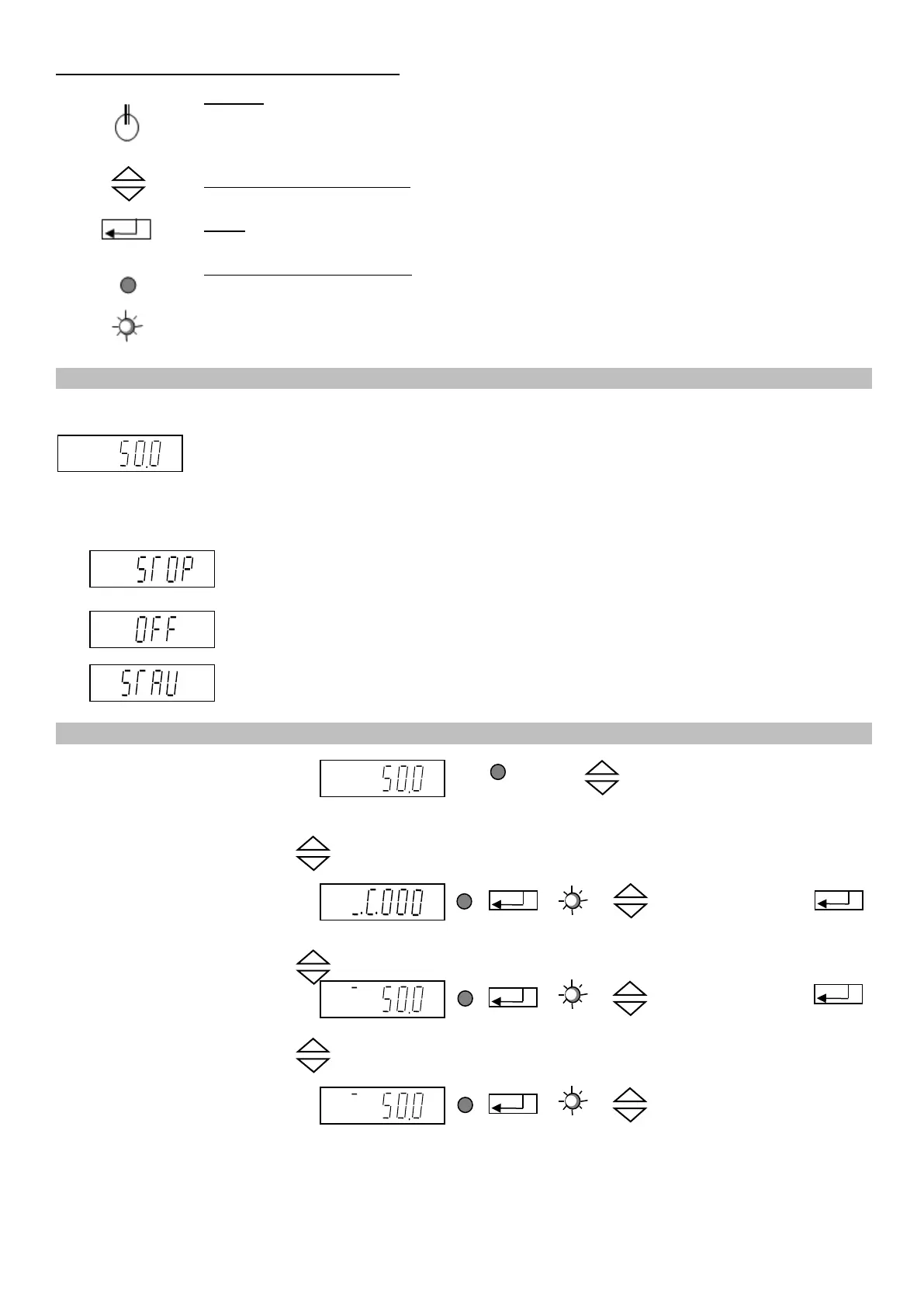
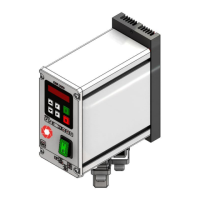
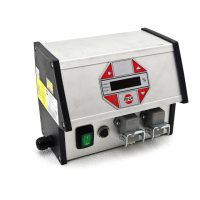
The controller display (membrane keypad)
On / Off
Pressing this button switches off all connected devices. The display shows "OFF".
The controller remains ready for operation.
Cursor up and cursor down
Use these buttons to scroll through the controller menu or set the parameters.
Enter
Press this button to acknowledge the parameters entered with the cursor.
Decimal point in the display
The decimal point is not blinking. You cannot make any entry.
The decimal point is blinking, an entry can be made.
To start up the controller, close the main disconnect switch. The main menu appears on the display showing
the last setpoint entered in channel 1 (feed rate of the bowl feeder).
Alternatively, the following may appear on the display depending on the switching status of the device:
External enabling signal has been activated but it is withdrawn from the device at
the moment.
(medium priority)
Device has been switched off by operating the top left button of the membrane
keypad, inhibiting all functions. (highest priority)
The accumulation monitoring sensor is operated, switching off channel 1 (the vi-
bratory feeder). (low priority)
Display of setpoint or feed rate of
channel 1 (bowl feeder)
Alternatively: STOP, OFF or AC-
CUMULATION
(see above)
Entry of the codes to change or
execute the required settings.
Enter code.
Description of codes
see under 4.4.
Setpoint entry for channel 1
(bowl feeder)
Entry in %; return to
display mode for
saving
Setpoint entry for channel 2
(Linear feeder or belt hopper
with AC capacitor motor)
(not available with belt drive)
Entry in %; return to
display mode for
saving
Use the cursor buttons (UP/ DOWN) to scroll through these four basic screens of the main menu. In each
individual item of the main menu you can press ENTER to activate this item for setting or changing. Upon
5.2. Starting-up the controller
5.3. Main menu / Setpoint entry and display for channels 1 and 2


 To Next Page