5151
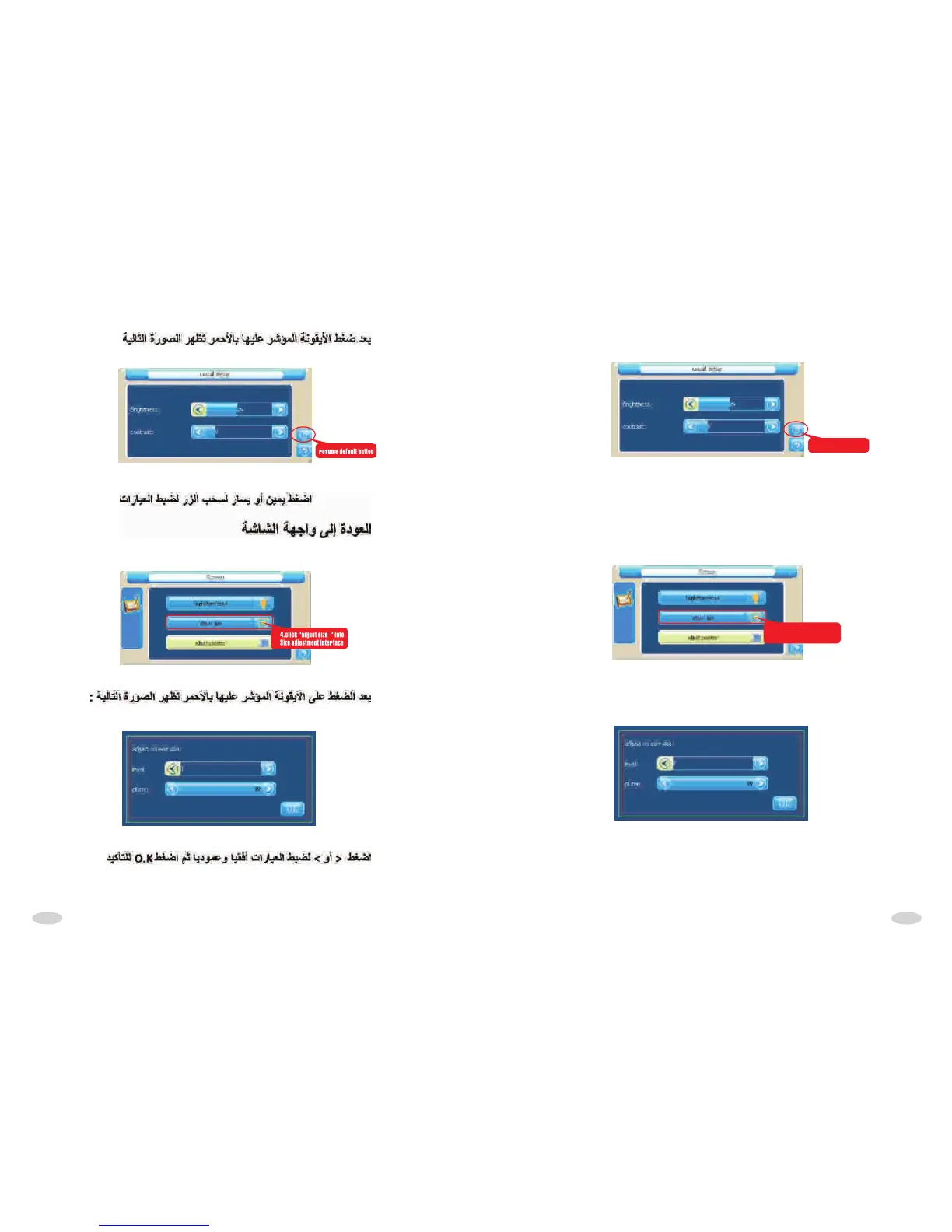
As following picture:
resume default button
Chick "right-left" seroll button to adjust parameter!
Return to screen interface:
4.click "adjust size " into
Size adjustment interface
As following picture:
Click ">""<" to adjust vertical,horizon parameter, then click "OK" to confirm.



 To Next Page