5252
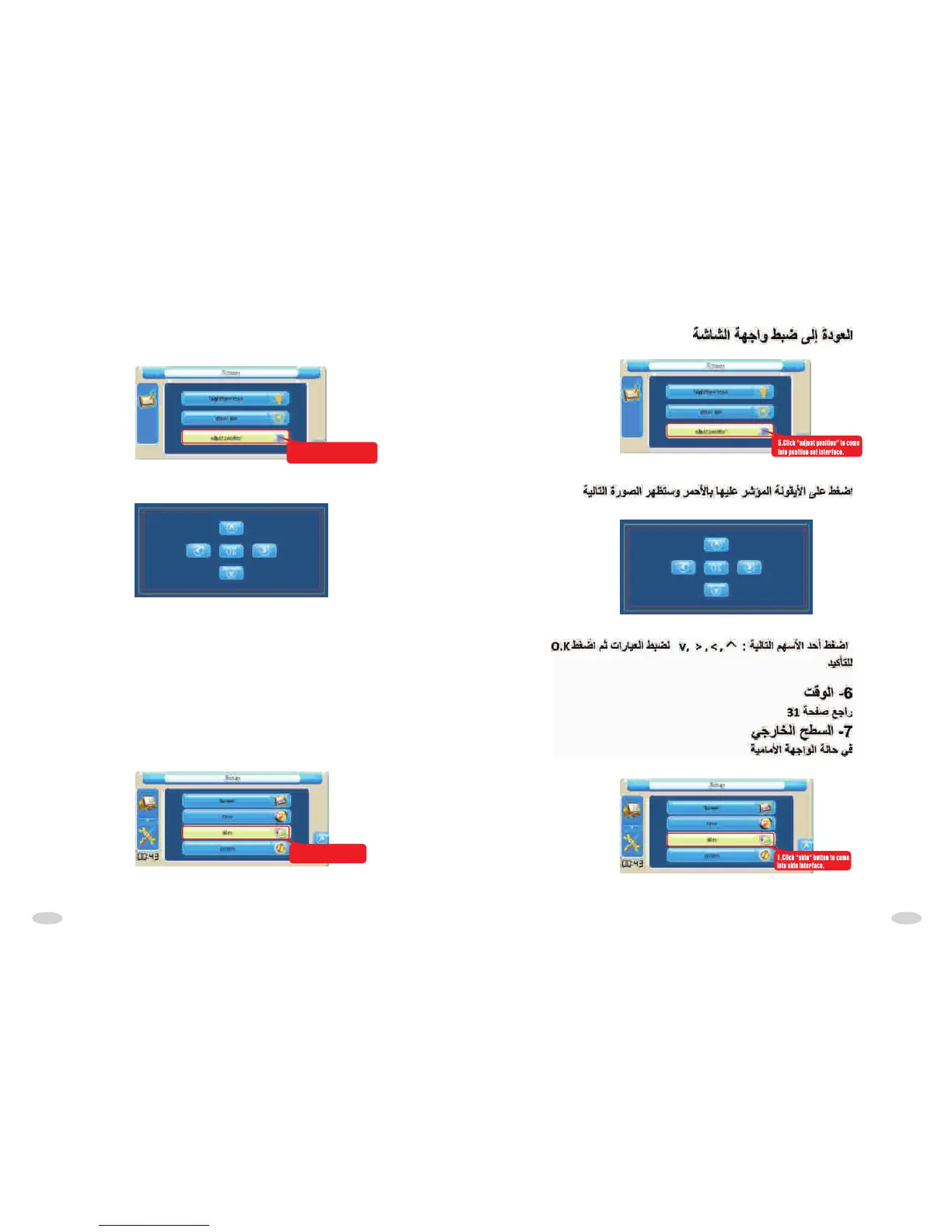
Return to screen set interface:
5.Click "adjust position" to come
into position set interface.
As the following picture:
Click ">""<" " " " " to adjust parameter,the click "OK" to confirm.
6.TIME
Refer to P31
7.SKIN
At main interface state:
1.Click "skin" button to come
into skin interface.
>
>



 To Next Page