23
was > 0% (e.g. if dimmer = 50% for one hour, the adaptive time is 0.5 hour, if dimmer = 100%
for one hour, the adaptive time is 1 hour).
Actual Module Info - Use the item to read current information about the LEDs module installed in
the xture.
Serial Number/ Device UID - a serial number of the LEDs module/RDM UID of the xture.
Measurement Date/Time - a date/time of running the procedure "LEDs Measure" in the tab
Service.
Intensity - the item shows a light intensity of the LEDs module measured after running
the procedure "LEDs Measure" in the tab Service. The light intensity is displayed in percentages
in relation to the initial intensity of the new LEDs module (initial intensity=100%).
LEDs On Time Total/Adaptive - Total: a total time of the LEDs module operation during which
the dimmer intensity was > 0%.
Adaptive: a relative time of the LEDs module operation during which the dimmer intensity
was > 0% (e.g. if dimmer = 50% for one hour, the adaptive time is 0.5 hour, if dimmer = 100%
for one hour, the adaptive time is 1 hour).
Assembly History - Use the item to read a history of the LEDs module installed in the xture (its serial
number, RDM UID of xture at which was installed and date/time of installation).
Up to 31 records can be saved in the menu item.
Intensity History - Use the item to read a history of light intensity of the LEDs module installed in the xture.
Serial Number/ Device UID - a serial number of the LEDs module/RDM UID of the xture.
Measurement Date/Time - a date/time of running the procedure "LEDs Measure" in the tab
Service.
Intensity - the item shows a light intensity of the LEDs module measured after running
the procedure "LEDs Measure" in the tab Service. The light intensity is displayed in percentages
in relation to the initial intensity of the new LEDs module (initial intensity=100%) .
Up to 31 records can be saved in the menu item.
LED Modules History - Use the item to read a history of the LEDs modules installed in the xture (their serial
numbers and date/time of installation).
Up to 31 records can be saved in the menu item.
View Logs - Use this menu to read xture´s data which have been recorded during xture operation. This
collected data allows easier troubleshooting.
Fixture Errors - Use this menu to read xture errors which have occurred during xture operation.
Fixture States - In the menu are recorded xture states as power on and power o.
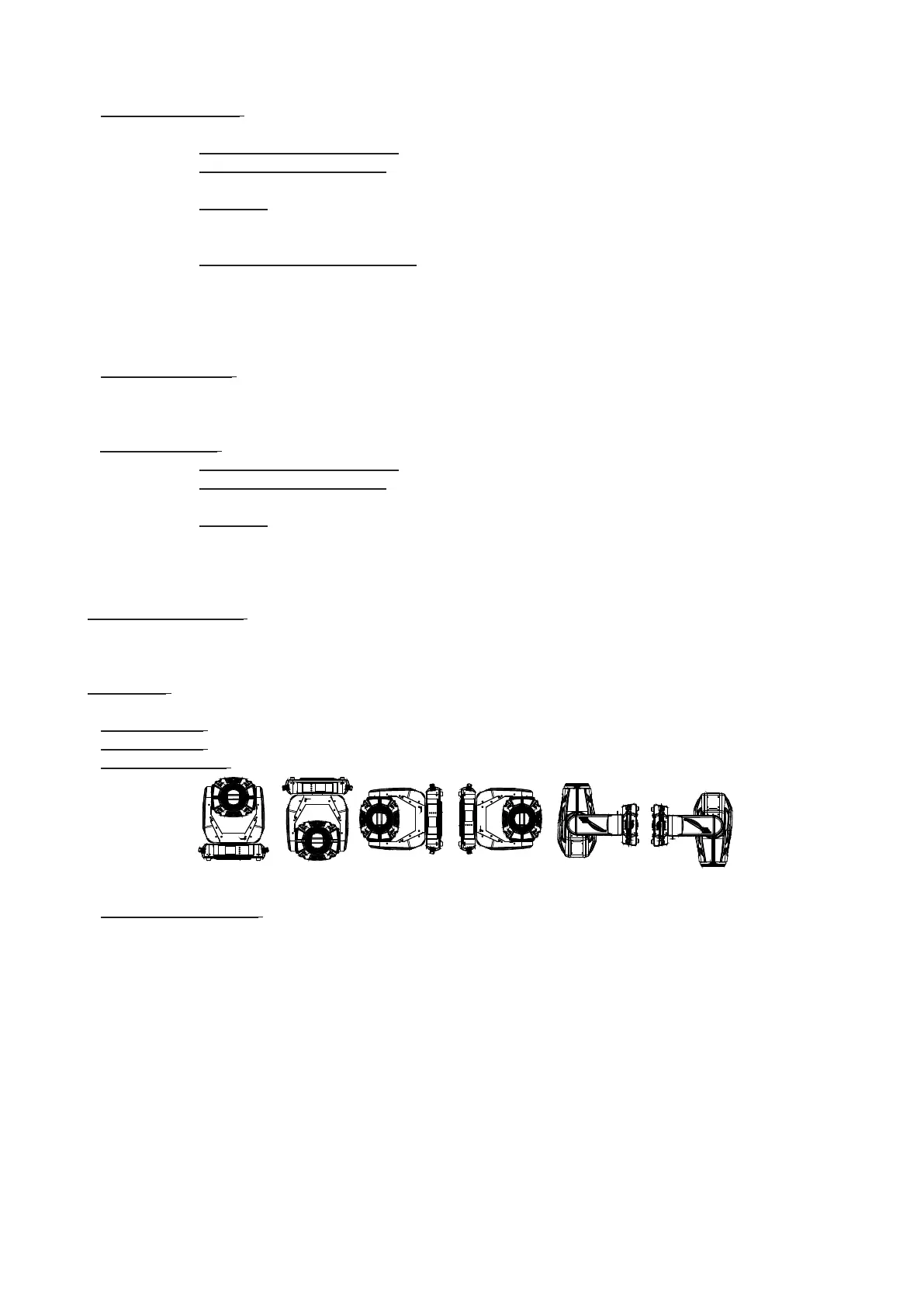
Fixture Positions - In the menu are recorded installation positions of the xture:
Fixture Temperatures - In the menu are recorded temperatures which have exceeded dened levels.
Note: The log buer can contain max. 8000 records. If the buer is full, old data will be overwritten.
Display
Display
BottomTopSide BottomSide TopFront InvertedFront Normal



 To Next Page