27
Edit Program - Use the menu to create or to edit desired program. The Robin Forte oers 2 free programs,
each up to 80 steps.
Edit Program 1 - The option allows you to edit user program No.1.
Edit Program 2 - The option allows you to edit user program No.2.
To edit program:
1. Touch the item which you want to edit (“Edit Program 1” - “Edit Program 2”).
2. Touch the item "Edit Program Steps".
3. Touch the item "Step 1".
4 From the list of eects touch desired eect and set its value. Browse throw the list by touching the [up arrow]
and [down arrow] and set all desired eects.
An item "Step Time" (value of 0-25.5 sec.) is the time during which eects last in the current step
5. Save adjusted eects to the current step by touching the [conrm] or save and copy them to the following
step by touching the [conrm+copy]. By touching the text box "Preview" next to the current program step you
can view created scene.
6. Repeat the steps 4 and 5 for next program steps.
7. After editing desired program steps, adjust the length of the program by touching the text boxes "Start Step"
and "End Step".
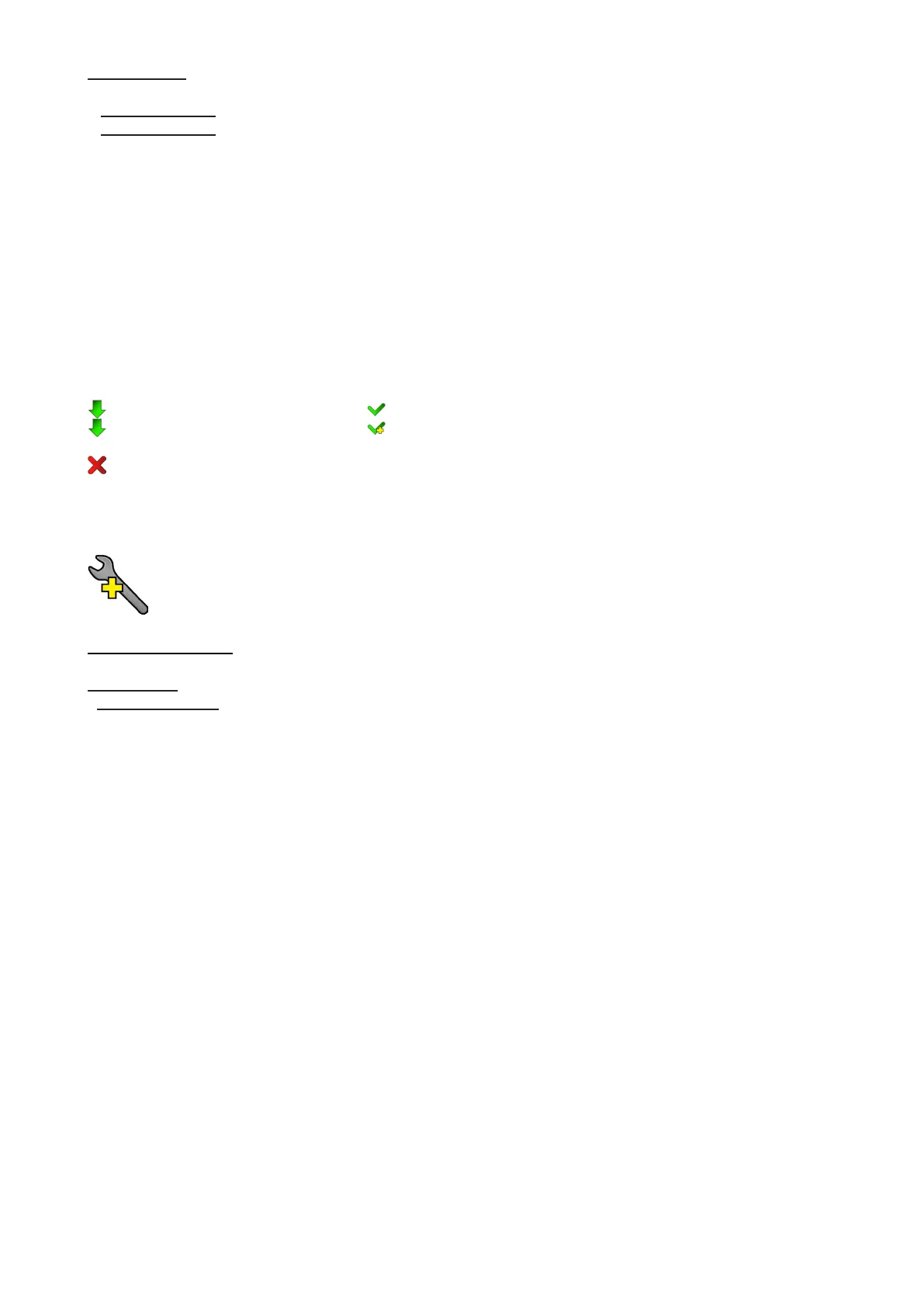
Meaning of the icons used in the "Edit Program" menu:
- moves down on the next page - saves adjusted values and leaves menu
- moves up on the previous page - saves values to the current step and copy them to the
following prog. step
- leaves menu without saving values
6.6 Tab "Service"
Adjust DMX Values - The menu allows you to set all eects to desired positions before ne calibration of the
eects .
Calibrations - This menu enables ne calibration of xture eects and download default calibration values.
Calibrate Eects - The menu allows the ne adjustment of eects.
Pan- a pan position ne adjustment (value range: 0-255)
Tilt - a tilt position ne adjustment (value range: 0-255)
Rot. Gobo Wheel - a carousel of rotating gobos ne movement (value range: 0-255)
R. Gobo Index 1 - a ne movement of the rotating gobo 1 (value range: 0-255)
R. Gobo Index 2 - a ne movement of the rotating gobo 2 (value range: 0-255)
R. Gobo Index 3 - a ne movement of the rotating gobo 3 (value range: 0-255)
R. Gobo Index 4 - a ne movement of the rotating gobo 4 (value range: 0-255)
R. Gobo Index 5 - a ne movement of the rotating gobo 5 (value range: 0-255)
R. Gobo Index 6 - a ne movement of the rotating gobo 6 (value range: 0-255)
R. Gobo Index 7 - a ne movement of the rotating gobo 7 (value range: 0-255)
R. Gobo Index 8 - a ne movement of the rotating gobo 8 (value range: 0-255)
Static Gobo - a static gobo wheel ne movement (value range: 0-255)
Colour Wheel - a colour wheel ne movement (value range: 0-255)
Cyan - a cyan ag ne movement (value range: 0-255)
Magenta - a magenta ag ne movement (value range: 0-255)
Yellow - an yellow ag ne movement (value range: 0-255)
Prism 1 - a prism ne movement in relation to stop (value range: 0-255)
Prism 2 - a prism ne movement in relation to optic axis (value range: 0-255)
Prism Rotation - a prism ne rotation (value range: 0-255)
Zoom - a zoom module ne movement (value range: 0-255)
Focus - a focus module ne movement (value range: 0-255)
Iris - an iris ne movement (value range: 0-255)
Frost 1 - a frost ne movement in relation to stop (value range: 0-255)
Frost 2 - a frost ne position movement in relation to optic axis (value range: 0-255)
Fr. Shutters. rot- a framing shutters module ne rotation (value range: 0-255)
Fr. Shutter 1 Move - a Fram. lamella 1 ne moving
Fr. Shutter 1 Swiv. - a Fram. lamella 1 ne swivelling
Fr. Shutter 2 Move - a Fram. lamella 2 ne moving



 To Next Page