25
Search function
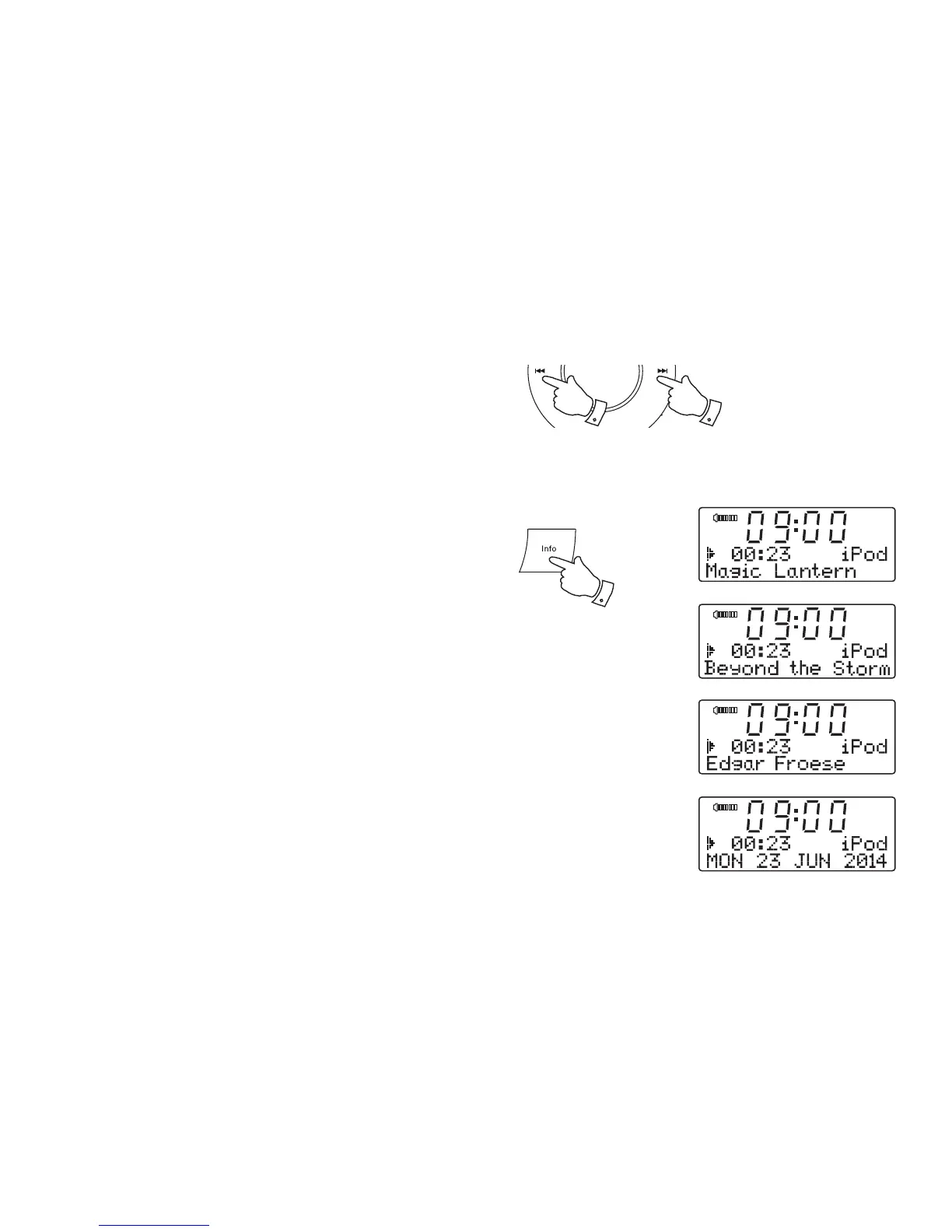
1. While the iPod is playing, press and hold the Fast-forward or Rewind
buttons to move through the current fi le or track. Release the button
when the desired point in the fi le or track is reached.
2. Press and release either the Fast-forward or Rewind buttons to start
playing the next or previous fi le or track.
Display modes - iPod mode
Your clock radio has a range of display options when in iPod mode:-
1. Press and release the Info button to cycle through the various options.
a. Title Displays the title of the track currently playing.
b. Album Displays the name of the album from which the current
track is taken.
c. Artist Displays the name of the artist for the track currently
playing.
d. Date Display shows the current date.
Whenever the clock radio is displaying an information screen, the playback
progress of the current track will be displayed.
1,2 1,2
1
a
b
c
d












 To Next Page