5.2.3 ZERO SETTNG- 3 (MOTION INPUT)
When the zero setting is missed and need to configure again, it is necessary to set an approximate zero
9
.
J I 1A'V I [.1 I
kyl
I * I [•i I]
point before setting the precise zero point to avoid any malfunction. Follow the direction below.
UXA-90 can be operated with two remote control methods: the remote controller in RBTool or RF mini
©
Connect the power adapter and the USB cable to the UXA-90.
controller.
©
Hold the waist of the robot, and turn on the power with all its joints straight
©
Open RBTool.exe and click <Connect Port>
j Press # button and C button on the remote controller.
©
Press A button while the robot is standing straight, and check the buzzer sound.
©
The robot is relaxed for 5 seconds, and torque is applied to all motors.
rtj Press A button again, and repeated the direction above 5 times.
®
Press C button to save the memory.
r
•
i;I V
<RF-USB>
<RF-USB zoomed in>
A.
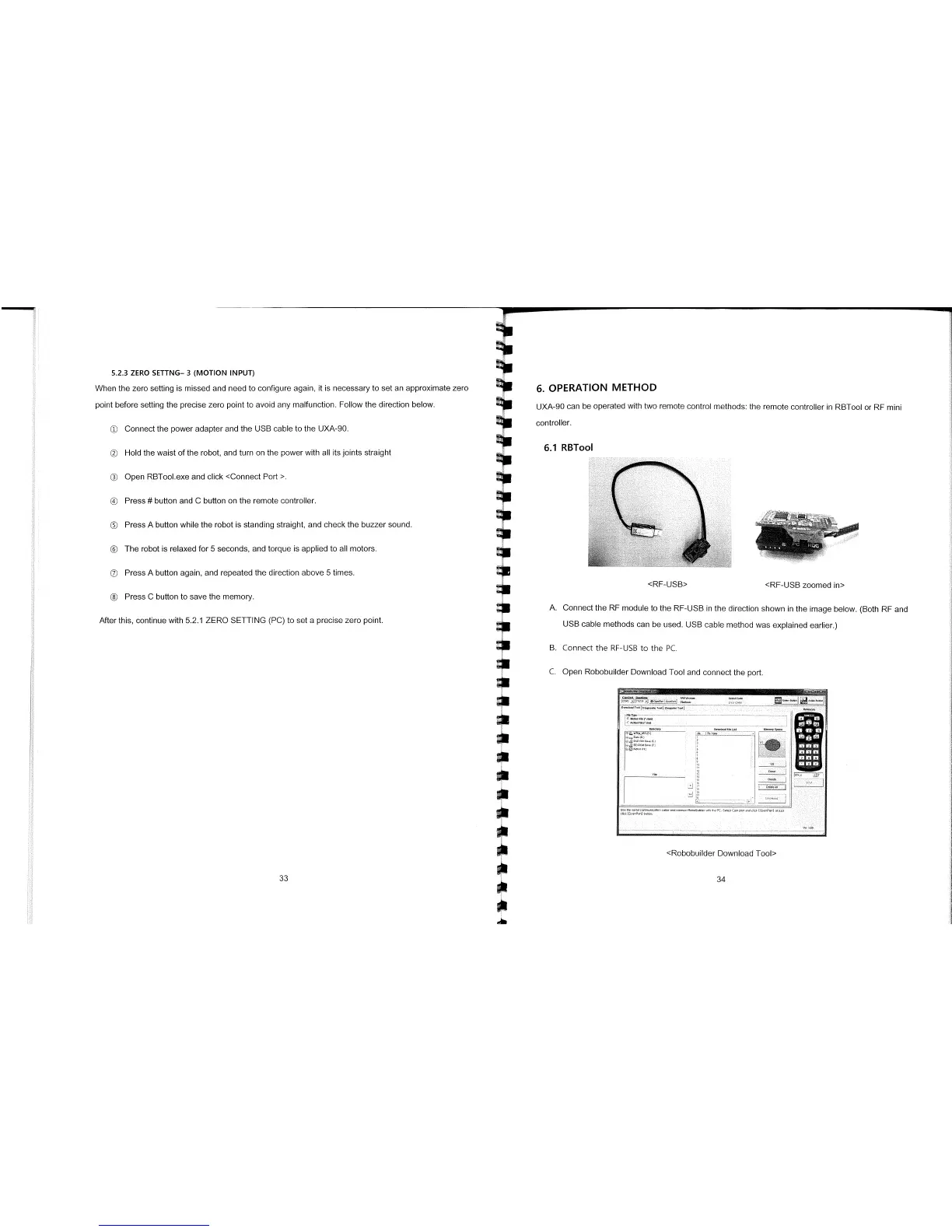
Connect the RF module to the RF-USB in the direction shown in the image below. (Both RE and
After this, continue with 5.2.1 ZERO SETTING (PC) to set a precise zero point.
USB cable methods can be used. USB cable method was explained earlier.)
B.
Connect the RF-USB to the PC.
C.
Open Robobuilder Download Tool and connect the port.
OdTIOftT:Z,,,p,tT
M
Us
h
ii
Icornr,n.n,nabr
0
0 S
00
0th
LOtS P 0 10 I!
Itck( rtPo,t op
<Robobuilder Download Tool>
33
L
34



 To Next Page