# BASIC OPERATION
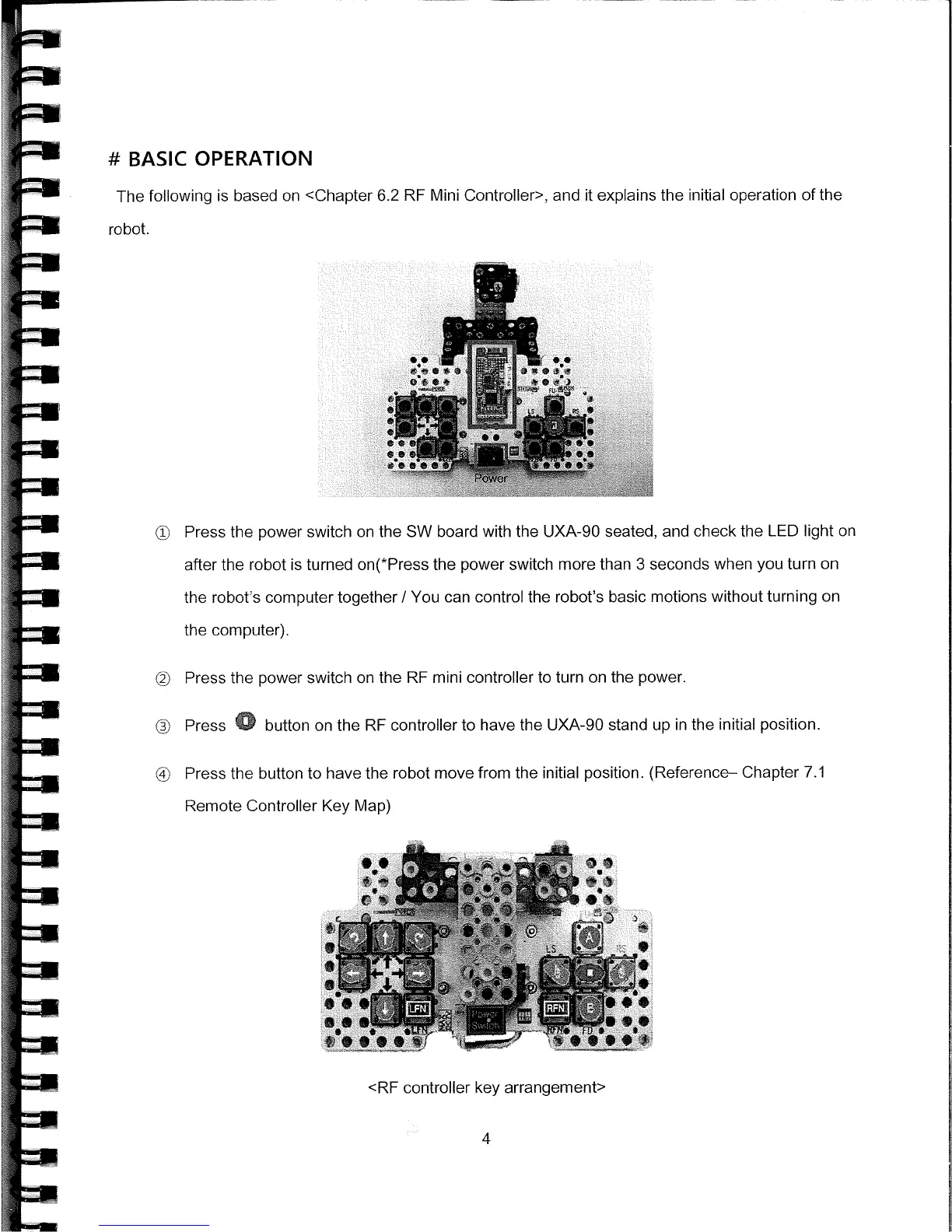
The following is based on <Chapter 6.2 RF Mini Controller>, and it explains the initial operation of the
robot.
c
Press the power switch on the SW board with the UXA-90 seated, and check the LED light on
after the robot is turned
on(*Press
the power switch more than 3 seconds when you turn on
the robot's computer together
I
You can control the robot's basic motions without turning on
the computer).
©
Press the power switch on the RE mini controller to turn on the power.
(
Press
0
button on the RF controller to have the UXA-90 stand up in the initial position.
@
Press the button to have the robot move from the initial position. (Reference— Chapter 7.1
Remote Controller Key Map)
<RE controller key arrangement>
4



 To Next Page