5.2 ZERO SETTING DIRECTION(Robobuilder Download Tool)
5.2.1 ZERO SETTING
-
1 (PC NETWORK)
*
Increase or decrease the run time at a specific rate.
©
-
®
Shift Value of Selected Scene
1)
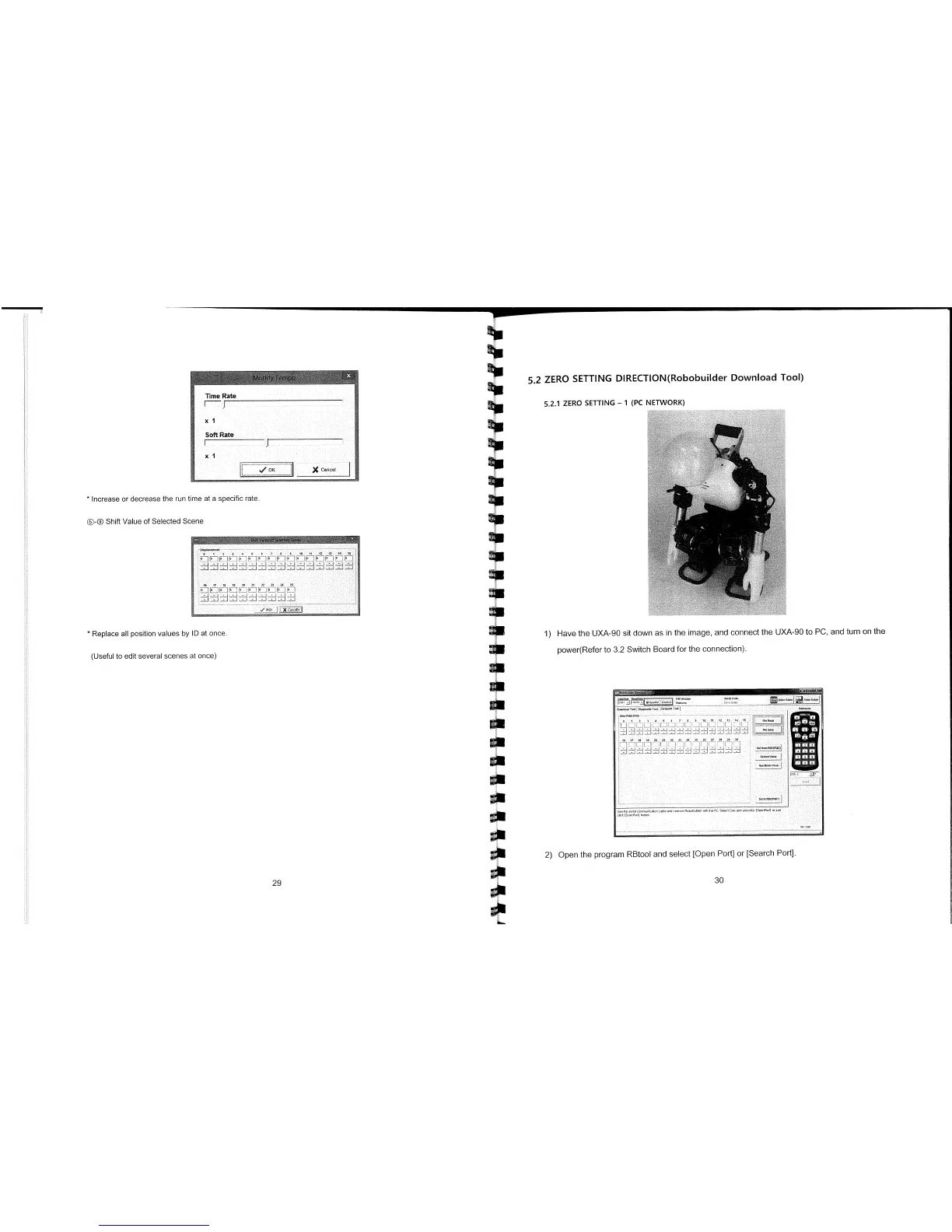
Have the UXA-90 sit down as in the image, and connect the UXA-90 to PC, and turn on the
power(Refer to 3.2 Switch Board for the connection).
i
L
L
Li
_L
J
L
C
l
J
-
Cl
—21
Dera*tVoIu,
7
5
9
U(h
n
P andtR
,
!d
5h P PC
I
C m
707 70 0 0
(0
0700( 00 0
lick I
P
0]
lOon
2)
Open the program RBtool and select [Open Port] or [Search Port].
29
30
*
Replace all position values by ID at once.
(Useful to edit several scenes at once)



 To Next Page