LZUtIi I [si
ilk
I
-
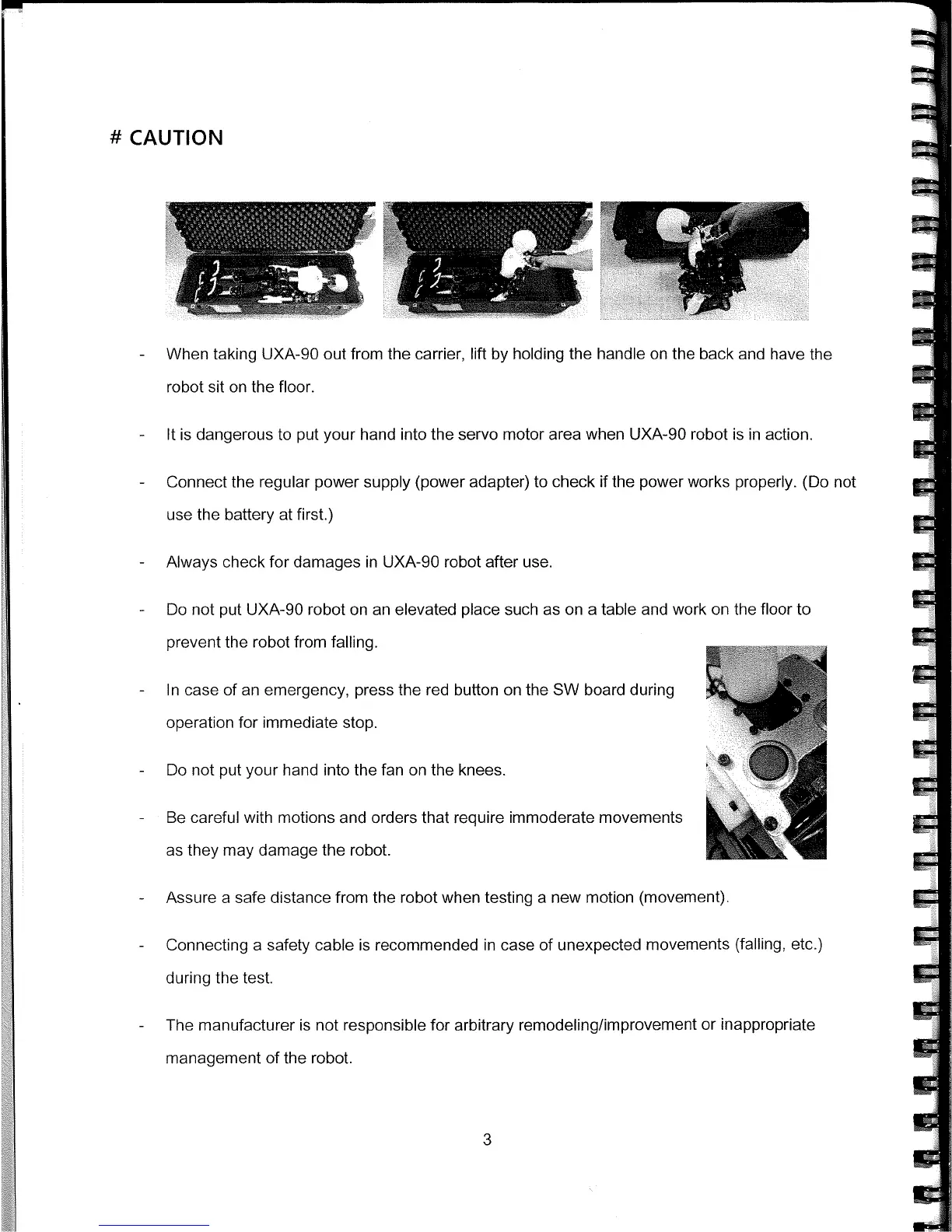
When taking UXA-90 out from the carrier, lift by holding the handle on the back and have the
robot sit on the floor.
-
It is dangerous to put your hand into the servo motor area when UXA-90 robot is in action.
-
Connect the regular power supply (power adapter) to check if the power works properly. (Do not
use the battery at first.)
-
Always check for damages in UXA-90 robot after use.
-
Do not put UXA-90 robot on an elevated place such as on a table and work on the floor to
prevent the robot from falling.
-
In case of an emergency, press the red button on the SW board during
operation for immediate stop.
-
Do not put your hand into the fan on the knees.
-
Be careful with motions and orders that require immoderate movements
as they may damage the robot.
-
Assure a safe distance from the robot when testing a new motion (movement).
-
Connecting a safety cable is recommended in case of unexpected movements (falling, etc.)
during the test.
-
The manufacturer is not responsible for arbitrary remodeling/improvement or inappropriate
management of the robot.
3



 To Next Page