Robotiq Hand-E Gripper Instruction Manual
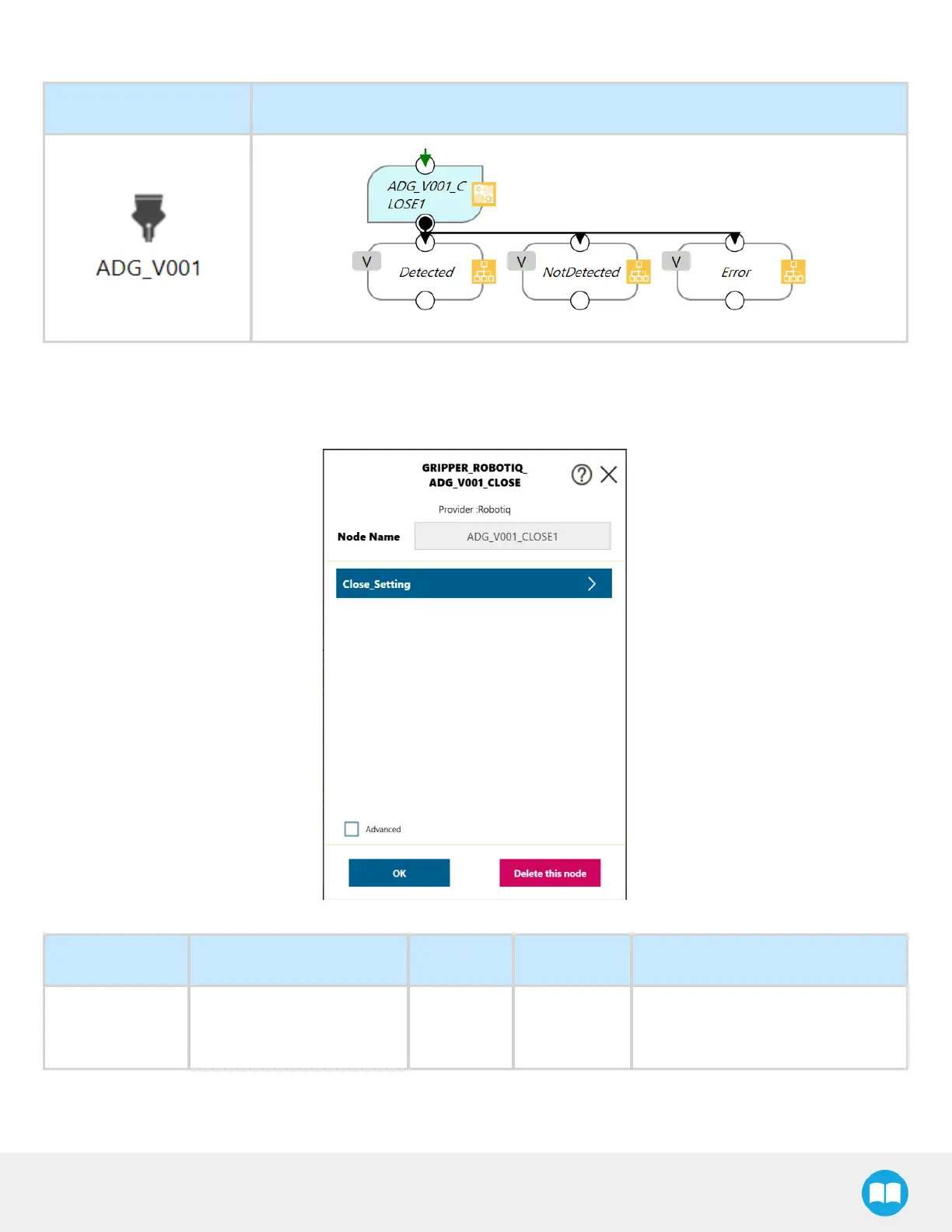
CLOSEComponent
Component Icon Component Node
1
Drag and drop the CLOSEComponent icon after a program Gateway to place a CLOSEprogram node (ADG_V001_CLOSE)
2
Tap the CLOSEnode to highlight it and click on the pencil to edit the settings
Fig. 4-4: CLOSENode Settings Menu
Setting Variable Type Default Description
Close_Setting
(SETNode)
var_wait_for_motion_
completed
bool true
Set to false to exit the Close node
before the motion is complete.
73



 To Next Page