RBTNKDOC160609A
SystemElementsandMaintenanceManual
SUMMITXLmobileplatform
Pixhawk is connected to the PC using a FTDI_USBtoUART cable on the TELEM2
port. The following table shows the mapping between Pixhawk TELEM2 pins and FTDI
pinsorwirecolors.
Table4FTDI_USBtoUARTpinout
Moreinfoinhttps://pixhawk.org/modules/pixhawk
4.ManualControls
ThegamepadfunctionsarefullyexplainedintheSystemStartupManual.
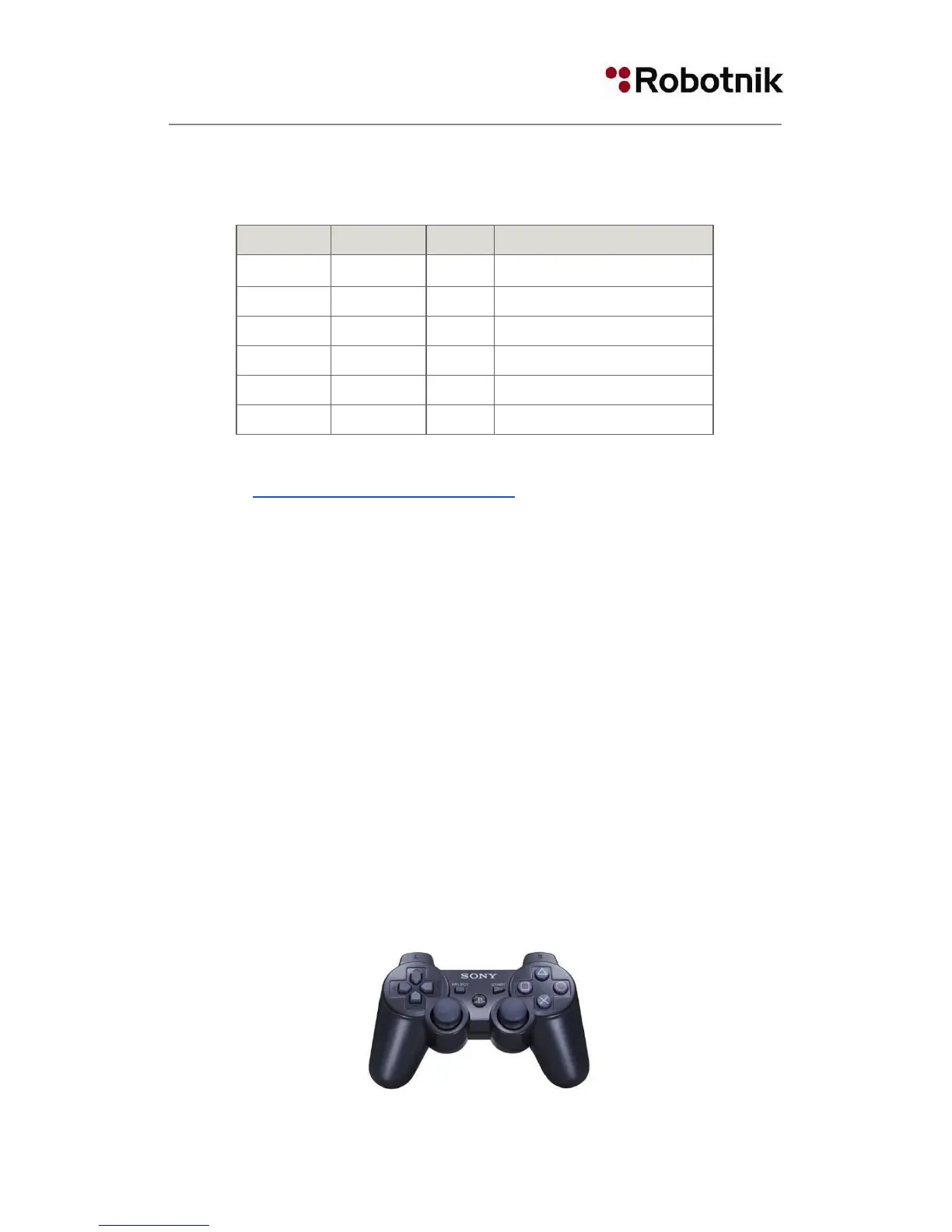
4.1DualShockcontroller
The Gamepad used for the manual movements of the robot SUMMITXL is a Bluetooth
Joystick. The receiver is located inside the robot and connected to one USB port of the
computer.
The two joysticks are used for direction, traction and elevation and there are important
controls like the speed level buttons that select between five speed ranges: very slow,
slow,medium,high,andveryhigh.
19


 To Next Page