Robustel M1200 User Guide
RT_UG_M1200_v.1.0.2 9 Apr., 2018 15/78
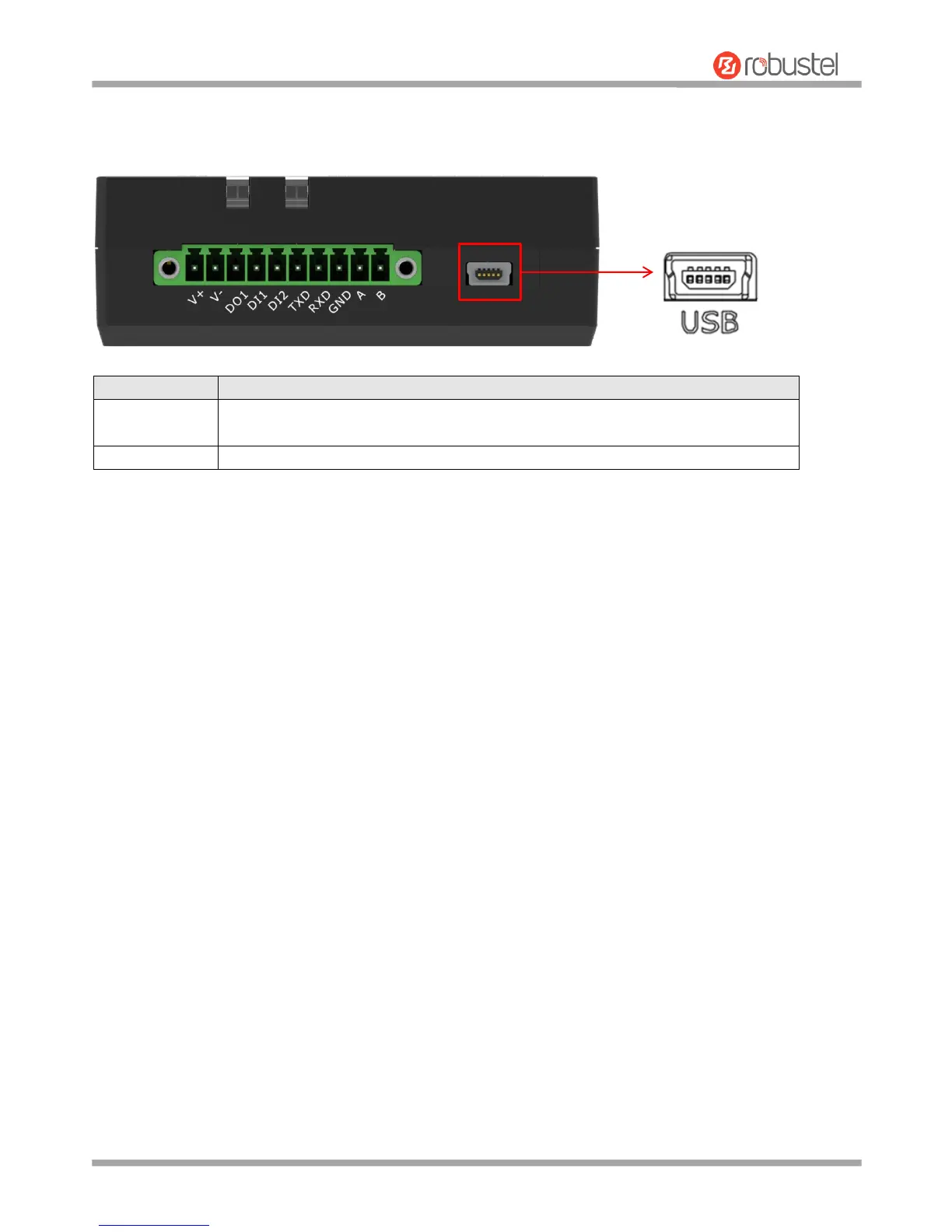
2.3 USB interface
Note: In general, a notebook computer USB 2.0 interface output current and output voltage are only 0.5
A and 5 V, so when using the USB interface for configuration, you should use power supply input interface
for power supply; and when using the USB interface for configuration and power supply, the output
current of USB interface should be at least 1 A, output voltage at least 5 V.


 To Next Page