Robustel M1200 User Guide
RT_UG_M1200_v.1.0.2 9 Apr., 2018 63/78
3.16 Services > DDNS
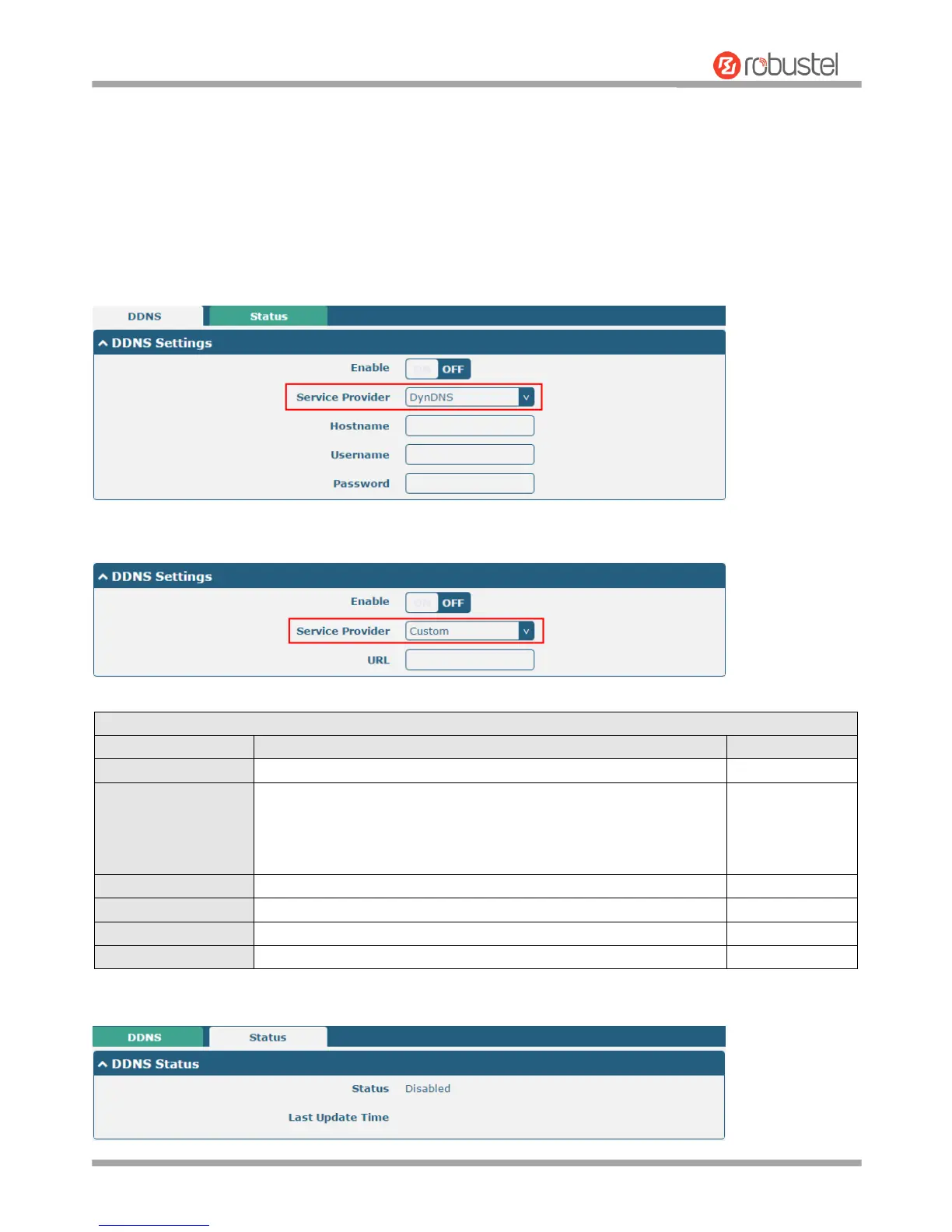
This section allows you to set the DDNS parameters. The Dynamic DNS function allows you to alias a dynamic IP
address to a static domain name, allows you whose ISP does not assign them a static IP address to use a domain
name. This is especially useful for hosting servers via your connection, so that anyone wishing to connect to you may
use your domain name, rather than having to use your dynamic IP address, which changes from time to time. This
dynamic IP address is the WWAN IP address of the gateway, which is assigned to you by your ISP. The service
provider defaults to “DynDNS”, as shown below.
When “Custom” service provider chosen, the window is displayed as below.
Select the DDNS service from “DynDNS”, “NO-IP”, “3322” or
“Custom”.
Note: the DDNS service only can be used after registered by
Corresponding service provider.


 To Next Page