2. KEYPADS
Within the protected area, up to four keypads can be installed, one for each and every entry /
exit door.
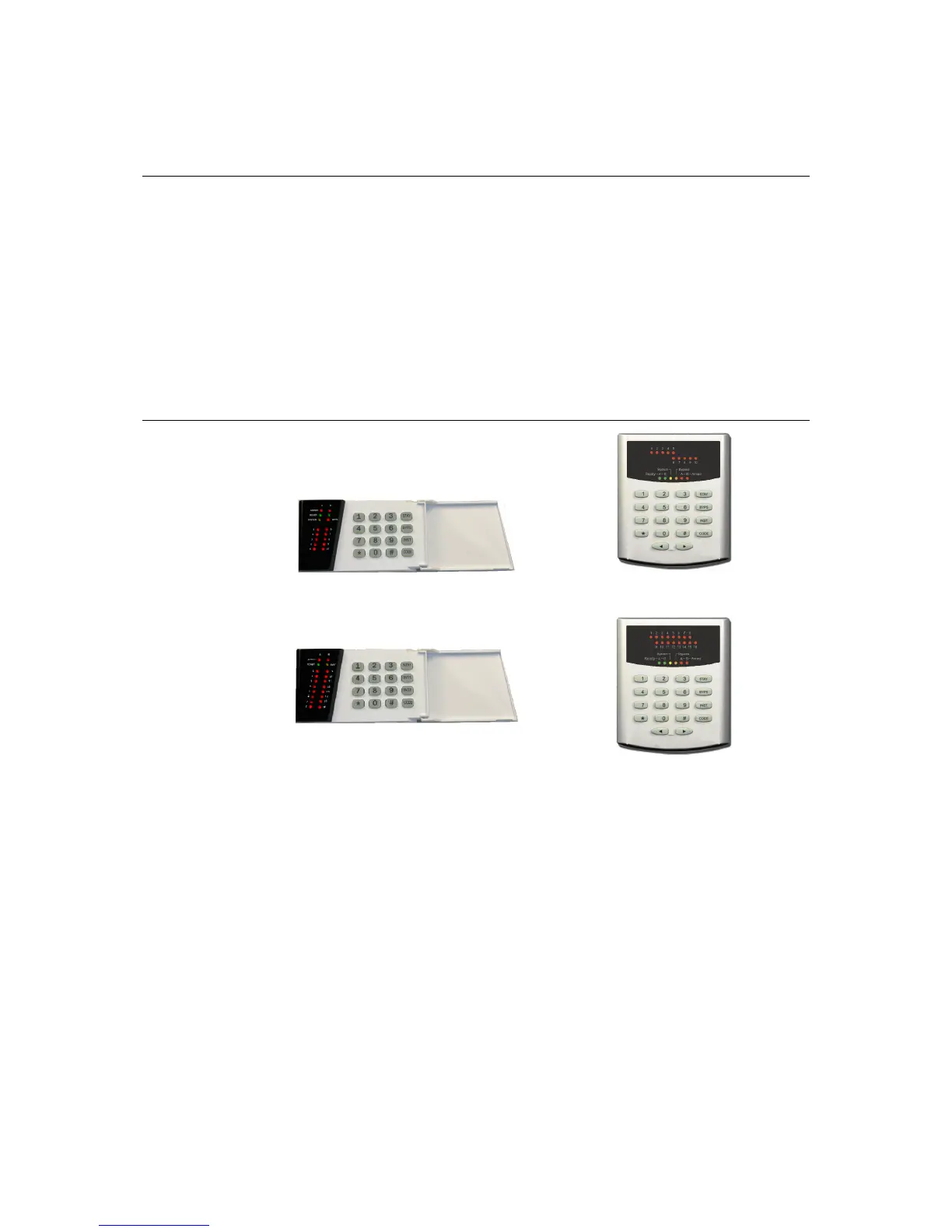
KEYPAD TYPES
The following keypads are available:
KP-106P: has 10 zone and 6 status indicator lights; it is for use with CERBER C52 control
panel
KP-106L: has 10 zone and 6 status indicator lights; it is a larger and elegant format keypad
and is for use with CERBER C52 control panel
KP-164P: has 16 zone and 4 status indicator lights; it is for use with CERBER C82 control
panel
KP-166L: has 16 zone and 6 status indicator lights; it is a larger and elegant format keypad
and is for use with CERBER C82 control panel
KEYPAD LAYOUT
Description of LEDs’ meaning according to the system/partitions’ status:
A & B READY LEDs (KP-106P, KP-106L and KP-166L)
a) While the appropriate partition is armed – OFF.
b) While the appropriate partition is disarmed or during the exit time:
• ON – the appropriate partition is ready for arming (all zone loops are closed
even those which allow “forced arming” feature);
• Blinking – the appropriate partition is ready for arming (all zone loops are
closed, except at least one which allow “forced arming” feature);
• OFF – at least one zone is open and it doesn’t allow “forced arming” feature;
c) While the system is totally disarmed and finds itself within one of the Programming
Menus (only for READY A):
• ON – while the master user is in one of the master user’s programming
procedures, for modifying the user codes, the “follow-me” phone numbers or
the system date and hour, etc.;
• ON – while the installer is being within one of the system parameter
programming sections.



 To Next Page