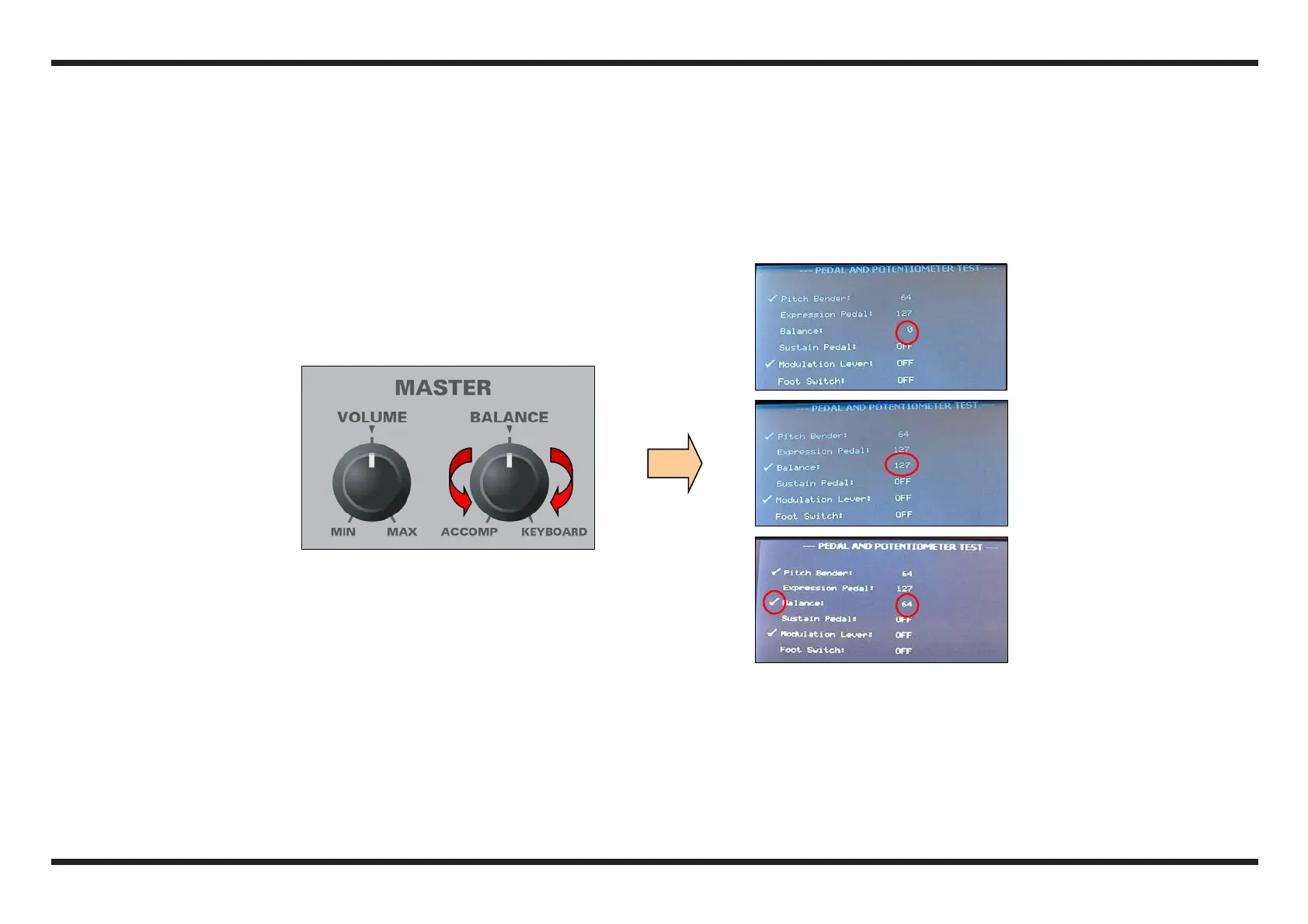
1.10. BALANCE potentiometer check
c Turn the BALANCE potentiometer all to the left (ACCOMP) and check that the display shows the value 0 (near the writing Balance:)
d Turn the BALANCE potentiometer all to the right (KEYBOARD) and check that the display shows the value 127
e Bring the BALANCE potentiometer to the central position and check that the display shows the value 64
f Durino the test check that the potentiometer runs smoothly and in particular make sure that it “clicks” in its central position.
g If all the tests were carried out correctly, the display will show a “marking” symbol.
c
d
g e



 To Next Page