EasyManua.ls Logo

Roland SUPER JX - Page 58

Roland SUPER JX
88 pages
Print Icon
To Next Page IconTo Next Page
To Previous Page IconTo Previous Page
Loading...
58
Writing
Procedure
@
Set
the
Protect
Switch
on
the
JX-10
to
the
OFF
position.
@
Push
the
WRITE
button
@,
then
the
Enter
Key.
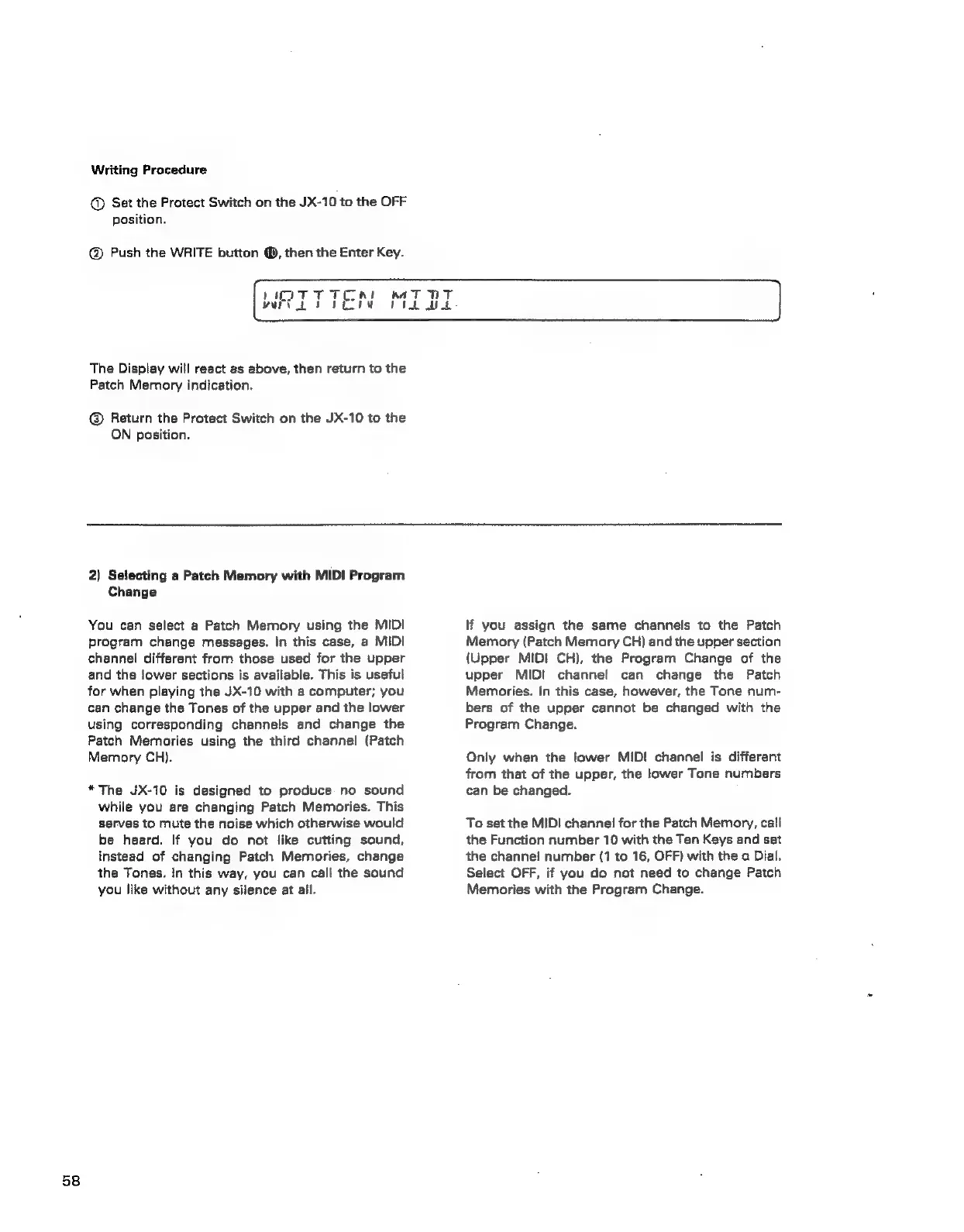
Al
WHITTEN
The
Display
will
react
as
above,
then
return
to
the
Patch
Memory
indication.
@
Return
the
Protect
Switch
on
the
JX-10
to
the
ON
position.
nA
T
Prk
2)
Selecting
a
Patch
Memory
with
MIDI
Program
Change
You
can
select
a
Patch
Memory
using
the
MIDI
program
change
messages.
In
this
case,
a
MIDI
channel
different
from
those
used
for
the
upper
and
the
lower
sections
is
available.
This
is
useful
for
when
playing
the
JX-10
with
a
computer;
you
can
change
the
Tones
of
the
upper
and
the
lower
using
corresponding
channels
and
change
the
Patch
Memories
using
the
third
channel
(Patch
Memory
CH).
*The
JX-10
is
designed
to
produce
no
sound
while
you
are
changing
Patch
Memories.
This
serves
to
mute
the
noise
which
otherwise
would
be
heard.
If
you
do
not
like
cutting
sound,
instead
of
changing
Patch
Memories,
change
the
Tones.
tn
this
way,
you
can
call
the
sound
you
like
without
any
silence
at
all.
lf
you
assign
the
same
channels
to
the
Patch
Memory
(Patch
Memory
CH)
and
the
upper
section
(Upper
MIDI
CH),
the
Program
Change
of
the
upper
MIDI
channel
can
change
the
Patch
Memories.
In
this
case,
however,
the
Tone
num-
bers
of
the
upper
cannot
be
changed
with
the
Program
Change.
Only
when
the
lower
MIDI
channel
is
different
from
that
of
the
upper,
the
lower
Tone
numbers
can
be
changed.
To
set
the
MIDI
channel
for
the
Patch
Memory,
call
the
Function
number
10
with
the
Ten
Keys
and
set
the
channei
number
(1
to
16,
OFF)
with
the
a
Dial.
Select
OFF,
if
you
do
not
need
to
change
Patch
Memories
with
the
Program
Change.