Bread slicer C42 – C42S – C52 – C52S – G42
(Original instructions) – Edit. 02/2013 – Rev.A
Figure 17
4.4
BELT REPLACEMENT AND TIGHTENING (extraordinary maintenance)
To carry out this job, reserved exclusively to specialised technicians and experts in mechanical
assembly, the operator must wear working gloves.
Depending on the model, there may be one or two belts. To replace the belt proceed as follows,
Figure 18:
1. Remove the side covers and the rear slide, following the instructions in par. 4.3, points 0 and 2
2. Slacken the four rear nuts, Photo A. In type C-S machines the nuts are inside the base and are
accessible from the four holes at the rear. Use a T-bar wrench with a long rod and bush
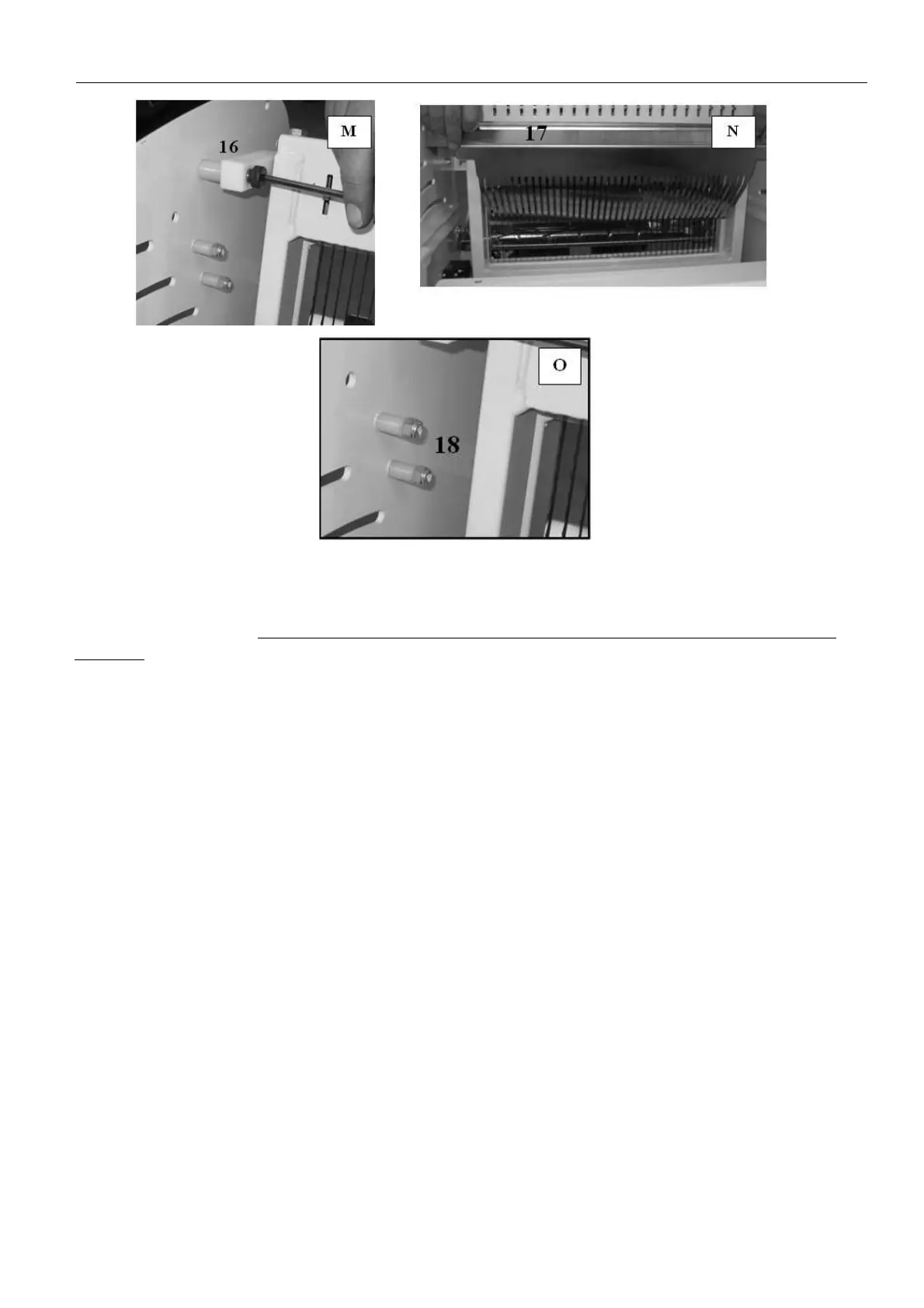
3. Loosen the stop nut ref. 1 and turn the screw ref. 2 anti-clockwise to move the base ref. 3 and
slacken the belt ref. 4 Photo B
4. Dismantle the head of the connecting rod ref. 5 removing the two screws, Photo C
5. Take off the belt and replace it
6. Reassemble the head of the connecting rod in point 4
7. Turn the screw ref. 2 clockwise to tighten the belts, then block everything, tightening the stop nut
ref. 1; the tension is correct when, pressing the belt with your thumb midway along its path, it
flexes slightly;
8. Tighten the nuts, Photo A
9. Fit the rear slide and the side covers, following the instructions in par. 4.3, points 3 and 1


 To Next Page