27
When adjusting the lens shift, do not look directly into the lens.
When rotating the horizontal lens shift dial, the lens shift may move up and down;
when rotating the vertical lens shift dial, the lens shift may move right and left. In this
case, use each dial to readjust the lens shift.
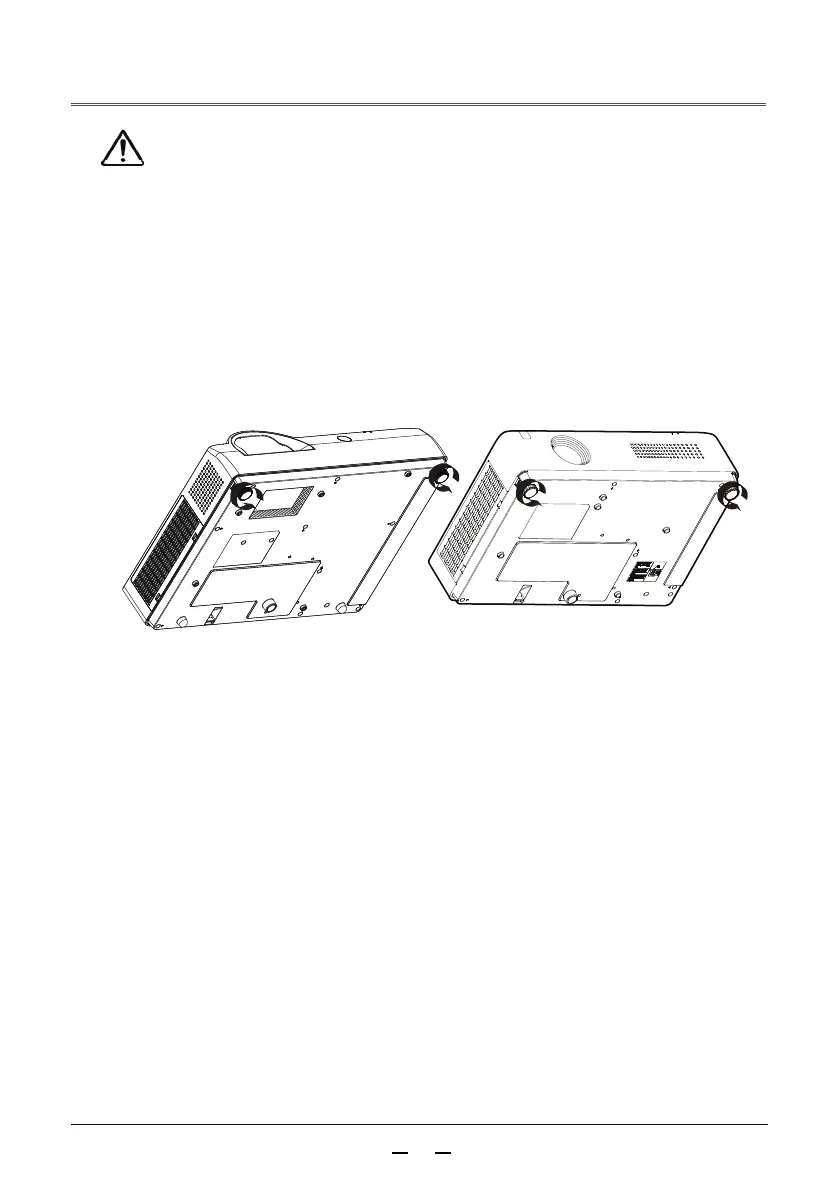
Adjust the position of the projected image and change the angle by changing the tilt
of the projector with the front leg adjusters.
Caution
Adjust the tilt of the projector by adjusting the front leg adjusters
Place the projector parallel to the screen and install it on a flat surface so that the
screen appears as a rectangle.
If the projector screen is tilted below the actual screen, unfold the front leg
adjusters to present a rectangular screen.



 To Next Page