101
6-2-7) ELECTRONIC JOURNAL REPORT
To read the Electronic Journal Report and reset the total to zero:
Select the ELECTR.JOURNAL at the Z REPORT initial menu using the [↓] [↑] keys. The ECR
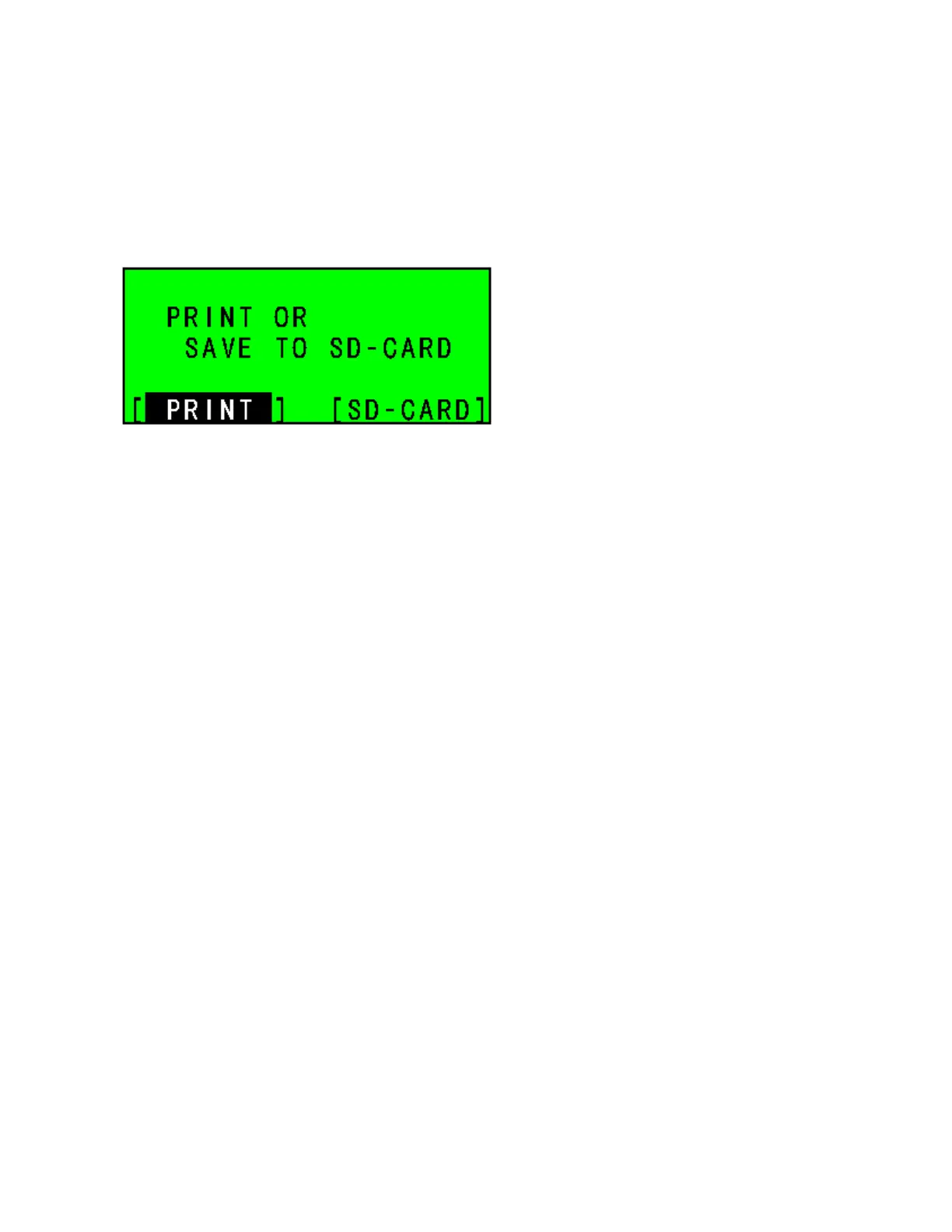
will ask you to print the EJ report or save it to the SD-card.
LCD
* When you select [SD-CARD] and press [ENTER], the EJ report will be saved to the SD-card.
* When you select [PRINT] and press [ENTER], the EJ report will print.



 To Next Page