13
4
)
CASH REGISTER INITIAL SET UP
Turn on the register.
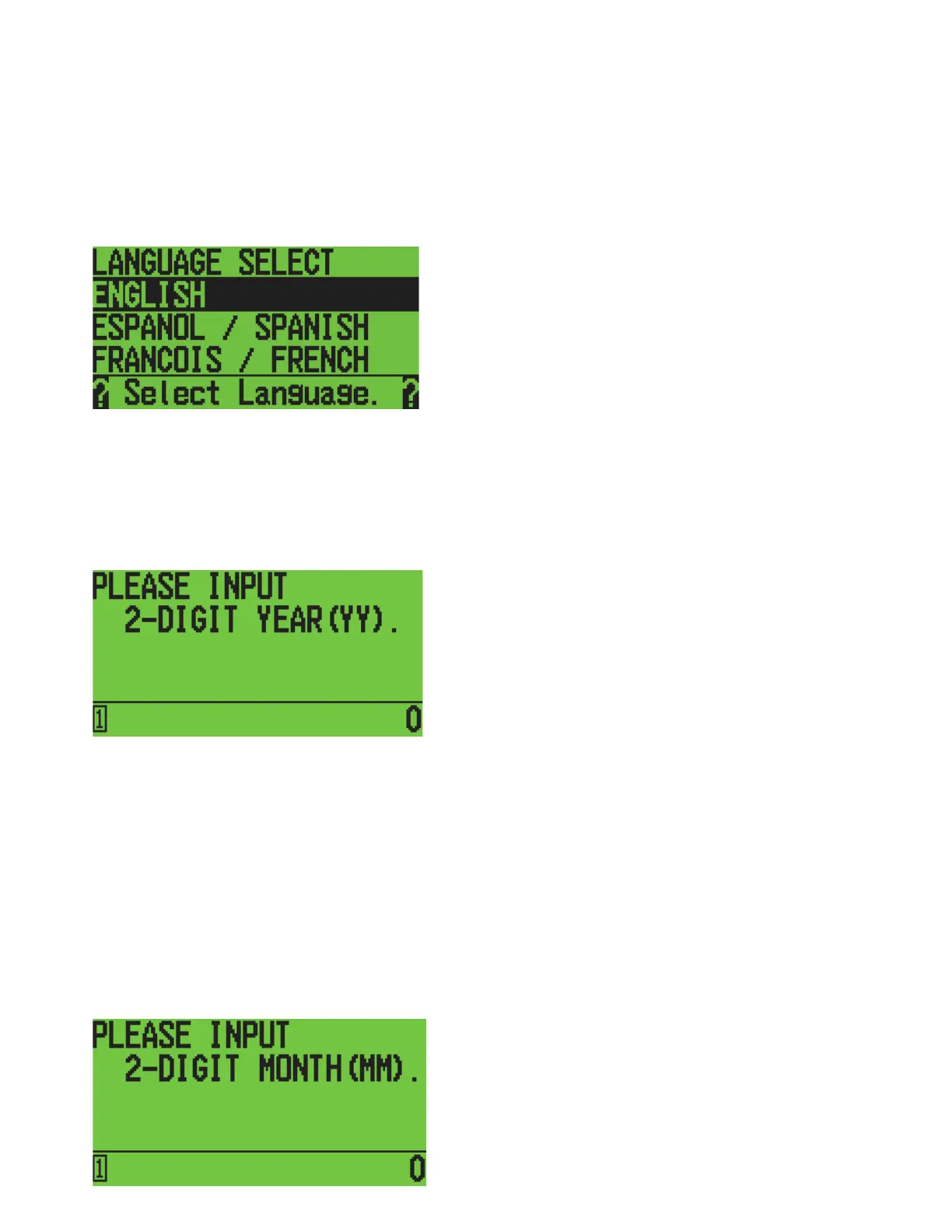
Select the language you want by using the [↑] [↓] keys, then press [ENTER].
LCD
Follow the instructions displayed below to program the date and time.
Example: May 5, 2021, 9:26 AM.
LCD
Program the present YEAR. Input 2 digits to set the year using the numeric keys, then press
[ENTER].
Example: 2021
à
21
Program the present MONTH. Input 2 digits to set the month by using the numeric keys, then
press [ENTER].
Example: May
à
05
LCD



 To Next Page