72
6-1-2) DAILY REPORT
Select the DAILY REPORT from the X REPORT initial menu using the [↓] [↑] keys and
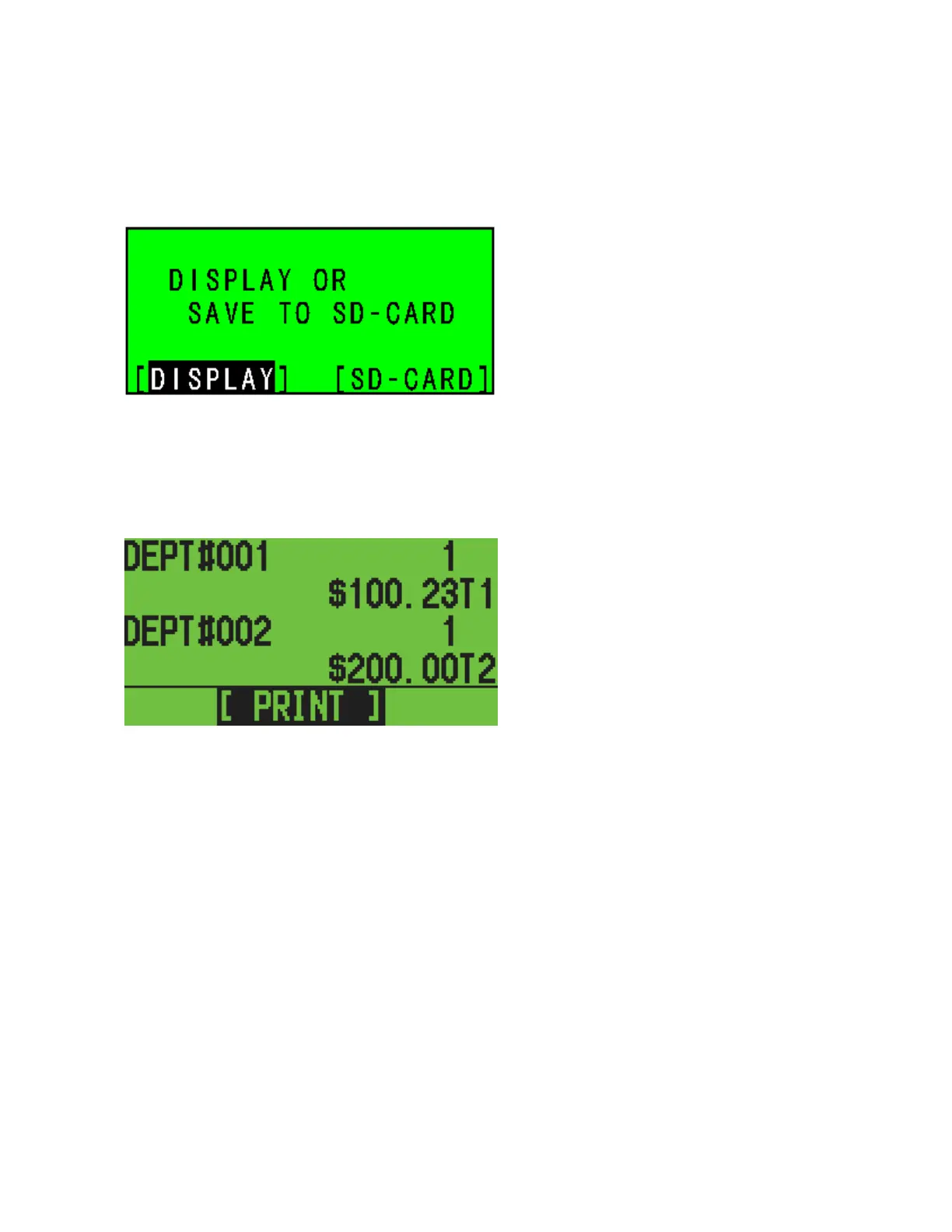
press [enter]. The ECR will ask you to display the daily report or save it to the SD-card.
LCD
When you select the [SD-CARD] and press [ENTER], the daily report will be saved onto the
SD-card.
When you select [DISPLAY] and press [ENTER], the daily report will be shown on the display.
LCD
Press [ENTER] to print it.



 To Next Page