80
6-1-4) DEPARTMENT REPORT
Select the DEPT REPORT from the X REPORT initial menu using the [↓] [↑] keys and press
[ENTER]. The following LCD is the initial menu for the DEPT REPORT.
LCD
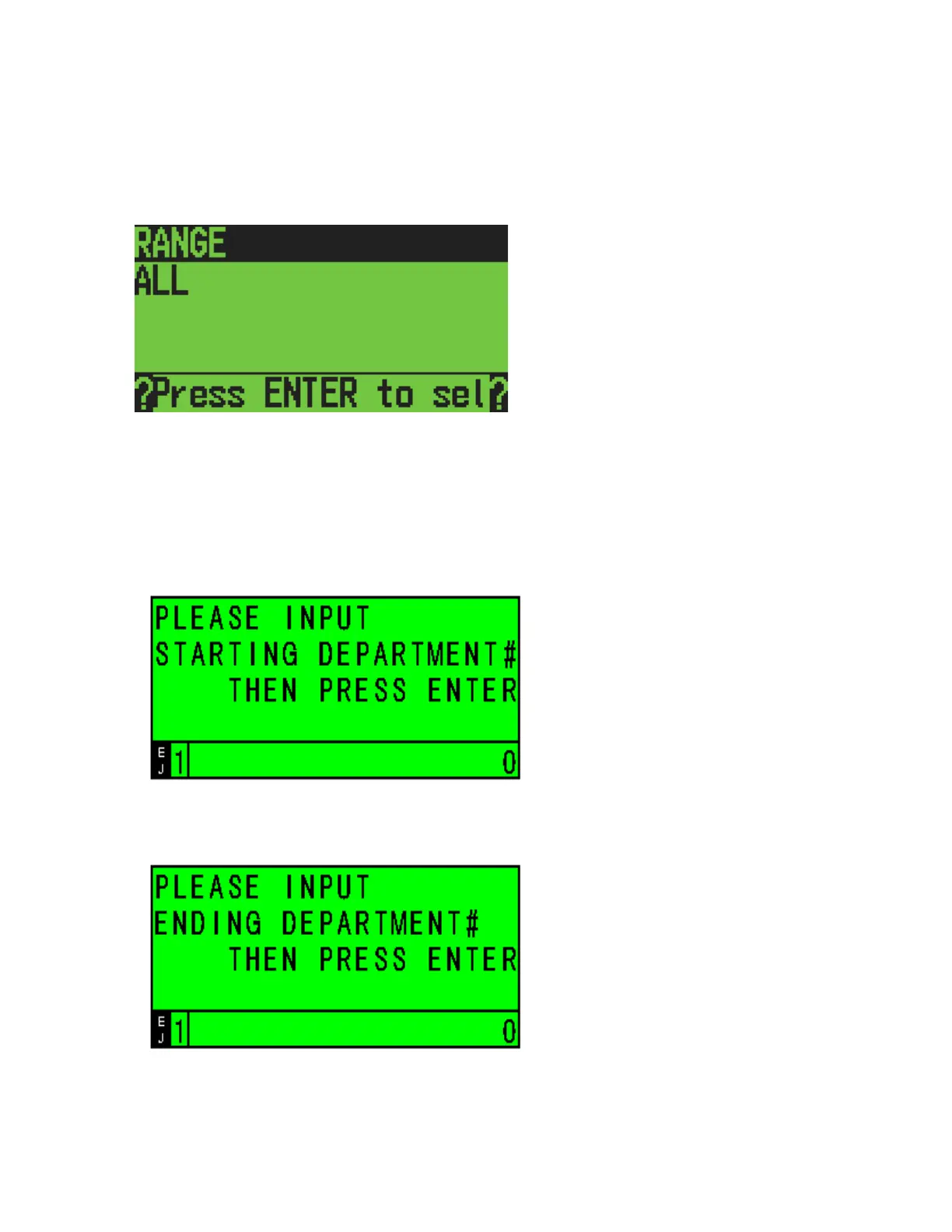
6-1-4-1) RANGE DEPARTMENT REPORT
Select the RANGE from the DEPT REPORT initial menu using the [↓] [↑] keys and press
[ENTER].
LCD
Input the STARTING DEPARTMENT# with the numeric keys and press [ENTER].
LCD
Input the ENDING DEPARTMENT# with the numeric keys and press [ENTER].



 To Next Page