21
5-2) TO ASSIGN A CLERK
To program the CLERK NUMBER:
[ enter ]
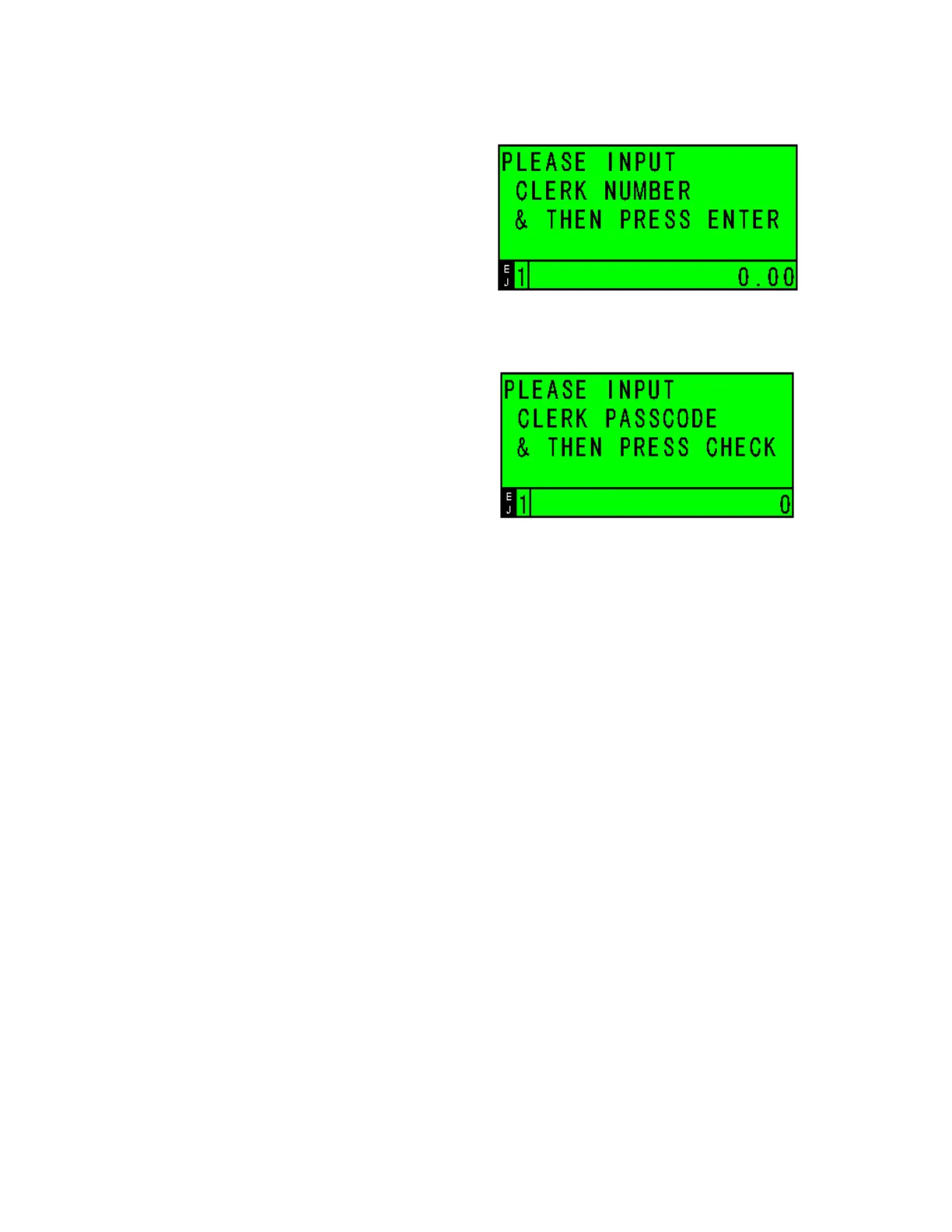
If the CLERK SECURITY SYSTEM is active, the clerk is prompted to enter the CLERK NUMBER
and PASSCODE when they enter the Sales Registration Mode.
Enter # ( 000-999 ) using the numerical keys
[ check ]
Note:
The CLERK NUMBER must be programmed first before the CLERK PASSCODE is programmed
or this transaction will not work.



 To Next Page